Best AI Tools in 2026: Top AI Tools for Work & Productivity


Best AI tools in 2026 are becoming practical work assistants rather than simple chatbots. The strongest options now help with writing, research, data analysis, coding, presentations, documents, email, and repetitive tasks. The best AI tools in 2026 include ChatGPT, Claude, Google Gemini, Microsoft Copilot, and Perplexity. ChatGPT is the strongest all-rounder, Claude works well with long documents, Gemini fits Google Workspace, Copilot fits Microsoft 365, and Perplexity focuses heavily on source-backed research. This guide compares their features, pricing, free plans, limitations, and the types of work each tool handles best.
Quick Comparison of the 5 Best AI Tools in 2026
| AI tool | Best for | Strongest work use | Free option | Paid individual plan |
|---|---|---|---|---|
| ChatGPT | Best overall AI assistant | Writing, research, analysis, files, coding, projects, automation | Yes | Plus: $20/month |
| Claude | Long documents and careful writing | Document analysis, writing, coding, file creation | Yes | Pro: $20/month |
| Google Gemini | Google Workspace users | Gmail, Docs, Sheets, Slides, Drive, research | Yes | Google AI Plus starts at $9.99/month in the US |
| Microsoft Copilot | Microsoft 365 users | Word, Excel, PowerPoint, Outlook, Teams | Yes | Microsoft 365 Personal: $99.99/year in the US |
| Perplexity | Web research | Search, cited research, competitive research, source discovery | Yes | Pro: $20/month |
Prices can vary by country, tax treatment, billing cycle, promotions, and business plan. The figures above reflect publicly listed US pricing available in August 2026.
What Are AI Tools for Work and Productivity?
AI tools for work and productivity are software applications that use generative AI, language models, search, reasoning, or automated actions to help people complete everyday tasks faster.
A typical AI assistant can draft an email, summarize a long PDF, analyze a spreadsheet, research a competitor, turn notes into a report, explain code, prepare a presentation outline, or organize information from several documents.
The biggest change in 2026 is that these tools are moving beyond the chat box. They can now work with files, workplace apps, persistent project context, web research, scheduled tasks, code execution, and connected services.
For example, ChatGPT Projects can keep chats, files, instructions, and connected sources together for ongoing work. Its Deep Research feature can search the web, uploaded documents, and supported connected apps before producing a cited report.
Gemini is becoming more closely tied to Gmail, Docs, Sheets, Slides, Drive, and Meet. Microsoft Copilot takes a similar approach inside Word, Excel, PowerPoint, Outlook, Teams, OneDrive, and other Microsoft 365 products.
That makes the choice less about finding one universally superior model and more about choosing a tool that fits the work you actually do.
How We Chose the Best AI Productivity Tools
This comparison focuses on general-purpose AI tools that can help professionals across several parts of a normal working day.
We considered:
- Writing and editing quality
- Research and web access
- Document and file handling
- Data analysis
- Coding support
- Email and office productivity
- Integrations with workplace software
- Project-based work
- Automation and agent features
- Free-plan usefulness
- Paid-plan value
- Ease of checking sources and outputs
Specialist products can still beat these platforms at a single task. A dedicated meeting transcription service, for example, may make more sense for a company that records dozens of calls every week. The five tools below earn their place because each can cover several common workflows instead of solving only one narrow problem.
1. ChatGPT: Best Overall AI Tool for Work and Productivity
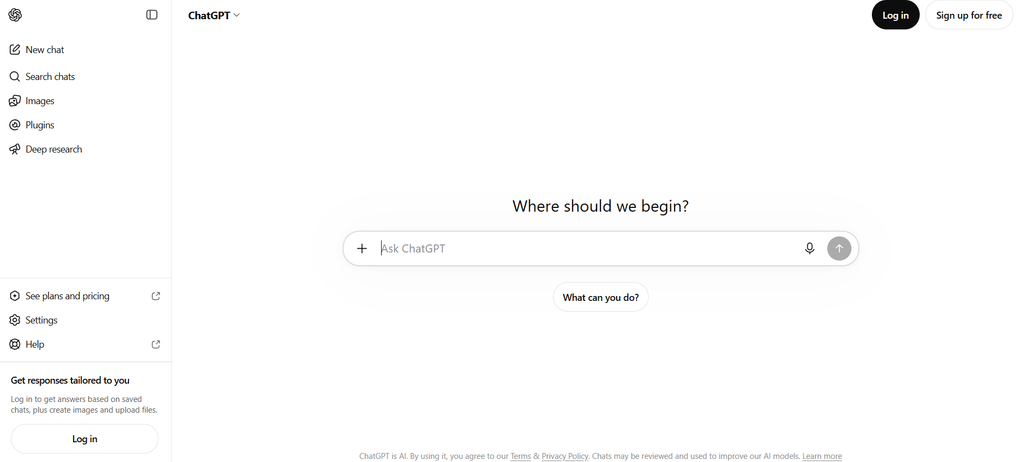
ChatGPT is our first choice among the best AI tools in 2026 because it covers an unusually broad range of work inside one product.
It can help write and edit content, research topics, analyze uploaded files, work with images, create documents, reason through complex problems, write code, analyze data, search the web, and maintain ongoing project context. Depending on the plan and interface, users can also access Projects, scheduled tasks, custom GPTs, Deep Research, Codex, and ChatGPT Work.
OpenAI began rolling GPT-5.6 Sol into eligible paid ChatGPT plans in July 2026. Free and Go users receive GPT-5.6 Luna, while eligible paid users can access stronger reasoning settings through GPT-5.6 Sol.
What ChatGPT does well
ChatGPT works particularly well when your day contains several unrelated tasks.
You might use the same account to:
- Rewrite a customer email
- Analyze a CSV file
- Review a contract or report
- Research a market
- Create a project brief
- Debug a piece of code
- Brainstorm campaign ideas
- Summarize meeting notes
- Generate an image
- Prepare questions for an interview
Projects are useful for ongoing work because they can store chats, uploaded files, project instructions, and supported connected sources together. Instead of explaining the same project background in every new conversation, you can maintain a dedicated workspace for it.
Deep Research is another reason ChatGPT works well for professionals. It can search public websites, uploaded files, and enabled connected apps, then produce a structured report with citations. Users can also control or restrict the websites used during a research task.
Connected apps can bring information from services including Google Drive, Gmail, SharePoint, Slack, Microsoft Teams, and GitHub into supported ChatGPT workflows. Availability varies by plan and workspace configuration.
Where ChatGPT can fall short
The number of modes, models, tools, and subscription levels can make the product more complicated than a basic chatbot.
Usage allowances also vary across plans and features. Someone who only wants occasional writing help may find a paid subscription unnecessary, while a heavy researcher or developer may need to watch limits more closely.
As with every generative AI tool in this list, factual claims still need checking when accuracy matters.
ChatGPT pricing
ChatGPT has a free plan with unlimited everyday text chats using GPT-5.6 Luna, subject to abuse safeguards, while uploads, image generation, deep research, and other tools have separate limits.
ChatGPT Plus costs $20 per month. OpenAI also offers higher Pro tiers at $100 and $200 per month, with higher usage allowances.
Best for: Professionals who want one AI assistant that can handle writing, research, documents, data, coding, planning, creative work, and recurring projects.
2. Claude: Best AI Tool for Long Documents and Thoughtful Writing
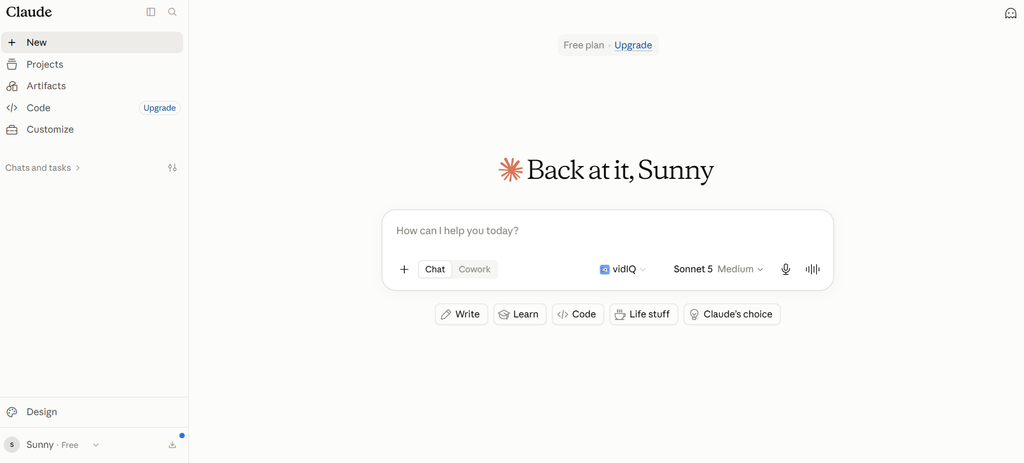
Claude is one of the strongest ChatGPT alternatives for people who spend much of their day reading, writing, analyzing documents, or working through complicated material.
Its interface remains relatively straightforward, but the product now goes well beyond text chat. Claude can search the web, work with projects, connect to workplace services, execute code, create files, and support software development through Claude Code.
Anthropic’s current pricing page lists a 200K context window across its main Claude models, which is useful when working with lengthy source material or conversations.
What Claude does well
Claude is a good fit for work where the quality and organization of written material matter.
Typical uses include:
- Editing a long report
- Comparing several documents
- Summarizing research
- Reviewing policies
- Drafting articles
- Converting notes into structured documents
- Analyzing qualitative information
- Explaining technical material
- Reviewing and writing code
Claude can also create practical files directly inside a conversation. Anthropic says its file-creation tools can generate Word documents, Excel spreadsheets, PowerPoint presentations, and PDFs. It can execute code while working with data and can produce spreadsheets containing working formulas.
Artifacts give Claude another useful working format. Users can create and interact with content inside Claude, and Team or Enterprise users can share artifacts within their organizations.
For developers, Claude Code extends the product into software work. Anthropic has continued adding features around Claude Code, including artifacts that can turn development work into interactive pages, dashboards, release checklists, or pull-request explanations.
Claude also supports workplace connectors. Its Google Workspace connections can work with Gmail, Google Calendar, and Google Drive, while business offerings add connections to services including Microsoft 365 and Slack.
Where Claude can fall short
Claude is broad, but some users may prefer ChatGPT if they want a larger mix of consumer features in one account, particularly image workflows, custom assistants, and a wider variety of built-in modes.
Usage limits are another consideration. Heavy users may need Max rather than Pro, and the price rises quickly at that point.
Claude also should not be treated as a source of guaranteed facts. Research, legal, financial, technical, and policy outputs still require verification against the underlying material.
Claude pricing
Claude has a free plan.
Claude Pro costs $20 per month or $200 per year. Max is available at $100 per month for the 5x tier and $200 per month for the 20x tier.
Best for: Writers, analysts, researchers, developers, consultants, and professionals who regularly work with long documents or detailed written material.
3. Google Gemini: Best AI Tool for Google Workspace Users
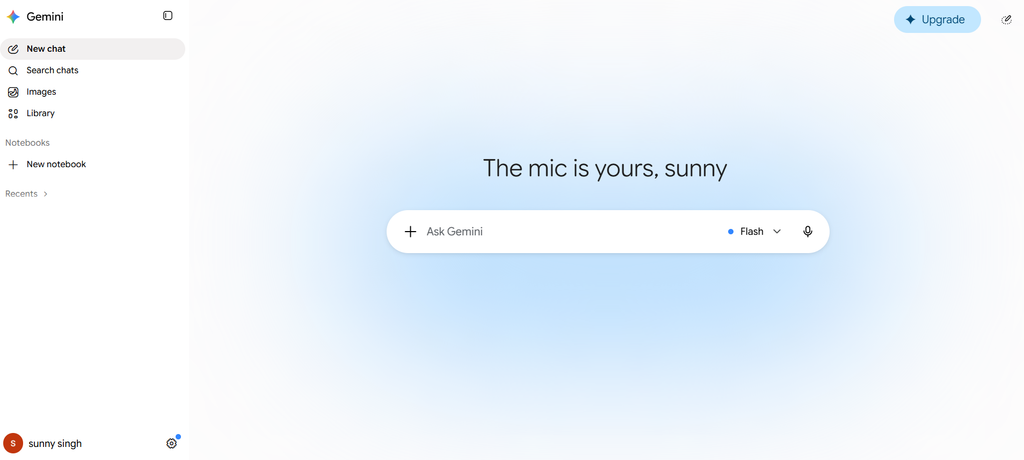
Google Gemini makes the most sense when much of your work already happens inside Google’s products.
The standalone Gemini app can answer questions, analyze files, perform Deep Research, work with custom AI helpers, and handle recurring actions. Its bigger advantage for many professionals is its connection with Gmail, Docs, Sheets, Slides, Drive, Meet, and other Google services.
Google continued expanding those connections throughout 2026. Recent Workspace releases added more Gemini functions for spreadsheet analysis, email drafting, presentation creation, document editing, and Drive organization.
What Gemini does well
Gemini can reduce the amount of copying and pasting required when your files, email, meetings, and documents already sit in Google Workspace.
In Gmail, Gemini can assist with writing and, for eligible users, answer questions based on inbox information. In Docs, it can draft and revise content, work with comments, and create supporting visuals. Sheets includes AI-assisted spreadsheet creation, formula work, data organization, and analysis. Slides has AI-assisted presentation and visual creation features.
That makes Gemini particularly practical for teams that use Google Workspace throughout the day.
Imagine receiving a long customer email thread, locating the related documents in Drive, turning the material into a project summary, analyzing supporting spreadsheet data, and preparing a presentation. Keeping more of that process inside the Google environment can save repeated file uploads and context switching.
Gemini also supports Deep Research for longer research tasks. Paid Google AI plans provide higher usage levels for Deep Research and Google’s more capable Gemini models.
Scheduled actions add another productivity use. Gemini can prepare daily, weekly, or monthly recurring responses, including calendar summaries, email digests, topic tracking, and other repeated information tasks. Google says users can maintain up to 10 active scheduled actions, subject to account eligibility and rollout.
Where Gemini can fall short
The strongest reason to choose Gemini is also its biggest limitation. Its advantage becomes less compelling when you do not use Google’s software regularly.
Plan structures can also be confusing because access can depend on Google AI subscriptions, Workspace editions, region, account type, and feature rollout.
Some newly announced Workspace features may reach one account before another, so businesses should check what is actually available in their edition before purchasing based on a specific function.
Gemini pricing
Gemini has free access for general use.
Google’s US pricing lists Google AI Plus at $9.99 per month and Google AI Pro at $19.99 per month. Google AI Pro includes higher Gemini usage, Deep Research access, Gemini features in Google apps, and additional Google storage and services.
Best for: Professionals, students, marketers, and companies that rely heavily on Gmail, Docs, Sheets, Slides, Drive, Meet, and the wider Google environment.
4. Microsoft Copilot: Best AI Tool for Microsoft 365 Users
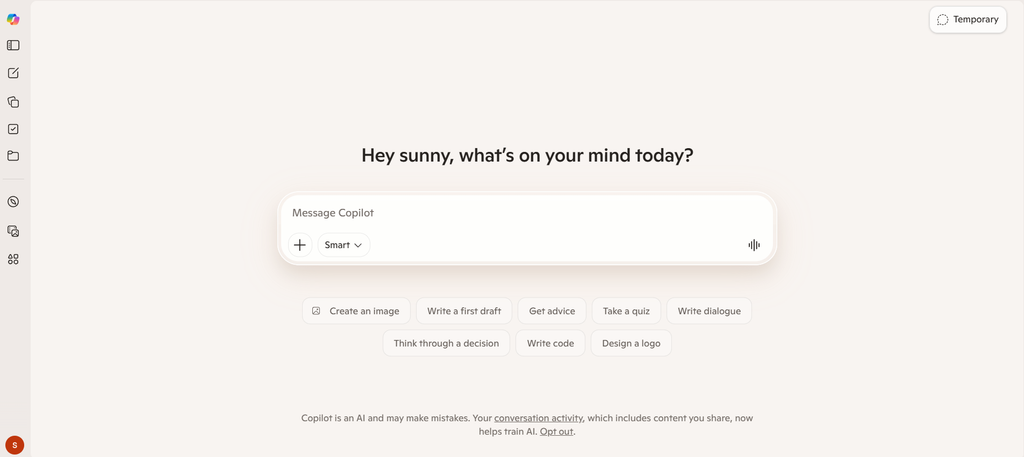
Microsoft Copilot is the natural choice for organizations where Word, Excel, PowerPoint, Outlook, Teams, OneDrive, and SharePoint already contain most of the company’s work.
Like Gemini, Copilot gains much of its usefulness from where it sits. Instead of functioning only as a separate AI chat app, Copilot can work inside familiar Microsoft 365 applications.
For organizations purchasing Microsoft 365 Copilot, Microsoft lists business-data grounding and Copilot inside apps including Word, Excel, PowerPoint, Outlook, and Teams.
What Microsoft Copilot does well
Copilot can help employees work with information that already exists inside Microsoft 365.
In Word, that might mean drafting or summarizing a document. In Excel, it can assist with data and spreadsheets. PowerPoint users can work on presentations, while Outlook users can interact with email and calendar information. Microsoft also provides Copilot capabilities inside Teams and the broader Microsoft 365 Copilot app.
Copilot Notebooks are particularly useful for ongoing projects. A Notebook can collect Copilot chats, files, pages, meeting notes, links, and other material in one workspace. Copilot can then answer questions or draft material using those references.
Copilot Pages offer another way to turn AI responses into editable, shareable work. Microsoft describes Pages as collaborative canvases, while Notebooks are designed around a body of project material and references.
Companies can also use agents for more specialized tasks and processes. Copilot Studio supports creating or customizing agents using templates or natural-language instructions.
For many enterprises, this integrated approach is more practical than asking employees to move company documents into a separate AI product.
Where Microsoft Copilot can fall short
Copilot is less compelling if you mainly use Google Workspace, independent productivity applications, or a mix of unrelated services.
Licensing also requires attention. Capabilities differ between free Copilot, Microsoft 365 consumer subscriptions, Copilot Chat, and the full Microsoft 365 Copilot business offering.
The enterprise version can also be relatively expensive when deployed across a large workforce. Companies should test real workloads before buying licenses for every employee.
Microsoft Copilot pricing
For US consumers, Microsoft 365 Personal costs $99.99 per year and includes Copilot inside supported Microsoft 365 applications for the subscription owner.
For organizations, Microsoft 365 Copilot is listed at $30 per user per month when paid yearly and requires a qualifying Microsoft 365 subscription.
Best for: Businesses and professionals whose email, documents, spreadsheets, presentations, meetings, and company information already live inside Microsoft 365.
5. Perplexity: Best AI Tool for Research and Source-Backed Answers
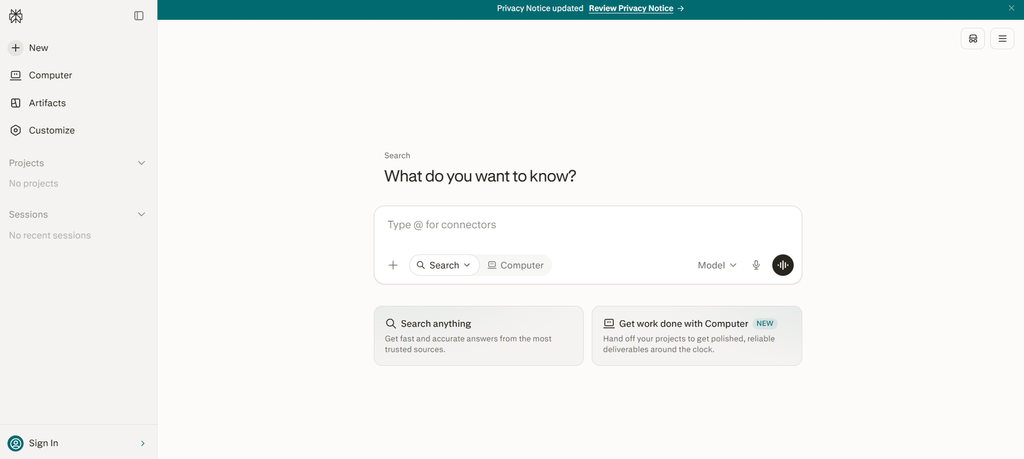
Perplexity takes a different approach from the other tools on this list. Search and research sit at the center of the product.
For users who constantly ask questions that require current web information, citations, competitor research, product comparisons, market research, or source discovery, that focus can be useful.
Perplexity describes its answers as grounded in current web sources with inline citations, which makes it easier to open the original material and check the response.
What Perplexity does well
Perplexity works well when the first question is, “What do the sources say?”
Its Research mode performs repeated searches, reads multiple sources, reasons through the collected information, and produces a longer report. Reports can be exported or shared after completion.
That is useful for tasks including:
- Competitor research
- Market research
- Product comparisons
- Current-event research
- Background research for articles
- Technology research
- Source discovery
- Travel research
- Company research
- Early-stage due diligence
Perplexity has also expanded beyond search. Its Projects feature provides persistent workspaces containing search conversations, tasks, files, custom instructions, connected tools, and accumulated project context.
Paid users can access advanced AI models, while Perplexity automatically chooses models for some modes. Its higher Max plan includes Model Council, which can run a query across three models and combine the results while showing areas of agreement and disagreement.
Perplexity also offers more agent-like work through Computer and file or app creation features, although some of these tasks depend on plan allowances or credits.
Where Perplexity can fall short
Perplexity is less likely to replace a full office suite assistant.
If your main goal is drafting inside Word, managing Gmail, preparing a PowerPoint, editing a large internal document collection, or maintaining a general creative workspace, ChatGPT, Claude, Gemini, or Copilot may fit more naturally.
Citations also do not guarantee that every generated statement accurately represents the cited page. Users should open important sources rather than assuming that a citation automatically proves a claim.
Perplexity pricing
Perplexity offers a free version with core search and limited access to more advanced searches.
Perplexity Pro costs $20 per month or $200 per year. Max costs $200 per month or $2,000 per year.
Best for: Researchers, marketers, consultants, journalists, analysts, students, founders, and professionals who regularly need current web information with visible sources.
Which AI Tool Is Best for Each Type of Work?
There is no reason every task needs to go through the same AI assistant.
| Use case | Best choice from this list | Reason |
|---|---|---|
| General productivity | ChatGPT | Broad mix of writing, research, files, analysis, coding, projects, and tools |
| Long-form writing | Claude | Strong document-focused workflow and long-context work |
| Research | Perplexity | Search-first interface with citations |
| Google Workspace | Gemini | Direct connection with Google’s productivity apps |
| Microsoft 365 | Microsoft Copilot | Built into Microsoft’s workplace software |
| Coding | ChatGPT or Claude | Both have dedicated coding workflows |
| Spreadsheet work | Copilot or Gemini | Strong integration with Excel or Sheets |
| Presentations | Copilot, Gemini, Claude, or ChatGPT | Choice depends on where the source material and final presentation live |
| Email productivity | Gemini or Copilot | Strongest fit for Gmail or Outlook users |
| Long research reports | ChatGPT or Perplexity | Both offer dedicated multi-step research modes |
| Working with many internal documents | ChatGPT, Claude, or Copilot | Projects, connectors, and workplace context can reduce repeated uploads |
ChatGPT vs Claude vs Gemini vs Microsoft Copilot
For most people comparing the major AI assistants, existing software habits provide a good starting point.
Choose ChatGPT if you want a flexible general-purpose AI tool and do not want your workflow tied to one office suite.
Choose Claude if reading, writing, document analysis, and coding make up most of your work.
Choose Gemini if Gmail, Google Docs, Sheets, Slides, Drive, and Meet already form the center of your working day.
Choose Microsoft Copilot if your organization runs on Microsoft 365 and you want AI inside the software employees already use.
Choose Perplexity when research and source discovery matter more than office-suite integration.
Many professionals will use two rather than one. A marketer, for example, might use Perplexity for source discovery and ChatGPT or Claude for drafting. A Microsoft 365 company may use Copilot for internal company work while using another assistant for broader research.
What Are the Best Free AI Tools in 2026?
All five products in this comparison offer some form of free access, although the limits differ.
ChatGPT’s free tier now provides unlimited everyday text chats with GPT-5.6 Luna, while uploads, images, deep research, and other tools remain limited.
Claude Free includes chat, web search, file and code-related capabilities, with lower usage than paid plans. Gemini provides a free standalone AI experience, while paid Google AI subscriptions increase model and feature allowances.
Microsoft offers free Copilot access, although the deeper productivity experience comes with eligible Microsoft 365 subscriptions. Perplexity’s free tier is particularly useful for everyday web searches and includes limited access to its more advanced search functions.
For occasional users, the free versions may be enough. Pay when limits, stronger models, integrated office features, larger research allowances, or more frequent daily use start affecting your work.
Which AI Tools Are Worth Paying For?
A paid AI tool makes sense when it saves enough time to justify its monthly cost.
ChatGPT Plus and Claude Pro both sit at $20 per month, which makes them relatively easy to test for individual knowledge workers. Perplexity Pro costs the same and makes more sense for someone whose workload contains frequent web research.
Google AI plans become more attractive if you already pay for Google storage or spend much of your day in Google apps. Microsoft 365 subscriptions offer a similar argument because the AI features sit beside applications that many users already need.
Do not choose a subscription because it has the longest feature list. Track what you repeatedly ask AI to do for two weeks, then choose the product that handles those tasks with the fewest extra steps.
How to Choose the Right AI Tool for Your Workflow
Start with the work rather than the brand.
Ask yourself where your information lives. If your company files are in SharePoint and OneDrive, Microsoft Copilot deserves serious consideration. If everything runs through Gmail and Drive, Gemini has a practical advantage.
Next, identify your most frequent AI task. Research-heavy users may get more value from Perplexity. Writers working with long source material may prefer Claude. People handling a broad mix of tasks may find ChatGPT easier to use as their primary assistant.
Test the free versions with real work before buying anything. Give each tool the same report, spreadsheet, research question, editing task, or coding problem and compare the output.
Finally, consider privacy and company policy. Do not upload confidential business, customer, financial, legal, or employee information into a consumer AI account unless your organization has approved that use.
Frequently Asked Questions About the Best AI Tools in 2026
What are the best AI tools in 2026?
The five best general-purpose AI tools in 2026 are ChatGPT, Claude, Google Gemini, Microsoft Copilot, and Perplexity. ChatGPT is our overall choice because it covers the widest mix of writing, research, analysis, coding, files, projects, and general productivity.
Which AI tool is best for productivity?
ChatGPT is the best general-purpose productivity option for most users. Gemini may be better for Google Workspace users, while Microsoft Copilot can make more sense for companies already using Microsoft 365 across their operations.
Is ChatGPT the best AI tool for work?
ChatGPT is one of the strongest options if you want one assistant for many different tasks. It is not automatically the best choice for every workflow. Perplexity is more research-focused, while Gemini and Copilot have deeper ties to their respective office software.
Which is better for work: ChatGPT, Claude, Gemini, or Copilot?
Choose ChatGPT for broad everyday use, Claude for document-heavy writing and analysis, Gemini for Google Workspace, and Microsoft Copilot for Microsoft 365. The right answer depends more on the software and files you use every day than on a single model benchmark.
What is the best AI tool for research?
Perplexity is our first choice for fast, source-backed web research because citations and web search are central to the experience. ChatGPT Deep Research is a strong alternative when you need a longer report that can combine web sources, uploaded files, and connected applications.
What is the best AI tool for writing?
Claude and ChatGPT are both strong choices. Claude is particularly useful when the task involves long source documents or extended editing, while ChatGPT works well when writing is one part of a broader workflow that also includes research, images, data, and other tasks.
Which AI tools are best for meetings?
Gemini is worth considering for companies using Google Meet, while Microsoft Copilot fits organizations using Teams and Microsoft 365. General AI assistants can also summarize transcripts or meeting notes after a call, but teams that need automatic recording and transcription for every meeting may prefer a dedicated meeting tool.
What are the best AI tools for coding?
ChatGPT and Claude are the strongest coding choices in this five-tool comparison. ChatGPT includes Codex workflows, while Claude subscribers can access Claude Code depending on their plan. Developers should test both against the languages, repositories, and development environments they actually use.
What are the best ChatGPT alternatives?
Claude, Gemini, Microsoft Copilot, and Perplexity are all credible ChatGPT alternatives, but they are not interchangeable. Claude focuses heavily on thoughtful document and coding work, Gemini connects closely with Google services, Copilot sits inside Microsoft 365, and Perplexity places web research and citations at the center.
What AI tools are best for small businesses?
Small businesses can start with ChatGPT or Claude as flexible general-purpose assistants. Companies already standardized on Google Workspace or Microsoft 365 should also test Gemini or Copilot before adding another subscription because the existing software integration may reduce manual work.
Can AI tools automate repetitive office tasks?
Yes. Current AI assistants can schedule recurring information tasks, work with connected applications, create files, process documents, prepare reports, and run agent-style workflows. The level of automation depends on the product, subscription, account permissions, and connected services. ChatGPT and Gemini both support scheduled work in eligible experiences, while Microsoft and Perplexity continue expanding agent features.
Should I pay for more than one AI tool?
Not necessarily. Start with one paid assistant and use free versions of the others when needed. Paying for two tools makes sense when they solve clearly different problems, for example using Copilot for Microsoft 365 work and Perplexity for external research.
Conclusion
The best AI tools in 2026 are ChatGPT, Claude, Google Gemini, Microsoft Copilot, and Perplexity, but each earns its place for a different reason.
ChatGPT is the strongest overall choice for people who need one flexible AI assistant across many types of work. Claude is particularly good for writing, document analysis, and coding. Gemini is the logical option for heavy Google Workspace users, while Microsoft Copilot fits companies centered on Microsoft 365. Perplexity is the strongest choice when current web research and visible sources come first.
Start with the free plans and test them against your actual workload. The best AI productivity tool is the one that removes repeated work, fits the software you already use, and produces results you can check before acting on them.