Best Local SEO Tools in 2026: Top 7 Tools Compared


Local SEO tools are now widely used by businesses that want better visibility in Google Search and Maps without spending hours managing listings manually. This comparison looks at seven leading platforms in 2026, including Synup, Google Business Profile, Apple Business Connect, Yext, BrightLocal, Moz Local, and Semrush. We will explore how each tool handles business listings, reviews, rankings, audits, and reporting, helping small businesses, SEO professionals, and larger brands decide which local SEO software makes the most sense for their operations.
| Tool | Best For | Main Features |
|---|---|---|
| Synup | Businesses, agencies, and multi-location brands | Listings management, reviews, local analytics, reporting |
| Google Business Profile | Free Google visibility management | Business profile updates, insights, customer interactions |
| Apple Business Connect | Apple Maps visibility | Business details, place cards, customer discovery |
| Yext | Enterprise listing management | Listings, reviews, pages, search experiences |
| BrightLocal | Agencies and SEO professionals | Rank tracking, audits, citations, reports |
| Moz Local | Small businesses and local marketers | Listings distribution, monitoring, profile management |
| Semrush | SEO teams needing broader research | Keyword research, competitor analysis, local SEO features |
What Are Local SEO Tools?
Local SEO tools are software platforms that help businesses improve how they appear in location-based search results. These tools support tasks such as managing business information across directories, optimizing Google Business Profile listings, tracking local keyword rankings, auditing online presence, and monitoring customer reviews.
A business that depends on local customers needs accurate information wherever people search. Incorrect phone numbers, outdated addresses, missing categories, or inconsistent business details can affect how customers find and contact a company.
Local SEO software brings many of these tasks into one place. Instead of manually checking dozens of directories, marketers can use a platform to update listings, review performance, and identify problems.
Common features found in local SEO tools include:
- Business listing management
- Google Business Profile optimization
- Local rank tracking
- Citation management
- Review monitoring
- Competitor analysis
- Local SEO audits
- Reporting dashboards
- Multi-location management
Why Do Businesses Need Local SEO Tools?
Businesses use local SEO tools because local search depends on accurate information and consistent optimization.
For example, a restaurant with multiple locations needs every address, phone number, opening hour, and menu link to remain correct across search platforms. A healthcare provider may need location details updated across directories when offices move or services change.
Local SEO tools help teams:
- Keep business information accurate across online directories
- Track rankings for local search terms
- Find listing errors
- Respond to customer reviews
- Compare performance with competitors
- Create SEO reports for clients or internal teams
Quick Comparison of the Best Local SEO Tools in 2026
Small businesses can use these tools to manage their own presence, while agencies and franchise teams often use them to handle hundreds or thousands of locations.
1. Synup: Best Local SEO Tool for Listings and Multi-Location Management
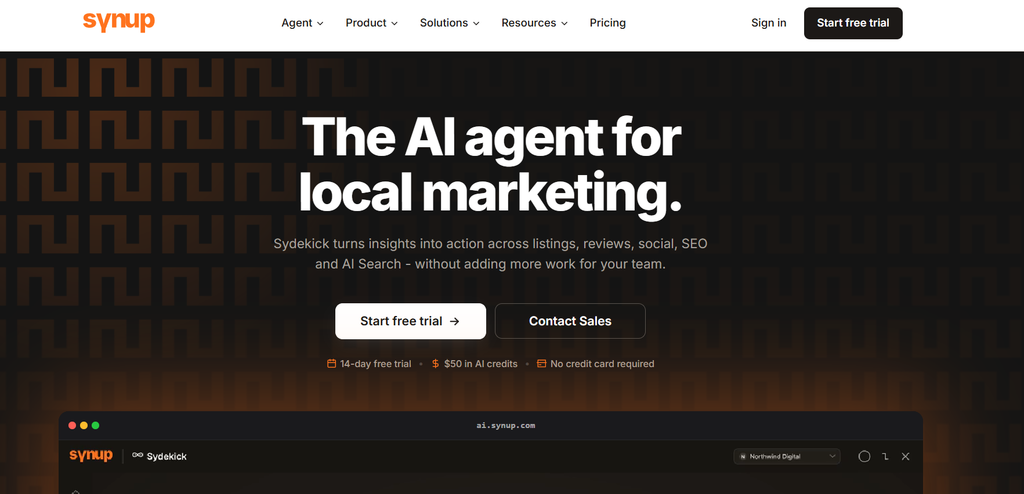
Synup is a local SEO platform designed to help businesses manage online listings, monitor reviews, and track local search performance. It works well for companies that manage multiple locations and need a centralized system for maintaining accurate business information.
The platform helps businesses update details such as business names, addresses, phone numbers, categories, and operating hours across different directories. This reduces the manual work involved in checking individual platforms.
Synup also includes review management features that allow businesses to monitor customer feedback and respond to reviews from one dashboard. This helps marketing teams keep track of customer conversations across different locations.
Synup Features
- Local listings management
- Citation monitoring
- Review tracking and response management
- Local SEO reporting
- Business profile updates
- Multi-location support
- Analytics for local search performance
Who Should Use Synup?
Synup works well for:
- Small and medium businesses managing local visibility
- Marketing agencies handling multiple clients
- Franchise businesses with many locations
- Brands that need reporting and location management
For example, a retail chain with 100 stores can use Synup to maintain consistent business details across search platforms instead of updating each location separately.
2. Google Business Profile: Best Free Google Maps SEO Tool
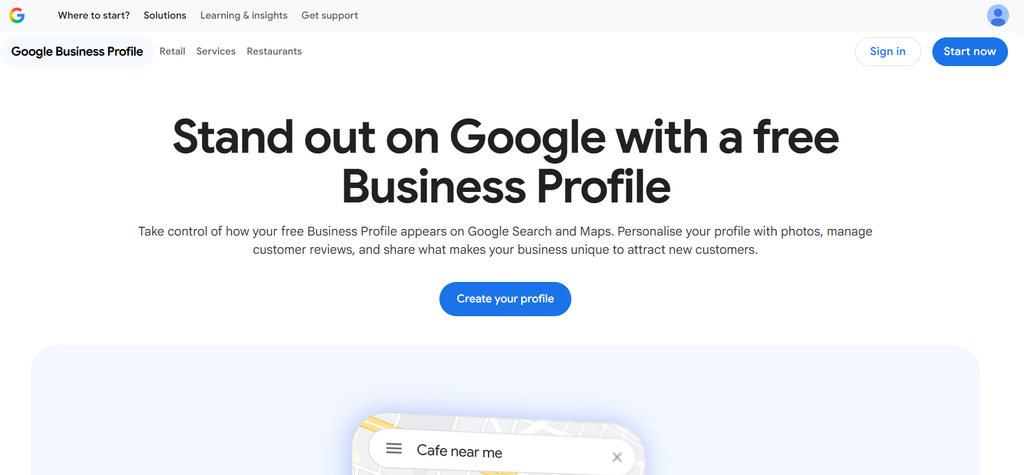
Google Business Profile is Google’s free platform for managing how businesses appear in Google Search and Google Maps. It remains one of the first tools businesses should set up when improving local visibility.
Businesses can use Google Business Profile to add location details, upload photos, publish updates, answer customer questions, and monitor customer interactions.
The platform provides information about searches, calls, website visits, and direction requests. These details help businesses understand how customers discover their locations.
Google Business Profile Features
- Free business listing management
- Google Maps visibility
- Customer reviews
- Business updates and posts
- Photos and service information
- Search performance data
Who Should Use Google Business Profile?
Google Business Profile is useful for:
- Local shops
- Restaurants
- Service providers
- Professional offices
- Small businesses with one or a few locations
However, businesses managing many locations may need additional local SEO software because Google Business Profile alone does not provide advanced citation management or multi-platform listing control.
3. Apple Business Connect: Best Free Tool for Apple Maps Optimization
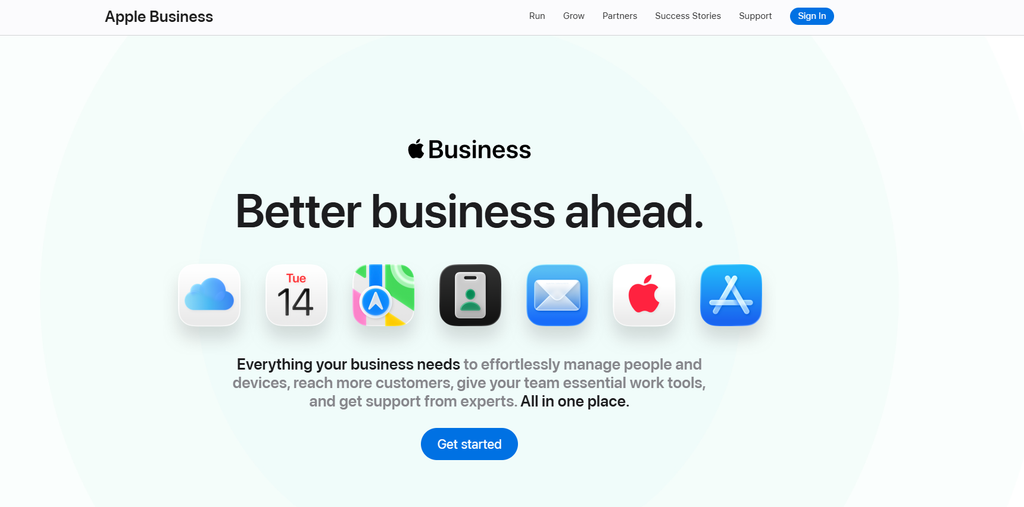
Apple Business Connect helps businesses manage how their information appears across Apple services, including Apple Maps. It allows companies to control location details, branding information, photos, and customer-facing business information.
Many businesses focus heavily on Google Maps, but Apple Maps remains relevant for users searching through Apple devices. Keeping information accurate on Apple platforms helps businesses reach customers using iPhones, iPads, and Macs.
Apple Business Connect Features
- Apple Maps business information management
- Location updates
- Photos and business details
- Customer discovery tools
- Brand information control
Who Should Use Apple Business Connect?
Apple Business Connect works well for:
- Local businesses
- Retail stores
- Restaurants
- Service companies
- Brands managing customer locations
Like Google Business Profile, it is a free tool. Businesses needing broader directory management usually combine it with paid local SEO platforms.
4. Yext: Best Enterprise Local Listings Platform
Yext is a local search platform designed for larger organizations that manage business information across many digital services. The platform helps companies maintain location data, manage reviews, and create consistent customer experiences across search platforms.
Yext provides tools for updating listings, monitoring reviews, and managing location pages. It is commonly used by larger brands with many locations that need centralized control.
Yext Features
- Business listing management
- Review monitoring
- Location pages
- Search experience tools
- Analytics and reporting
Who Should Use Yext?
Yext is suitable for:
- Large enterprises
- Franchise organizations
- Businesses with many locations
- Teams managing complex location data
Companies comparing Yext alternatives often look at platforms based on pricing, listing coverage, reporting options, and ease of use.
5. BrightLocal: Best Local SEO Software for Agencies
BrightLocal provides local SEO tools designed mainly for agencies and SEO professionals. The platform focuses on local rank tracking, citation building, audits, and client reporting.
Agencies use BrightLocal to create reports for clients, monitor local rankings, and manage citation campaigns.
BrightLocal Features
- Local rank tracking
- Citation building
- SEO audits
- Review monitoring
- Client reporting
- Competitor analysis
Who Should Use BrightLocal?
BrightLocal works well for:
- SEO agencies
- Freelancers
- Local marketing consultants
- Businesses that need detailed local SEO reports
It is especially useful for teams managing multiple clients and needing customized reporting.
6. Moz Local: Best Local SEO Tool for Listing Management
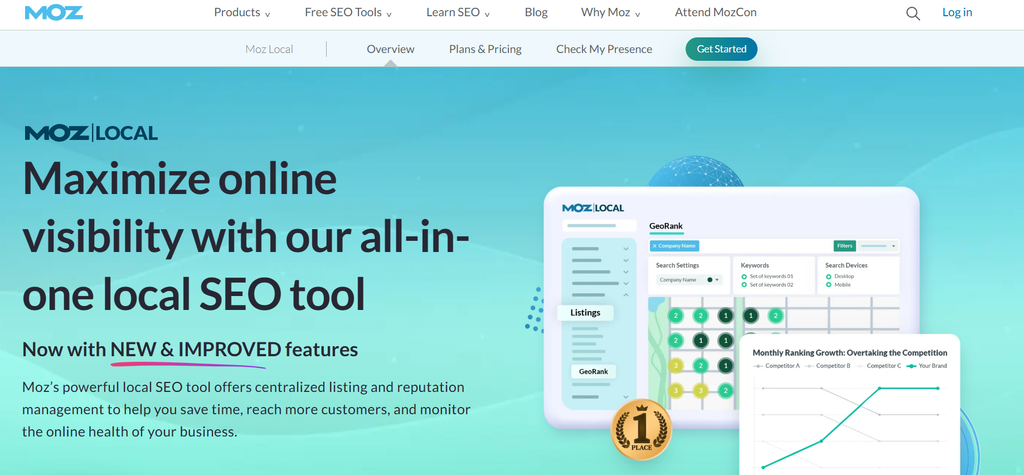
Moz Local helps businesses manage listings, monitor online presence, and maintain accurate information across directories. It is part of the Moz SEO product family and focuses on local search management.
The platform helps businesses identify listing issues and keep location information consistent.
Moz Local Features
- Listing distribution
- Business profile management
- Duplicate listing detection
- Review monitoring
- Location data management
Who Should Use Moz Local?
Moz Local is useful for:
- Small businesses
- Local marketers
- Companies already using Moz SEO tools
- Businesses needing basic listing management
7. Semrush: Best SEO Platform With Local Search Features
Semrush is a broad SEO platform that includes tools for keyword research, competitor analysis, website audits, and local SEO management.
Businesses that want both traditional SEO and local search capabilities may consider Semrush because it combines multiple SEO functions in one platform.
Semrush Features
- Keyword research
- Competitor research
- Local listing tools
- Position tracking
- SEO reports
- Website audits
Who Should Use Semrush?
Semrush works well for:
- SEO teams
- Marketing departments
- Agencies managing broader search campaigns
- Businesses combining local and organic SEO
How to Choose the Right Local SEO Tool in 2026
The right local SEO tool depends on the size of your business, the number of locations you manage, and the tasks you need to handle regularly. A small business with one location may only need listing management and review monitoring, while an agency or franchise brand may need advanced reporting, automation, and multi-location controls.
Before selecting a platform, consider these factors:
1. Listing Management Capabilities
Business information needs to remain consistent across search engines, directories, and mapping platforms. Look for tools that allow you to update details such as:
- Business name
- Address
- Phone number
- Website URL
- Categories
- Working hours
- Services offered
For businesses with multiple locations, manual updates can take hours. A local listings management software platform can reduce this workload by managing information from one dashboard.
2. Google Maps Ranking Tracking
Google Maps visibility directly affects how customers discover nearby businesses. A good local SEO tool should help track:
- Local keyword positions
- Map pack rankings
- Competitor rankings
- Location-based search performance
Local rank tracking tools allow businesses to see whether their optimization efforts are improving visibility over time.
3. Review Management Features
Customer reviews influence purchasing decisions and local search performance. Businesses should look for tools that provide:
- Review monitoring
- Review alerts
- Response management
- Sentiment tracking
- Review reporting
A restaurant, healthcare provider, or service business with multiple locations can use review management software to monitor feedback without checking every platform separately.
4. Reporting and Analytics
SEO teams and agencies need clear reports to understand results. Good local SEO reporting tools should include:
- Listing performance data
- Ranking changes
- Review activity
- Location comparisons
- Client-ready reports
Agencies often prefer platforms that allow customized reports for different clients.
5. Support for Multiple Locations
Multi-location businesses need features beyond basic listing updates. The software should support:
- Bulk location management
- Location-level reporting
- User permissions
- Centralized updates
- Brand consistency
Retail chains, franchises, and healthcare networks usually require these capabilities.
Local SEO Tools Comparison: Features Breakdown
| Feature | Synup | Google Business Profile | Apple Business Connect | Yext | BrightLocal | Moz Local | Semrush |
|---|---|---|---|---|---|---|---|
| Listings Management | Yes | Google only | Apple only | Yes | Yes | Yes | Limited |
| Google Maps Optimization | Yes | Yes | No | Yes | Yes | Yes | Yes |
| Review Management | Yes | Yes | Limited | Yes | Yes | Yes | Limited |
| Local Rank Tracking | Yes | Limited | No | Limited | Yes | Limited | Yes |
| Citation Management | Yes | No | No | Yes | Yes | Yes | Limited |
| Reporting | Yes | Basic insights | Basic data | Yes | Yes | Yes | Yes |
| Multi-location Support | Yes | Limited | Limited | Yes | Yes | Yes | Yes |
Free Local SEO Tools vs Paid Local SEO Software
Many businesses start with free tools before investing in paid platforms. Free tools can handle basic tasks, but paid software usually provides more automation and reporting options.
Free Local SEO Tools
Examples include:
- Google Business Profile
- Apple Business Connect
- Bing Places for Business
These tools help businesses manage their presence on individual platforms.
Free tools are useful for:
- Small businesses with one location
- Businesses starting local SEO
- Owners who manage updates themselves
However, they require manual work when managing multiple directories or locations.
Paid Local SEO Tools
Paid platforms such as Synup, Yext, BrightLocal, Moz Local, and Semrush provide broader features.
They are useful for:
- Agencies managing multiple clients
- Businesses with multiple locations
- Companies needing detailed reports
- Teams managing reviews across platforms
The right choice depends on the amount of data, locations, and reporting requirements.
Best Local SEO Tool for Small Businesses
Small businesses usually need simple tools that help maintain accurate information and improve visibility without complex workflows.
Recommended options:
Synup
Synup works well for businesses that want listings management, review monitoring, and local SEO reporting in one platform.
Google Business Profile
Google Business Profile is the starting point for any local business because it directly controls visibility on Google Search and Maps.
Moz Local
Moz Local is suitable for businesses that need basic listing management and monitoring.
Best Local SEO Tools for Agencies
SEO agencies need platforms that support multiple clients, reporting, and location management.
Recommended options:
BrightLocal
BrightLocal provides tools for local rank tracking, audits, citations, and client reporting.
Synup
Synup helps agencies manage listings, reviews, and local SEO performance across multiple clients.
Semrush
Semrush is useful for agencies that handle broader SEO campaigns along with local search optimization.
Best Local SEO Software for Multi-Location Businesses
Companies with many locations need automation and centralized management.
Recommended platforms:
Synup
Synup supports location management, listing updates, reviews, and reporting from one system.
Yext
Yext provides enterprise-level location data management and search solutions.
Moz Local
Moz Local can support businesses that need listing consistency across locations.
Alternatives to Yext for Local SEO
Businesses often compare Yext alternatives when they need different pricing options, features, or workflows.
Some commonly considered alternatives include:
Synup
Synup provides local listings management, review monitoring, analytics, and reporting. It is suitable for businesses and agencies that need centralized control over location data.
BrightLocal
BrightLocal focuses on local SEO reporting, rankings, audits, and citation management. It is commonly used by SEO professionals and agencies.
Moz Local
Moz Local helps businesses manage listings and monitor online presence across directories.
The best alternative depends on whether a business needs enterprise listing management, agency reporting, or simpler local SEO management.
Alternatives to BrightLocal for Local SEO
BrightLocal is popular among agencies, but businesses may consider other platforms depending on their needs.
Synup
Synup focuses on listings accuracy, reviews, and local performance tracking. It can be a good option for businesses that need more location management features.
Semrush
Semrush provides broader SEO tools along with local search features, making it useful for teams handling both organic and local campaigns.
Yext
Yext is designed for larger organizations that require extensive location data management.
Are Free Local SEO Tools Effective?
Free local SEO tools can help businesses manage basic search visibility. Google Business Profile, for example, allows businesses to control their Google Maps listing, add updates, and view customer actions.
However, free tools usually focus on individual platforms. Businesses managing multiple directories, locations, or review channels often need paid software.
A local SEO platform becomes more useful when businesses need:
- Automated listing updates
- Citation monitoring
- Competitor tracking
- Advanced reports
- Multi-location management
Frequently Asked Questions About Local SEO Tools
What are the best local SEO tools in 2026?
The best local SEO tools depend on business requirements. Synup, Google Business Profile, Apple Business Connect, Yext, BrightLocal, Moz Local, and Semrush are among the commonly used platforms for managing local search visibility.
Which local SEO tools help improve Google Maps rankings?
Tools such as Synup, BrightLocal, Moz Local, Semrush, and Google Business Profile help businesses improve and track Google Maps performance through listing management, ranking data, and optimization features.
What is the best local SEO software for small businesses?
Google Business Profile is a good free starting point, while platforms like Synup and Moz Local provide additional features for businesses that need listing management and reporting.
Which local SEO tools are best for agencies?
Agencies often use BrightLocal, Synup, and Semrush because these platforms provide reporting, ranking tracking, and client management features.
What is the best tool for tracking local rankings?
BrightLocal, Synup, and Semrush offer local rank tracking features that help businesses monitor keyword positions across locations.
Which tools manage Google Business Profile listings?
Google Business Profile directly manages Google listings. Platforms such as Synup, Yext, and Moz Local can help manage location information across multiple platforms.
Final Thoughts
The best local SEO tools in 2026 depend on what a business needs to manage. Google Business Profile and Apple Business Connect are useful free options for controlling visibility on individual platforms. Businesses that need broader management, reporting, and automation can consider platforms such as Synup, Yext, BrightLocal, Moz Local, and Semrush.
For small businesses, a simple tool that keeps listings accurate and reviews organized may be enough. Agencies and multi-location brands usually need software with stronger reporting, bulk management, and automation features.
Before choosing a platform, evaluate your number of locations, SEO goals, reporting needs, and daily workflow. The right local SEO software should reduce manual work and make it easier to maintain a consistent presence across search platforms.