Speakap Alternatives in 2026: Frontline Communication Apps Compared by Price and Reach

HubEngage is a strong Speakap alternative for organizations that want multichannel employee communication, recognition, surveys, and engagement tools in one platform. Other options worth evaluating include Blink, Beekeeper, Staffbase, Connecteam, Workvivo, and Flip.
The best choice depends on your workforce and communication priorities. Blink focuses on accessible, mobile-first communication. Beekeeper combines messaging with operational workflows. Staffbase serves enterprises that need coordinated publishing across channels. Connecteam offers communication alongside workforce management tools. Workvivo emphasizes workplace culture, while Flip combines multilingual frontline communication with digital workplace services.
This guide compares seven Speakap competitors based on their features, published pricing, employee reach, accessibility, scalability, and limitations.
For employers managing large deskless workforces, the central question is not simply whether employees can download an app. It is whether employees can reliably receive important information, understand it, and take appropriate action.
Best Speakap Alternatives at a Glance
| Platform | Best for | Main advantage |
|---|---|---|
| HubEngage | Multichannel communication and employee engagement | Mobile, web, email, SMS, digital signage, surveys, and recognition |
| Blink | Mobile-first frontline teams | Accessible messaging, employee resources, and published subscription pricing |
| Beekeeper | Frontline teams with operational workflows | Communication combined with tasks, checklists, and digital forms |
| Staffbase | Large multinational enterprises | Enterprise publishing, audience targeting, and governance |
| Connecteam | Small businesses and operational teams | Communication alongside scheduling and workforce management |
| Workvivo | Employee culture and community | Social feeds, recognition, employee feedback, and engagement |
| Flip | Multilingual frontline organizations | Employee communication, translation, knowledge access, and digital workflows |
These recommendations reflect documented capabilities and typical use cases, not independently measured adoption rates or a universal ranking of product quality.
What Is Speakap, and Why Consider Alternatives?
Speakap is an employee communication platform designed to connect frontline and deskless workers through mobile-first communication.
Its core capabilities include company news, employee profiles, directories, group discussions, messaging, polls, announcements, and acknowledgment requests.
According to Speakap’s official pricing page, the platform provides three main plans:
- Basic: Company news, messaging, polls, directories, groups, and other core communication features.
- Premium: Additional capabilities including branded mobile applications, HR system synchronization, basic workforce analytics, and automatic translation into more than 100 languages.
- Premium Plus: Additional task management, advanced analytics, integrations, API access, and customer support capabilities.
All three plans use customized pricing based on the selected package and licensed employee count.
Speakap can be suitable for organizations primarily focused on reaching frontline employees. However, businesses may explore alternatives when they require different pricing models, broader communication channels, more extensive operational tools, employee recognition, or specific enterprise integrations.
Why Frontline Communication Software Matters
Frontline workers often operate outside traditional office environments. They include retail associates, nurses, hospitality employees, warehouse workers, field technicians, and manufacturing teams.
Many do not have regular access to corporate email or desktop computers. Others work rotating shifts, use shared devices, or need company information in different languages.
Frontline communication software can help organizations distribute updates, provide access to workplace resources, enable two-way communication, and measure employee participation.
According to Gallup’s State of the Global Workplace 2026 report, only 20% of employees worldwide were engaged at work in 2025.
This figure does not establish that communication technology causes or resolves disengagement. However, it highlights why organizations should consider employee communication, participation, and workplace experience as connected management priorities.
The most useful communication platform is one that fits how employees work rather than requiring employees to change their routines around the software.
How We Compared These Speakap Alternatives
This comparison uses publicly available product documentation, vendor pricing pages, and relevant authoritative resources reviewed in November 2026.
The products were assessed using six practical criteria:
- Pricing: Published subscription rates, customized quotes, additional-user costs, and potential add-ons.
- Employee reach: Available communication channels and access for employees without corporate email.
- Communication capabilities: Announcements, messaging, notifications, targeting, and employee feedback.
- Accessibility: Mobile availability, multilingual communication, device compatibility, and onboarding methods.
- Integrations: Connections with HR systems, productivity applications, and workplace tools.
- Scalability: Suitability for smaller businesses, distributed workforces, and large enterprises.
The recommendations also consider operational trade-offs, including implementation complexity and the distinction between communication-focused products and broader workforce platforms.
Methodology note: This is a documentation-based comparison. It does not represent independent software testing, verified customer adoption studies, or hands-on performance benchmarking. Product availability and actual employee reach should be confirmed through vendor demonstrations and representative pilots.
Speakap Alternatives Reviewed for 2026
1. HubEngage

Best for: Organizations that want employee communication, recognition, surveys, and engagement capabilities in one connected platform.
HubEngage combines internal communications with a broader set of employee experience tools. Its platform includes company announcements, employee messaging, recognition, pulse surveys, social engagement, intranet resources, and gamification.
Its distinguishing capability is distributing communications across several channels without requiring every employee to rely on the same application.
Features and employee reach
HubEngage supports communication through native mobile apps, web portals, email, SMS, Microsoft Teams, Slack, WhatsApp, and digital signage.
This flexibility can be particularly useful when an organization employs both desk-based and frontline workers.
For example, a retail company could publish an operational announcement through its employee app, send time-sensitive notifications by SMS, and display general updates on screens in employee areas.
The platform also supports audience targeting, communication analytics, employee recognition, surveys, and AI-assisted content features.
Its modular approach allows businesses to select communication and engagement capabilities according to their requirements.
What makes HubEngage different
HubEngage is relevant when communication channels and employee engagement activities need to work together.
For example, a company may want to distribute a policy update, request acknowledgment, gather feedback, and recognize employees using a connected communication environment.
This broader approach distinguishes it from products primarily designed around messaging or scheduling.
Limitations
HubEngage’s range of modules and channels may involve more configuration than a basic employee chat application.
Organizations should confirm which modules, integrations, analytics features, and delivery channels are included in their proposed subscription.
Having multiple communication channels also does not automatically establish that every employee will receive or read a message.
Pricing
HubEngage does not provide a standard public per-user subscription rate on the product information reviewed. Organizations should request a quote based on workforce size, selected modules, communication channels, and deployment requirements.
Choose HubEngage if: Your organization needs multichannel communications alongside employee surveys, recognition, and engagement tools.
2. Blink
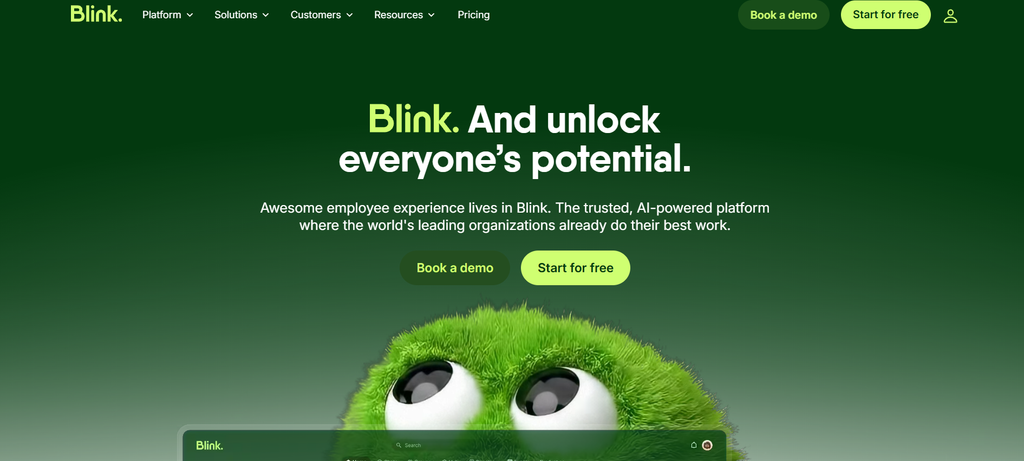
Best for: Businesses prioritizing accessible employee messaging, mobile communication, and transparent entry-level pricing.
Blink is an employee communication and engagement platform designed for distributed workforces.
It brings employee news, messaging, workplace resources, and community features into mobile and desktop applications.
Features and employee reach
Blink supports direct and group messaging, personalized news feeds, push notifications, polls, employee communities, and knowledge resources.
One useful capability is its employee activation process.
Blink supports passwordless access and invitations using SMS, email, and QR codes, helping organizations onboard workers who do not have corporate email accounts.
This can reduce an important obstacle when introducing communication tools to frontline teams.
Its higher-tier offerings add multilingual publishing, translation, expanded administration, integrations, and enterprise controls.
For example, a hospitality group can distribute policy announcements, provide employee resources, and maintain communication between staff members working different shifts.
What makes Blink different
Blink combines a mobile-first employee experience with published subscription pricing.
That makes preliminary budgeting easier than with platforms that require sales consultations before providing pricing information.
Its knowledge hub and communication features are especially relevant for businesses replacing fragmented messaging tools and document-sharing processes.
Limitations
Advanced integrations, administrative controls, and some analytics capabilities depend on the subscription plan or additional products.
Organizations requiring extensive workforce scheduling, payroll, or operational management should verify whether Blink provides the required functions directly or through integrations.
Email and SMS integrations should not be assumed equivalent to unlimited native outbound messaging.
Pricing
According to Blink’s official pricing page:
- Core: From $3.75 per user per month, billed annually.
- Pro: From $5 per user per month, billed annually.
- Enterprise: Custom pricing.
Monthly billing rates differ from annual subscription rates.
Choose Blink if: Your priority is accessible mobile-first employee communication with predictable published entry pricing.
3. Beekeeper
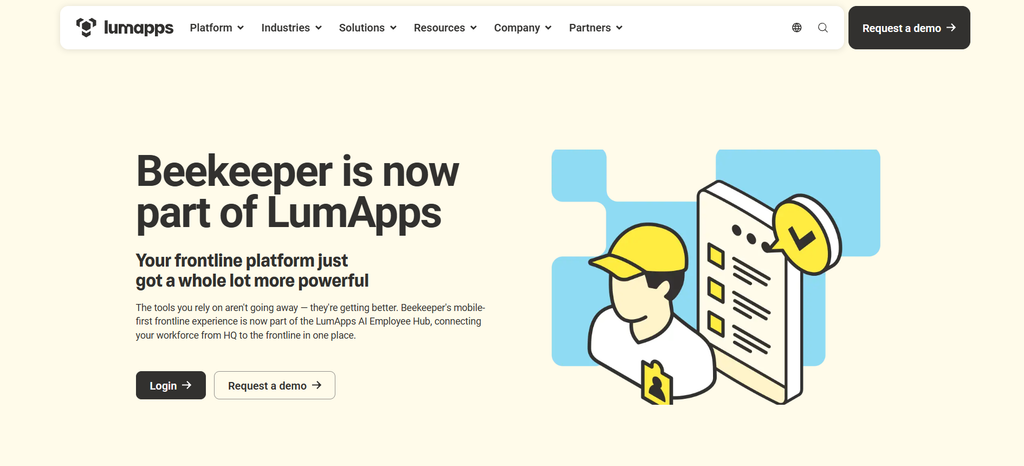
Best for: Manufacturing, hospitality, retail, and other frontline organizations that need communication alongside daily operational processes.
Beekeeper is a mobile-first employee platform combining workplace messaging, announcements, employee resources, and operational workflows.
In July 2025, LumApps announced its combination with Beekeeper. Beekeeper is now part of the broader LumApps employee experience offering.
The Beekeeper frontline platform continues to serve existing users, while the combination expands its connection with enterprise knowledge and employee experience capabilities.
Features and employee reach
Beekeeper provides communication streams, secure individual and group messaging, announcements, surveys, document access, and translation capabilities.
It also supports operational functions such as digital forms, checklists, task assignments, and workflow automation.
These capabilities help connect employee communication with day-to-day work.
For example, a hotel operator could distribute updated service instructions while allowing staff to access housekeeping checklists, submit reports, and complete assigned tasks through the mobile platform.
The platform also supports access without requiring a corporate email address.
What makes Beekeeper different
Beekeeper combines employee communication with frontline work execution.
Organizations that rely on paper checklists, manual reporting, and separate messaging tools may find this combination particularly relevant.
Limitations
Available functionality depends on the selected plan and purchasing arrangement.
Since Beekeeper is part of LumApps, buyers should clarify which features are included in the Beekeeper subscription and which require broader LumApps products or integrations.
Pricing
Beekeeper generally uses customized pricing.
An ADP Marketplace listing advertises an Essential edition at $6 per user per month for eligible accounts with at least 50 users.
This marketplace offer should not be treated as a universal Beekeeper starting price.
Choose Beekeeper if: Your business needs employee messaging combined with operational tasks, digital forms, and frontline workflows.
For additional comparisons, see this guide to Beekeeper alternatives in 2026.
4. Staffbase
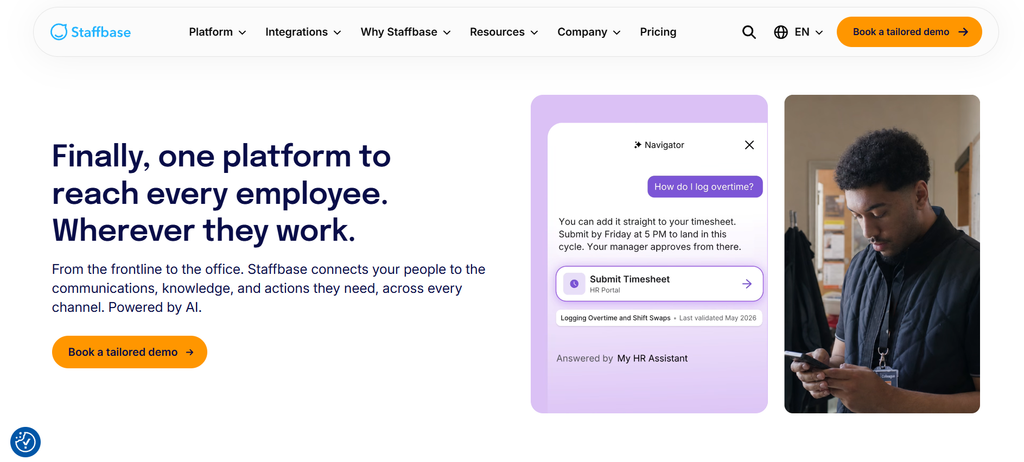
Best for: Large enterprises managing communications across multiple countries, locations, departments, or business units.
Staffbase is an employee communication platform combining an employee app, intranet capabilities, email communication, and additional distribution channels.
It is particularly relevant for organizations that need structured publishing processes, audience targeting, and centralized communication governance.
Features and employee reach
Staffbase supports personalized company news, mobile access, employee messaging, communication campaigns, and analytics.
Its employee app is designed to support frontline workers without corporate email addresses.
Depending on the selected configuration, organizations can combine the employee app with intranet, email, SMS, and digital signage capabilities.
Staffbase also supports audience targeting and permissions that help organizations coordinate central and regional communication.
For example, a multinational logistics business can publish global policy updates while allowing regional teams to distribute location-specific operational information.
What makes Staffbase different
Staffbase emphasizes enterprise communication management.
This is useful when corporate communications, HR, regional offices, and local managers all need clearly defined publishing responsibilities.
Organizations can coordinate communication across workforce groups without treating every department as an entirely separate communication environment.
Limitations
Enterprise implementation may require significant planning around permissions, organizational structure, integrations, and content migration.
Businesses should confirm the costs of individual communication channels, rollout support, and administrative features before comparing Staffbase with simpler employee apps.
Pricing
Staffbase uses customized pricing rather than a standard public per-user rate.
Its pricing approach includes dedicated frontline configurations, mixed-workforce arrangements, and enterprise solutions.
Choose Staffbase if: You need coordinated enterprise publishing, regional governance, and communication across multiple employee channels.
5. Connecteam
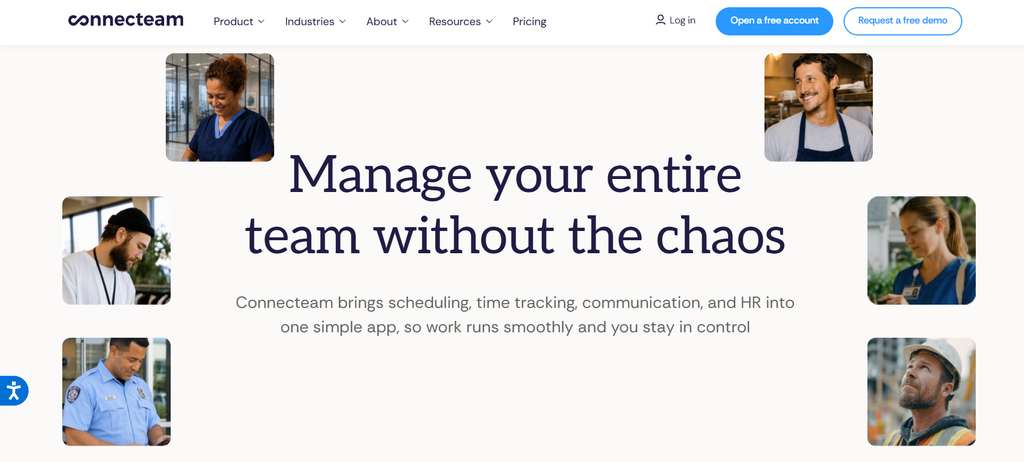
Best for: Small and growing businesses that want employee communication alongside scheduling, time tracking, and operational management.
Connecteam is an employee management platform organized into Communications, Operations, and HR & Skills hubs.
Its Communications Hub focuses on employee messaging, company updates, surveys, directories, and workplace information.
Features and employee reach
Connecteam supports mobile employee chat, company feeds, notifications, surveys, events, and knowledge-sharing tools.
Employees can access information through its mobile application without relying on traditional corporate email.
Through other hubs, organizations can add capabilities such as shift scheduling, time tracking, task management, forms, training, and employee recognition.
For example, a restaurant group could share menu changes through company updates, manage shifts through Operations, and distribute training resources through HR & Skills.
This makes Connecteam useful for organizations where internal communication and workforce operations are closely connected.
What makes Connecteam different
Connecteam provides published pricing for small teams and offers a broader workforce management environment.
Rather than purchasing separate products for basic employee communication, scheduling, and task coordination, businesses can evaluate related tools within one platform.
Limitations
Important features are divided among different hubs.
Organizations that need communication, scheduling, and HR capabilities may require subscriptions across multiple hubs.
The Communications Basic plan also does not include every advanced communication feature. For example, certain translation and acknowledgment capabilities are associated with higher tiers.
Businesses should calculate the total cost of the required hubs and plan levels rather than relying only on the advertised entry price.
Pricing
According to Connecteam’s official pricing page, the Communications Hub offers:
- Basic: $29 per month for the first 30 users, billed annually, plus $0.50 per additional user monthly.
- Advanced: $49 per month for the first 30 users, billed annually.
- Expert: $99 per month for the first 30 users, billed annually.
- Enterprise: Customized pricing.
Connecteam also offers a free Small Business Plan for qualifying teams of up to 10 users, subject to its eligibility conditions.
Choose Connecteam if: You want accessible employee communication and the option to manage shifts, operational tasks, and HR activities through related products.
6. Workvivo
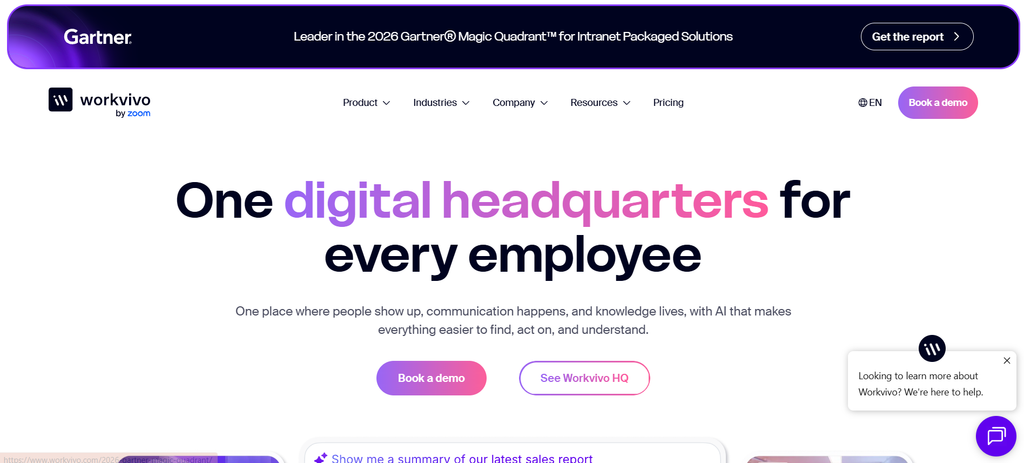
Best for: Organizations that prioritize employee connection, recognition, workplace communities, and participation.
Workvivo is an employee experience platform combining internal communication, knowledge management, employee engagement, and workplace resources.
Its approach emphasizes helping employees stay informed while also creating opportunities to participate in company communities.
Features and employee reach
Workvivo HQ includes employee news feeds, communities, announcements, recognition, events, polls, surveys, and communication analytics.
The platform supports mobile access, push notifications, multilingual communication, and personalized content.
It also provides knowledge resources and employee directories.
Additional offerings include Workvivo TV for digital signage, Chat for messaging and calling, and Seer for employee listening and feedback analysis.
For example, a distributed healthcare organization can use Workvivo to share leadership announcements, recognize employee achievements, and connect teams across facilities.
What makes Workvivo different
Workvivo places employee community and engagement alongside traditional internal communications.
This approach can be useful for organizations where communication goals include strengthening workplace connection, encouraging participation, and making recognition more visible.
Limitations
Some capabilities, including chat, digital signage, advanced listening, and other products, may involve additional licensing.
Organizations should verify whether the proposed package includes the communication channels and employee engagement functions they need.
Businesses focused primarily on shift scheduling and operational task management may also need complementary workforce tools.
Pricing
Workvivo provides customized pricing based on organizational requirements, employee licenses, and selected products.
It does not publish a universal per-user starting price or offer a standard free trial.
Choose Workvivo if: Employee communities, recognition, and participation are central to your internal communication strategy.
7. Flip
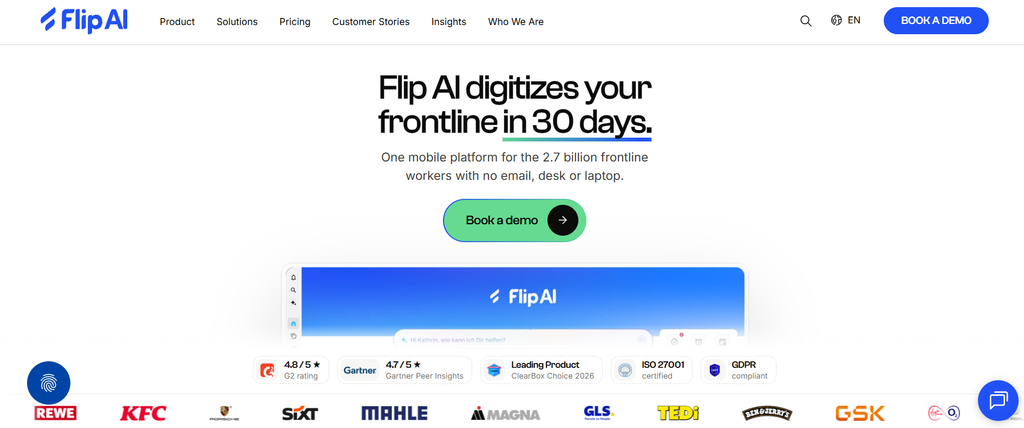
Best for: Organizations with multilingual frontline teams that need employee communication, knowledge access, and connected workplace services.
Flip, also marketed as Flip AI, is an employee platform designed to help frontline workers access workplace information and digital resources.
It combines employee communication with knowledge management, integrations, and workflow capabilities.
Features and employee reach
Flip supports company news feeds, communication channels, direct and group messaging, voice and video calls, knowledge resources, and tasks.
Its platform also provides live translation across more than 60 languages, employee directories, analytics, and digital signage.
These features can be useful for organizations where language differences create barriers to understanding company information.
For example, an international manufacturer could publish an operational update that employees access in their preferred languages while also making relevant policies and workplace resources available through the app.
Flip’s broader enterprise offering provides additional options for connecting employees with business applications and digital workflows.
What makes Flip different
Flip combines multilingual employee communication with access to digital workplace services.
This can help organizations that currently rely on disconnected systems for company announcements, knowledge resources, and frontline workflows.
Limitations
Not all capabilities are included in the entry package.
Advanced AI tools, certain HR integrations, custom workflows, and identity-related functions depend on the selected enterprise offering or optional modules.
Businesses should also evaluate integration requirements, language accuracy, and implementation responsibilities.
Pricing
According to Flip’s official pricing page:
- Growth: Starts at €4,950 per year for organizations with up to 300 employees.
- Enterprise: Customized pricing for larger organizations and more complex requirements.
The Growth offering includes core employee communication capabilities, while certain advanced workflow, AI, and integration functions require additional products or enterprise arrangements.
Choose Flip if: Your organization needs multilingual frontline communication alongside employee knowledge access and digital workplace functionality.
Which Speakap Alternative Offers the Best Pricing?
Connecteam, Blink, and Flip provide published starting prices that help buyers make preliminary budget comparisons. The other platforms in this comparison primarily use custom quotes or limited marketplace offers.
However, pricing models are not directly equivalent.
Connecteam charges a monthly base fee covering a specified number of users, followed by additional-user fees. Blink publishes per-user pricing. Flip advertises an annual starting package for smaller organizations. Enterprise-oriented products may price multiple modules, workforce categories, or communication channels separately.
The lowest starting price does not necessarily mean the lowest overall cost.
What to Include in a Pricing Comparison
| Pricing factor | Questions to ask |
|---|---|
| Employee licenses | Are all employees billed, or only active or invited users? |
| Contract structure | Is pricing monthly, annual, or based on a multiyear agreement? |
| Communication channels | Are SMS, digital signage, email, and app notifications included? |
| Feature packages | Are surveys, analytics, recognition, and workflows included or optional? |
| Implementation | Are setup, migration, and employee onboarding billed separately? |
| Integrations | Do HRIS, SSO, API access, or collaboration integrations cost extra? |
| Support | What support levels and service commitments are included? |
| Expansion | What happens to the price when the organization adds employees or locations? |
How to Compare Total Costs Fairly
Consider an organization with 2,000 employees distributed across retail stores.
The business needs company announcements, mobile access, employee acknowledgments, multilingual information, and support for workers without corporate email.
Comparing only the published starting subscription prices would be misleading.
Instead, the organization should request quotes covering the same workforce size, required features, communication channels, and contract period.
A useful cost comparison should include:
Total annual cost = Subscription fees + implementation + integrations + communication delivery charges + necessary add-ons + support costs
This calculation allows buyers to compare actual purchasing requirements rather than unrelated entry-level plans.
It is also worth considering whether the platform replaces existing software subscriptions. A broader product may cost more initially but reduce the need for separate communication, survey, or workforce management tools.
That potential saving should be calculated from the organization’s actual software costs rather than assumed from vendor marketing claims.
Which Frontline Communication App Offers the Widest Employee Reach?
The broadest potential reach generally comes from offering accessible communication channels that match employees’ working conditions and measuring whether messages reach their intended audiences.
HubEngage and Staffbase provide a broad range of communication channels, including mobile applications and options such as email, SMS, and digital signage.
Other platforms emphasize mobile onboarding, multilingual communication, operational accessibility, or employee participation.
However, the number of available channels does not establish that one platform achieves higher readership than another.
No independently verified, like-for-like employee-reach ranking has been established for all seven products in this comparison.
Employee Access Is Not the Same as Employee Reach
Organizations should measure four different stages of communication.
| Metric | What it measures | Why it matters |
|---|---|---|
| Access | Employees with usable accounts or access to an appropriate channel | Identifies onboarding and availability gaps |
| Delivery | Employees or devices that successfully receive the communication | Identifies distribution problems |
| Readership | Employees who view or acknowledge the message | Indicates whether information was accessed |
| Engagement | Employees who respond, complete surveys, or take other actions | Helps evaluate participation and follow-through |
For example, suppose a company has 2,000 employees and 900 of them read a particular announcement.
Its measured readership reach for that announcement would be:
900 ÷ 2,000 × 100 = 45%
That percentage is meaningful only if all 2,000 employees were the intended audience and readership was reliably measured.
A push notification being delivered does not prove that an employee opened or understood the announcement. Similarly, an employee acknowledging a policy does not necessarily establish comprehension.
How to Improve Communication Reach
Organizations should investigate which employee groups are not receiving or using communications.
For example, a company may find that office employees regularly access the intranet, while warehouse employees rarely log in because they work away from computers.
Another organization may discover that employees receive announcements but struggle to understand information published in a language they do not use comfortably.
The appropriate solution depends on the barrier.
It may involve mobile onboarding, better translations, targeted notifications, digital signage, improved shift coverage, or shorter and clearer messages.
The CIPD’s employee voice guidance also emphasizes the importance of providing employees with opportunities to express views and influence decisions.
Therefore, employee communication should be evaluated not only by how effectively organizations distribute messages but also by whether workers can participate and provide feedback.
How to Choose the Right Speakap Alternative
1. Start With Workforce Size and Operating Requirements
The first step is identifying the communication problems the organization needs to solve.
Small businesses may prioritize simple onboarding, predictable pricing, and everyday messaging.
Growing companies may need employee directories, shift-based communication, and integrated workforce management.
Large enterprises typically require more advanced audience targeting, regional administration, security controls, and integrations with existing HR systems.
The appropriate product depends on these requirements rather than the size of its feature list.
For related software comparisons, see this 2026 employee experience platform guide.
2. Match Communication Channels to Employee Access
A platform can advertise excellent communication features while remaining difficult for some employees to access.
Before choosing a product, identify how employees currently receive workplace information.
Consider whether workers have company email accounts, personal smartphones, shared devices, or reliable internet connectivity.
Also examine whether employee onboarding requires technical support and whether alternative access methods are available.
For example, a manufacturing workforce may benefit from mobile communication and digital signage, while a professional services organization may rely more heavily on intranet and email channels.
The platform should support the communication environment employees can realistically use.
3. Test Multilingual Communication and Accessibility
Language support should be evaluated beyond the total number of languages advertised.
Organizations should distinguish between translated interface elements, automatic translation of announcements, multilingual publishing, and translation of chat messages.
These are different capabilities, and they may not be included in the same subscription.
Businesses should test important workplace terminology, particularly when messages involve safety procedures, compliance, or operational instructions.
Employees may also have accessibility needs involving screen readers, text scaling, keyboard access, or visual contrast.
The W3C Web Content Accessibility Guidelines provide a recognized framework for evaluating digital accessibility.
4. Evaluate Security and Employee Privacy
Employee communication systems can contain personal information, workplace conversations, organizational documents, and employee activity data.
Buyers should evaluate authentication, access permissions, encryption, data retention, administrative controls, and integration security.
They should also clarify how the provider handles employee analytics and personal-device access.
The NIST Cybersecurity Framework 2.0 offers a useful framework for evaluating cybersecurity risk management.
Organizations should also consider applicable privacy obligations.
For example, the UK’s Information Commissioner’s Office guidance on monitoring workers addresses transparency, proportionality, and the lawful processing of employee information. The guidance is under review following legislative changes, so organizations should confirm current legal requirements before relying on it.
Analytics should be implemented in a way that supports legitimate communication objectives without unnecessary employee monitoring.
5. Run a Representative Pilot Before Switching
A vendor demonstration can show how features work, but it cannot establish whether a platform will succeed across a particular workforce.
A more useful approach is to conduct a pilot involving employees from different departments, locations, shifts, and language groups.
Set specific goals before the pilot begins.
For example:
- Can frontline employees activate their accounts without corporate email?
- Are important announcements delivered and accessible?
- Can employees understand translated content?
- Can managers identify communication gaps?
- Can workers locate relevant documents without additional assistance?
- Are employee feedback and acknowledgment workflows practical?
- Does the platform integrate with existing systems?
Measure adoption and communication outcomes rather than relying exclusively on employee satisfaction with the interface.
Where possible, compare results with the organization’s existing communication process using consistent definitions.
6. Plan Data Migration and Long-Term Administration
Businesses replacing Speakap should consider more than the features of the new platform.
Migration may involve employee profiles, organizational groups, published documents, archived communications, and existing system integrations.
Not every type of historical data will necessarily transfer between platforms.
Organizations should confirm available export options, retention requirements, and integration limitations before committing to a replacement.
They should also define who will manage employee onboarding, content publishing, permissions, support requests, and ongoing communication analytics.
A platform that is easy to demonstrate but difficult to administer may create unnecessary operational costs.
Frequently Asked Questions About Speakap Alternatives
1. Which Speakap Alternatives Are Cheaper?
Blink, Connecteam, and Flip publish starting prices that make preliminary comparisons easier.
Connecteam’s Communications Basic starts at $29 per month for the first 30 users on annual billing, while Blink Core starts at $3.75 per user per month. Flip Growth starts at €4,950 annually for teams of up to 300 employees.
However, Speakap uses customized pricing. None of these options can be confirmed cheaper for a specific organization without comparing equivalent features and contract terms.
2. Which Speakap Alternatives Support Multilingual Communication?
HubEngage, Blink, Beekeeper, Staffbase, Workvivo, and Flip provide multilingual capabilities in different forms.
Connecteam also offers translation functionality in selected plans.
Language availability, automatic translation, interface localization, and chat translation can differ between products.
Organizations should confirm their required languages and test actual workplace content before purchasing.
3. What Is the Best Speakap Alternative for Small Businesses?
Connecteam is a practical option for smaller businesses because it offers published subscription pricing and free plans for qualifying teams.
Blink is another option for businesses prioritizing mobile communication and predictable per-user pricing.
The better choice depends on whether the business needs primarily employee communication or a broader combination of communication, scheduling, and operational tools.
4. Which Speakap Alternative Is Suitable for Large Enterprises?
HubEngage, Staffbase, Workvivo, Beekeeper, and Flip are worth evaluating for large organizations, although they emphasize different capabilities.
HubEngage combines multichannel communication and employee engagement. Staffbase emphasizes enterprise publishing and governance. Workvivo focuses on employee experience and participation.
Beekeeper and Flip are particularly relevant when frontline operations, workplace resources, and digital workflows are important.
Large enterprises should prioritize integration requirements, security, accessibility, administrative controls, and total costs.
5. What Should Businesses Consider Before Switching From Speakap?
Organizations should review existing contracts, data migration, employee onboarding, integrations, permissions, security requirements, and communication history.
They should also determine whether the replacement provides the functions employees currently rely on.
A representative pilot can help identify access barriers and implementation problems before a complete migration.
6. How Much Does Frontline Employee Communication Software Cost in 2026?
Costs vary according to employee count, available features, contract duration, and communication channels.
Some vendors publish monthly subscription rates, while others provide customized pricing.
Additional charges may apply for implementation, advanced integrations, SMS delivery, digital signage, enterprise support, and optional modules.
The most reliable approach is to compare quotes based on the same workforce and functional requirements.
Final Verdict: Which Speakap Alternative Should You Choose?
The best Speakap alternative depends on your workforce, communication requirements, and budget.
HubEngage is a strong option for organizations wanting multichannel communication alongside recognition, surveys, and engagement features.
Blink is suitable for businesses prioritizing mobile-first communication and published per-user pricing.
Beekeeper is worth considering when employee communication needs to connect with frontline tasks and operational workflows.
Staffbase is relevant for large enterprises requiring coordinated publishing, audience targeting, and governance.
Connecteam is particularly attractive for smaller businesses that want employee communication alongside scheduling and workforce management.
Workvivo suits organizations emphasizing employee communities, recognition, and workplace culture.
Flip is relevant for multilingual frontline organizations that also want digital workplace services and workflow capabilities.
Rather than choosing a platform solely by the advertised features or starting price, shortlist two or three options and test them with representative employees.
Compare the total cost, ease of access, communication reach, administration, and integration requirements.
The most suitable frontline communication platform is one your employees can access, your organization can manage, and your teams will consistently use.