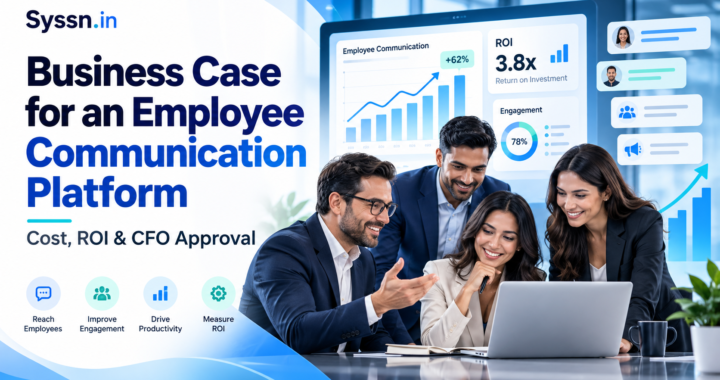
Beekeeper Alternatives in 2026: 7 Frontline Employee Apps Compared by Features and Price

Beekeeper Alternatives in 2026: 7 Frontline Employee Apps Compared by Features and Price include HubEngage, Staffbase, Blink, Workvivo, Connecteam, Firstup, and Simpplr.
The interesting part is that these products are not really interchangeable.
Some are built around internal communication. Others lean toward intranets, workforce operations, employee engagement, or personalized communication. HubEngage is a strong place to start if you want communication paired with recognition, surveys, social features, messaging, AI search, and several ways to reach employees. Connecteam makes more sense when scheduling and daily operations matter just as much as communication. Blink offers one of the clearest public pricing models.
The right Beekeeper alternative depends less on who has the longest feature list and more on how your frontline employees actually work.
Beekeeper alternatives: quick comparison
| Platform | Best fit | Frontline communication | Broader workforce tools | 2026 pricing approach |
|---|---|---|---|---|
| HubEngage | Communication plus employee engagement | Mobile, web, email, SMS, Teams, Slack, WhatsApp, digital signage | Recognition, surveys, social features, messaging, AI search | Custom quote |
| Staffbase | Large enterprise communications | Employee app, chat, personalized content | Intranet, email, digital signage, governance | Custom quote; frontline pricing available |
| Blink | Mobile-first deskless teams | Feed, chat, push alerts, stories | Forms, knowledge hub, journeys | Core starts at $3.75/user/month annually |
| Workvivo | Social communication and employee community | Mobile app, feed, chat, push, TV | Recognition, knowledge, listening, AI | Custom quote |
| Connecteam | SMB and operational frontline teams | Chat, updates, surveys, directory | Scheduling, time clock, forms, training, HR tools | Communications Hub starts at $29/month annually for first 30 users |
| Firstup | Enterprise communication orchestration | App, email, web, digital signage | Targeting, journeys, employee profiles, AI search | Custom quote |
| Simpplr | Intranet and employee self-service | Mobile, desktop, chat, email, displays | Intranet, search, AI assistant, integrations | Custom, volume-based quote |
Pricing checked September 2026. Public pricing can change. Enterprise contracts may also include implementation, integrations, support, additional modules, SMS usage, or minimum commitments.
What is Beekeeper?
Beekeeper is a mobile-first employee platform designed largely around frontline and deskless work.
That distinction matters because a frontline employee app has to solve a slightly different problem from a conventional company intranet.
Consider a hotel housekeeper starting a morning shift. They may need to read a policy update, check a schedule, complete a room checklist, report a maintenance issue, find a procedure, and message a supervisor. Sitting down at a laptop and browsing six corporate systems is probably not part of that shift.
Beekeeper tries to bring more of those activities into one place.
Its platform includes company communication, secure chat, surveys, recognition, employee services, forms, tasks, checklists, workflows, and workplace information. Digital forms can replace paper processes, while workflows can support requests and approvals.
Beekeeper’s 2026 Frontline Intelligence package also includes sentiment analysis, task analytics, user activation analytics, and benchmarking.
There is a newer consideration for buyers. Beekeeper became part of LumApps after the two companies completed their merger in 2025. Beekeeper’s former pricing page now redirects to LumApps, which says frontline capabilities are being incorporated into its broader employee hub.
That creates a sensible question for anyone evaluating Beekeeper today: what exactly will the product look like over the next few years?
Buyers should ask about the combined roadmap, future licensing, integrations, implementation requirements, and how existing Beekeeper functions will sit within the larger LumApps product.
Why do companies consider Beekeeper alternatives?
Usually, the issue is not that Beekeeper lacks frontline functionality.
The issue is fit.
One company may need stronger employee recognition and surveys. Another may care far more about scheduling. A third may be trying to replace an aging intranet while reaching factory workers who rarely open corporate email.
Common reasons for evaluating Beekeeper competitors include:
- Reaching employees through more channels than a mobile app
- Adding recognition, surveys, or employee engagement features
- Building a more traditional enterprise intranet
- Getting clearer public pricing
- Improving email-based internal communication
- Combining communication with scheduling and time tracking
- Expanding AI search and employee self-service
- Supporting different Microsoft 365, HRIS, payroll, or identity integrations
- Serving office and frontline workers through the same platform
There is an easy trap here. Software comparisons tend to start with features because features are easy to put into tables.
Employee behavior is harder to put into a table.
A field technician with a company smartphone has very different access patterns from a factory worker who sees a shared screen during a break. A retail employee may have a personal phone but no corporate email account. A nurse may have access to workplace technology but little time to use it during a shift.
So the more useful question is not simply, “Which platform has the most features?”
It is, “Which platform fits the way our employees already move through their workday?”
7 best Beekeeper alternatives in 2026
1. HubEngage
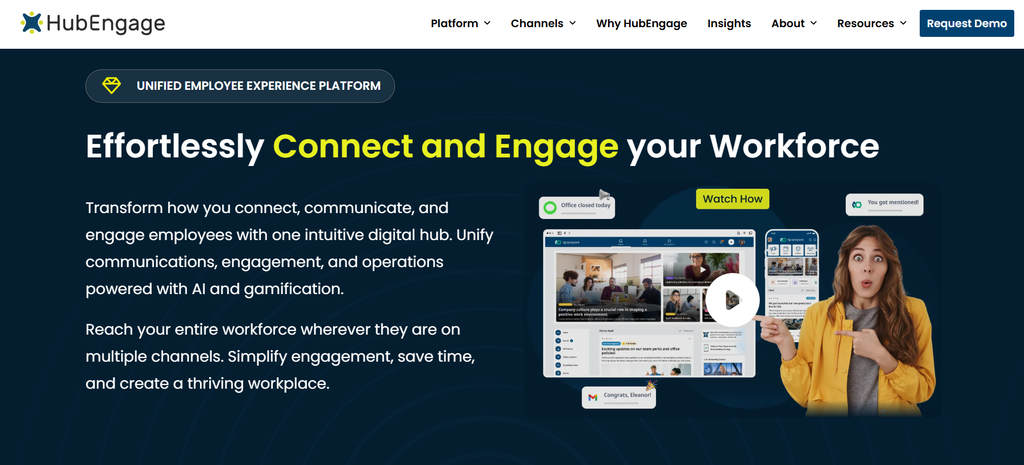
Best for: Companies that want frontline communication combined with employee engagement, recognition, surveys, and several delivery channels.
HubEngage takes a broad approach to employee communication.
Employees can access content through a mobile app and the web, while organizations can also distribute information through email, SMS, Microsoft Teams, Slack, WhatsApp, and digital signage.
That can be useful in a frontline workforce because app adoption is rarely uniform.
Imagine a company with office employees, warehouse teams, field technicians, and contractors. Some people may use Teams throughout the day. Others rely on SMS. Warehouse staff might see digital signage more often than they check an employee app.
HubEngage gives communication teams more than one route to those groups.
Its employee-facing tools include news, comments, messaging, surveys, social communities, recognition, documents, points, rewards, and branded mobile apps.
The platform also includes AI-assisted content creation, translation, summaries, semantic search, sentiment analysis, and a chatbot designed to search connected information sources. QR-code access can be useful for organizations where some employees do not regularly use corporate email.
There is a trade-off. HubEngage is less centered on native workforce operations such as time clocks, complex scheduling, and job management than Connecteam. If those are the main Beekeeper functions you want to replace, compare them separately rather than assuming that one employee app will cover everything equally well.
Pricing: HubEngage does not publish a standard per-user list price. Pricing depends on factors including employee count and contract length. Monthly, annual, and multi-year arrangements are available.
Choose HubEngage when: You want employee communication to sit alongside surveys, recognition, social interaction, messaging, search, and several communication channels.
2. Staffbase
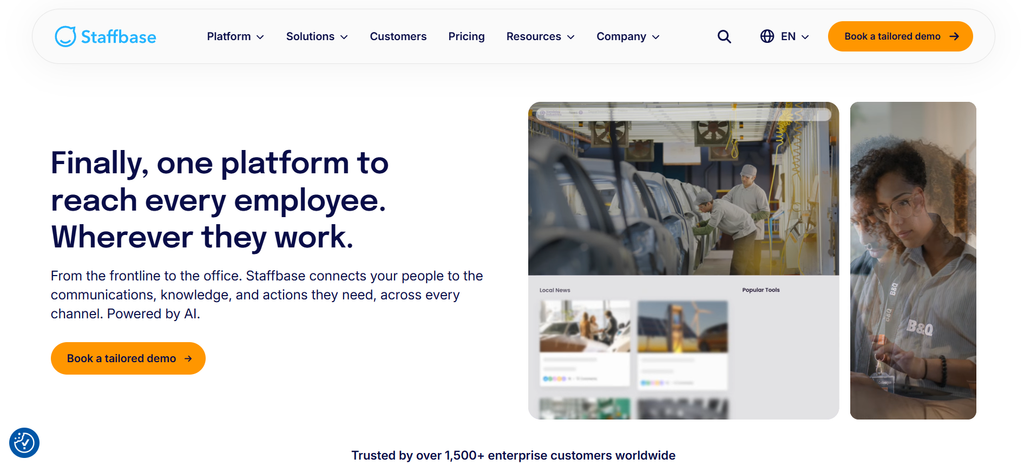
Best for: Large organizations running structured internal communication programs across office and frontline employees.
Staffbase sits closer to the enterprise communications side of the market.
It combines an employee app with intranet capabilities, personalization, chat, publishing, and administration. Companies can create different experiences according to an employee’s location, role, or other attributes rather than sending every message to the entire workforce.
That becomes increasingly useful as organizations grow.
A multinational retailer, for example, may want headquarters to manage company-wide announcements while regional teams publish market-specific information and individual stores receive locally relevant updates.
In that situation, communication governance becomes part of the product decision.
Staffbase’s current platform includes role- and location-based experiences, managed chat, personalized employee information, digital signage, email capabilities, and broader intranet functions.
The trade-off is fairly predictable. Enterprise communication products can require more planning, configuration, governance, and procurement than a simple frontline app.
That does not make them unnecessarily complicated. It means they solve a different scale of problem.
Buyers should examine how much administration their team actually wants, which communication channels are included in the proposed package, and whether the organization’s requirements justify that level of structure.
Pricing: Staffbase does not publish standard list pricing. It offers frontline-specific and mixed-workforce pricing, with proposals based on workforce composition and configuration.
Choose Staffbase when: Your organization needs enterprise publishing, personalization, governance, an employee app, and structured communication across a large workforce.
3. Blink
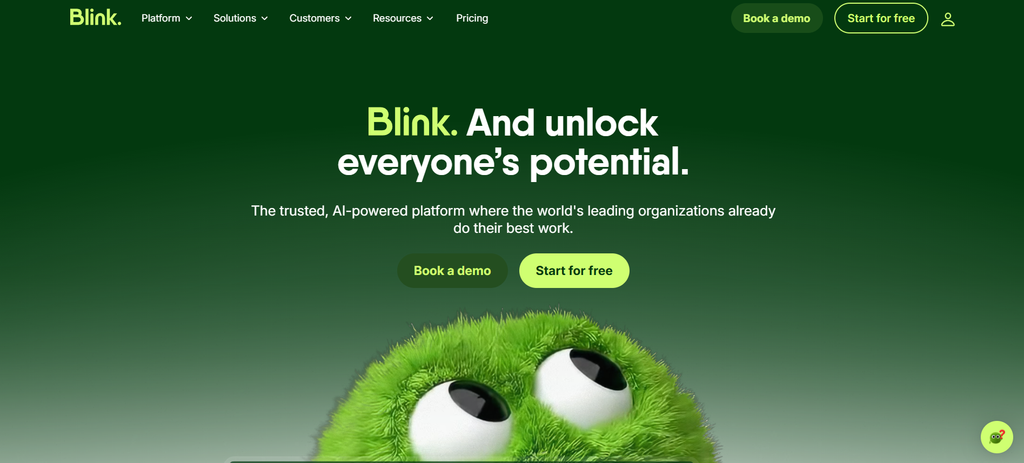
Best for: Organizations looking for a relatively straightforward, mobile-first frontline communication app with public entry pricing.
Blink is built around a fairly simple idea: employees should be able to get workplace information without fighting their way through complicated corporate technology first.
Its platform includes a content feed, secure messaging, communities, knowledge access, mobile and desktop apps, and frontline onboarding.
Workers can be invited through SMS, email, or QR code. That matters more than it might sound.
Corporate email is still often treated as the default identity layer in workplace technology, even though millions of frontline employees do not use it regularly.
Blink also offers forms, analytics, integrations, employee journeys, and AI-related features depending on the plan.
Compared with Beekeeper, Blink puts more weight on communication, knowledge access, and the employee app experience. Beekeeper has historically gone further into frontline workflows, tasks, forms, and operational processes.
One practical advantage of Blink is pricing transparency. Buyers can at least make an initial calculation without first going through a complete enterprise sales conversation.
Pricing: As of September 2026, Blink Core starts at $3.75 per user per month when billed annually. Pro starts at $5 per user per month annually. Monthly pricing is higher, while Enterprise pricing is customized. Blink also offers a free trial.
Choose Blink when: You want a frontline-first communication platform, simple employee activation, and a predictable starting price.
4. Workvivo
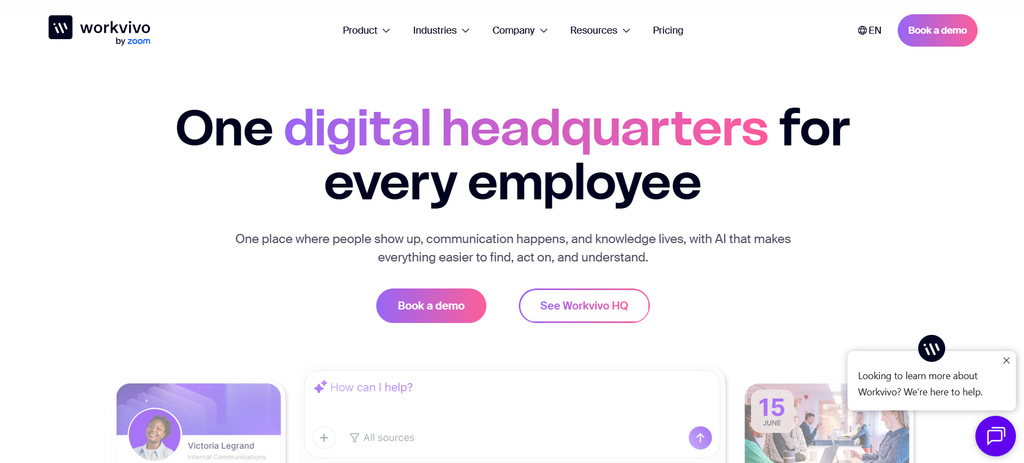
Best for: Companies that want workplace communication to include employee participation, recognition, and community.
Some employee communication platforms are designed mainly around publishing.
Management has something to say. Employees receive it. Job done.
Workvivo leans more heavily toward interaction.
The platform combines company communication with employee posts, recognition, community participation, knowledge, and a social-style experience. Its Workvivo HQ product includes communication and engagement features, AI-assisted content creation, publishing controls, and content workflows.
Optional capabilities cover AI-powered search and action, employee listening, chat, deeper analytics, and Workvivo TV for workplace screens.
Employees can use the service on smartphones, tablets, and desktops.
This makes Workvivo interesting when the goal is to create more employee participation around internal communication rather than treating the employee app primarily as a corporate broadcasting tool.
Of course, participation is only valuable if employees actually have time and reason to participate. A social employee experience that works beautifully in a software company may function differently in a warehouse or hospital.
That is worth testing with real workers rather than assuming that engagement patterns transfer neatly between industries.
Compared with Beekeeper, Workvivo is more oriented toward communication, community, culture, recognition, and knowledge. Organizations that depend heavily on frontline forms, checklists, workflow automation, or operational processes should compare those functions carefully.
Pricing: Workvivo uses customized pricing based on licensing and company requirements. Its pricing page does not publish a standard per-user starting price. A free trial is not currently offered.
Choose Workvivo when: Employee participation, recognition, community, knowledge access, and social communication are central to the project.
5. Connecteam
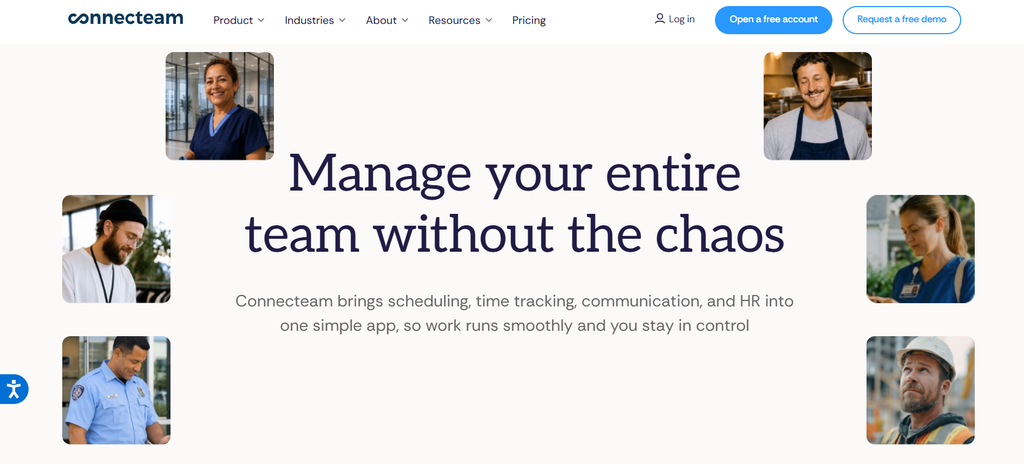
Best for: Small and midsize frontline organizations that need workforce operations and communication in the same mobile environment.
Connecteam is probably the clearest example in this list of a product that approaches the problem from the operational side.
Its platform is divided into three main areas:
- Operations
- Communications
- HR & Skills
The Communications Hub includes chat, company updates, surveys, events, an employee directory, a knowledge base, and help desk functions.
The Operations Hub adds tools including employee scheduling, time clocks, tasks, and forms.
HR & Skills covers training, onboarding, documents, recognition, time off, and related employee functions.
That mix can make Connecteam particularly relevant for businesses where “communication” and “doing the work” are difficult to separate.
Consider a cleaning company. A supervisor may need to tell someone where to work, confirm when they arrived, send instructions, collect a completed checklist, and document an issue. Those activities sit closer together than they would for an office employee reading company news.
Restaurants, construction firms, retailers, field-service businesses, and similar employers may find the same thing.
Pricing: On annual billing, the Communications Hub currently starts at $29 per month for the first 30 users on the Basic plan, $49 for Advanced, and $99 for Expert. Charges for additional users vary by tier. Connecteam also has a free Small Business plan for organizations with fewer than 10 employees.
Choose Connecteam when: Scheduling, attendance, tasks, training, forms, and everyday workforce operations need to sit close to employee communication.
6. Firstup
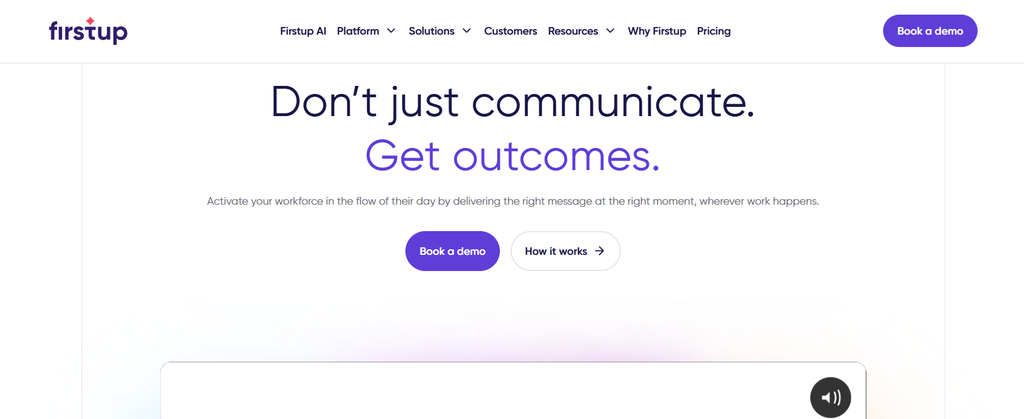
Best for: Large organizations that need personalized employee communication across several channels.
Firstup focuses less on creating one employee destination and more on deciding who should receive which communication, through which channel, and when.
Its platform supports mobile apps, web experiences, email, and digital signage.
Organizations can build employee audiences using attributes and behavioral information, then target campaigns more precisely. Firstup can also retarget employees who have not engaged with a communication.
That may sound like a small technical feature, but it points to a bigger difference in philosophy.
In a distributed workforce, sending a message is not the same as reaching someone.
A safety update emailed to 8,000 people has technically been distributed. If 3,000 frontline employees rarely open email, the communication problem is still sitting there.
Firstup is designed around that delivery and measurement problem.
Its 2026 releases include richer mobile push notifications, printable campaign PDFs with QR codes, and AI-related search capabilities. Printable communication with QR access is particularly relevant in manufacturing, healthcare, logistics, and other workplaces where posters and shared physical spaces remain part of internal communication.
Compared with Beekeeper, Firstup has a stronger emphasis on communication orchestration, targeting, campaigns, and measurement. Beekeeper extends further into frontline operational workflows.
Pricing: Firstup offers different capability levels, but public pricing does not show standard dollar amounts. Buyers need a custom proposal.
Choose Firstup when: Your priorities include audience targeting, employee journeys, multiple communication channels, retargeting, and detailed measurement across a large workforce.
7. Simpplr
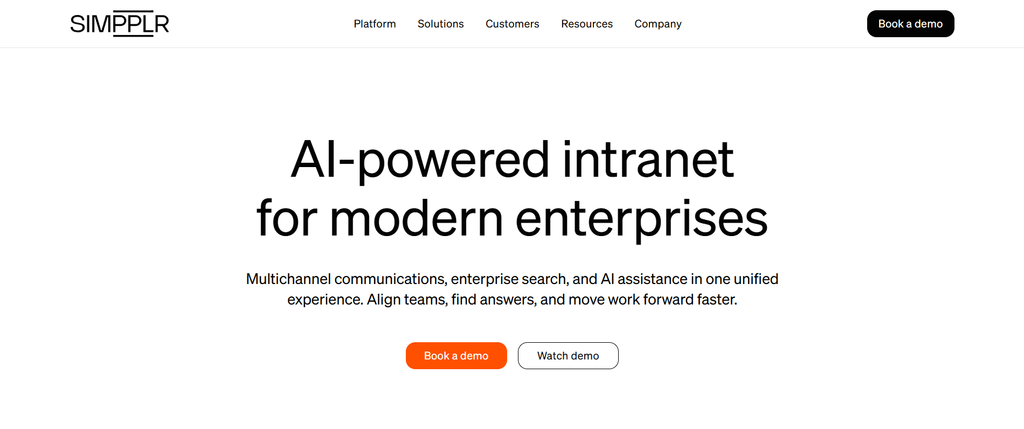
Best for: Organizations looking for an employee intranet, communication platform, AI search, and employee self-service in a single experience.
Simpplr approaches the frontline question through a broader employee experience platform.
Its communication capabilities can reach workers through mobile, desktop, chat, email, and workplace displays. The mobile experience gives employees access to personalized content, search, workplace resources, recognition, news, and other company information.
Simpplr also promotes an AI Assistant that can answer employee questions about areas such as benefits, payroll, workplace resources, and shift management when the relevant information systems are connected.
That makes Simpplr especially interesting when the project is bigger than “we need a frontline communication app.”
Perhaps the company also wants to replace an intranet, improve enterprise search, reduce repetitive HR questions, or give employees one place to find company information.
Those requirements start to change the comparison.
An organization concerned mainly with shift scheduling, operational tasks, or checklists may find Connecteam or Beekeeper closer to its needs. A company looking at its wider digital workplace may see more value in Simpplr’s approach.
Pricing: Simpplr uses customized, volume-based pricing. Its subscription includes technical support, customer success assistance, and training, while additional services may be priced separately.
Choose Simpplr when: Your employee app project also includes intranet modernization, enterprise search, employee resources, and self-service.
Beekeeper alternatives compared by feature
| Capability | HubEngage | Staffbase | Blink | Workvivo | Connecteam | Firstup | Simpplr |
|---|---|---|---|---|---|---|---|
| Mobile employee app | Yes | Yes | Yes | Yes | Yes | Yes | Yes |
| Frontline communication | Yes | Yes | Yes | Yes | Yes | Yes | Yes |
| Chat/messaging | Yes | Yes | Yes | Available | Yes | Communication focused | Available |
| Surveys/feedback | Yes | Available | Yes | Available | Yes | Yes | Yes |
| Recognition | Yes | Available | Available | Yes | HR Hub | Varies by configuration | Yes |
| Digital signage | Yes | Yes | Not a primary focus | Workvivo TV | Not a primary focus | Yes | Available |
| Operational workforce tools | Limited | Some frontline functions | Some forms/journeys | Limited | Extensive through Operations Hub | Limited | Limited |
| AI functions | Yes | Yes | Yes | Yes | Selected features | Yes | Yes |
| Public entry price | No | No | Yes | No | Yes | No | No |
Capabilities can depend on package, add-ons, geography, configuration, or contract.
A practical way to compare Beekeeper alternatives
Feature matrices are useful up to a point.
The problem is that almost every mature platform eventually accumulates enough checkmarks to look impressive.
A better comparison asks whether the product fits the workforce.
One way to do that is the Syssn Frontline App Fit Model, an editorial evaluation method rather than an established industry standard.
Score each product from 0 to 2 across five areas. The maximum score is 10.
1. Reach
Can employees actually receive information during their normal workday?
- 0: The platform depends mainly on desktop access or corporate email.
- 1: Mobile access works, but some worker groups require workarounds.
- 2: The product supports channels employees already use reliably.
This sounds obvious, yet organizations regularly buy communication software based on what administrators like rather than what employees can realistically access.
2. Access
How difficult is it for an employee to start using the platform and keep using it?
Look at:
- Corporate email requirements
- Personal-device policies
- Shared-device support
- QR-code enrollment
- Single sign-on
- Language support
- Password recovery
- Device changes
- Authentication requirements
A platform can have excellent features and still fail because login friction becomes the real employee experience.
3. Action
What can an employee do after reading a message?
Can they:
- Acknowledge a safety notice?
- Submit a form?
- Search for a policy?
- Answer a survey?
- Complete a task?
- Make a request?
- Contact a manager?
- Complete a workflow?
Communication becomes far more useful when employees can act on information rather than simply receive it.
4. Manager workload
Does the platform reduce repetitive work for frontline managers?
Many companies have an unofficial communication system built around supervisors.
Corporate sends an announcement. Regional managers forward it. Store managers explain it. Shift supervisors remind everyone. Someone prints it and tapes it near the break room.
Technology should reduce some of that repeated administrative work.
At the same time, software should not assume that every management decision can be automated. Frontline managers still need room for judgment when local context matters.
5. Cost clarity
Can you calculate what the platform will cost over three years?
Look beyond the advertised license price.
Include:
- User licenses
- Implementation
- Integrations
- Premium modules
- Support
- Training
- SMS usage
- Digital signage
- Contract increases
- Internal administration
- Migration costs
A product that scores 8/10 for your workforce may be a better purchase than one with twice as many listed features but a 5/10 practical fit.
Which Beekeeper alternative fits each type of buyer?
| Your priority | Start by evaluating |
|---|---|
| Communication plus recognition and engagement | HubEngage |
| Large enterprise internal communications | Staffbase |
| Simple mobile-first frontline communication | Blink |
| Social employee communication and community | Workvivo |
| Scheduling plus workforce operations | Connecteam |
| Personalized enterprise communication journeys | Firstup |
| Intranet plus employee self-service | Simpplr |
Treat these as starting points, not universal rankings.
Industry can change the answer considerably.
A hospital may put security, role-based access, personal-device policies, and shift communication near the top of its list.
A retailer may care more about fast employee onboarding, location targeting, and manager communication.
A manufacturer may prioritize digital signage, acknowledgements, multilingual communication, safety information, and access for employees without corporate email.
The same platform can look excellent in one environment and strangely inconvenient in another.
What should you check before switching from Beekeeper?
If you are replacing Beekeeper, resist the temptation to start by asking vendors to demonstrate their newest features.
Start with your existing workflows.
What are employees actually using today?
1. Inventory your current Beekeeper use
Document the parts of Beekeeper that are actively used, including:
- Streams
- Chats
- Surveys
- Forms
- Workflows
- Tasks
- Documents
- Employee groups
- Integrations
- Administrator roles
Also identify what employees ignore.
Unused functionality can be surprisingly useful information during a migration. There is little value in recreating a process nobody wanted in the first place.
2. Separate communication from operations
This distinction can quickly narrow your shortlist.
Publishing a shift safety notice is communication.
Requiring an employee to inspect equipment, complete a checklist, submit the result, and trigger an approval is an operational workflow.
Those tasks may appear beside each other in Beekeeper, but a replacement product may handle one much better than the other.
3. Test with actual frontline employees
Do not let the entire evaluation happen between software vendors, IT teams, HR leaders, and communications managers.
Give the product to the people who will use it during a real shift.
Ask employees working in stores, warehouses, hotels, hospitals, factories, vehicles, construction sites, or customer locations to complete realistic tasks.
Can they sign in?
Can they find information quickly?
Do notifications arrive at useful times?
Can they recover an account without calling IT?
Does the app work naturally on the device they actually carry?
A polished demo in a conference room does not answer those questions.
4. Compare adoption requirements
Ask every shortlisted vendor how employees:
- Receive credentials
- Activate accounts
- Reset passwords
- Change devices
- Use translations
- Receive urgent notifications
- Access the platform without corporate email
- Use shared devices
- Manage personal-device privacy
Frontline adoption often depends on these apparently small details.
5. Build a migration map
Before ending your Beekeeper contract, decide what will happen to:
- Historical content
- Employee profiles
- Groups
- Documents
- Survey results
- Recognition records
- Workflows
- Forms
- Integrations
- Reporting data
Ask what can be exported, what format it comes in, and which information cannot be transferred cleanly.
You do not want to discover after the contract expires that the data you expected to move is no longer easily accessible.
Frequently asked questions about Beekeeper alternatives
What are the best alternatives to Beekeeper in 2026?
HubEngage, Staffbase, Blink, Workvivo, Connecteam, Firstup, and Simpplr are seven relevant alternatives to Beekeeper in 2026.
HubEngage is a good starting point for communication plus employee engagement. Staffbase suits large enterprise communication teams. Blink is strong for simple mobile-first frontline communication. Workvivo focuses more on participation and community. Connecteam adds workforce operations. Firstup focuses on targeted communication journeys, while Simpplr combines communication with intranet and employee self-service capabilities.
Which Beekeeper competitor is best for frontline employees?
There is no single answer because “frontline employee” covers very different working environments.
HubEngage is worth considering when multi-channel communication, recognition, surveys, messaging, and employee engagement are important.
Blink has a particularly strong mobile-first frontline focus.
Connecteam should be high on the shortlist when employee scheduling, time tracking, and operational management are part of the project.
How much does Beekeeper cost?
Beekeeper does not currently provide a standard public list price through its former pricing URL. The page now redirects to LumApps following the companies’ merger.
Organizations considering Beekeeper should request current information covering licenses, implementation, modules, support, renewal terms, and other contract costs directly from the vendor.
Is there a cheaper alternative to Beekeeper?
Possibly, although you need a current Beekeeper quote before making a fair comparison.
Blink publishes Core pricing starting at $3.75 per user per month on annual billing.
Connecteam’s Communications Hub starts at $29 per month for the first 30 users when billed annually.
Public pricing makes initial budgeting easier, but the cheapest subscription is not automatically the cheapest deployment. Implementation, integrations, administration, and add-ons can materially change the total.
How does Beekeeper compare with Staffbase?
Beekeeper has a stronger frontline operational orientation, with features including forms, workflows, tasks, messaging, and employee services.
Staffbase focuses more heavily on structured enterprise communication, employee apps, intranet experiences, governance, publishing, and personalization.
Your choice largely depends on whether the project starts with frontline operations or enterprise internal communication.
Is Blink a good alternative to Beekeeper?
Yes, particularly when mobile communication, quick employee activation, messaging, knowledge access, and transparent pricing are more important than deeper workflow automation.
Blink can also support employee onboarding without requiring every worker to have a corporate email account.
What is the difference between Beekeeper and Connecteam?
Both serve frontline workforces, but their emphasis differs.
Connecteam places substantial weight on operational workforce management through its Operations, Communications, and HR & Skills hubs. Those products cover areas including scheduling, time tracking, tasks, forms, training, and employee communication.
Beekeeper combines communication with frontline workflows, forms, tasks, employee services, and engagement inside its frontline platform.
What features should a frontline employee app include?
At minimum, evaluate:
- Mobile access
- Targeted announcements
- Push notifications
- Messaging
- Search
- Multilingual communication
- Document access
- Feedback tools
- Analytics
- Authentication
- Security
- Integrations
If employees will also use the app to perform work, add:
- Forms
- Acknowledgements
- Tasks
- Scheduling
- Training
- Approvals
- Workflow automation
The distinction is useful because communication software and operational software sometimes look surprisingly similar on a product page. They feel very different halfway through a busy shift.
Final verdict
Choosing a Beekeeper alternative becomes easier once you stop treating every product as a direct substitute.
HubEngage is a practical first choice for organizations that want communication alongside recognition, surveys, social interaction, messaging, AI search, and several ways to reach employees.
Staffbase is well suited to large, structured internal communication programs.
Blink offers a straightforward mobile-first approach with public pricing.
Workvivo puts more emphasis on communication, recognition, community, and employee participation.
Connecteam is particularly relevant when scheduling, time tracking, training, forms, and daily workforce operations are part of the requirement.
Firstup focuses on personalized enterprise communication, targeting, journeys, and measurement.
Simpplr fits organizations whose employee-app project also includes intranet modernization, employee search, and self-service.
There is one final question worth asking before the demonstrations, pricing calls, procurement forms, and feature matrices take over.
If you handed the app to an employee halfway through a normal shift, with no vendor representative standing beside them, could they actually use it?
That may tell you more about the right Beekeeper alternative than another hundred checkmarks in a comparison table.