
What Is Local Listings Management?

A store changes its Sunday closing time from 9 PM to 7 PM.
Inside the company, everybody knows. The staff schedule has changed. The manager knows. Operations knows.
Google still says 9 PM.
That small gap is basically the problem local listings management exists to solve.
Local listings management is the ongoing process of keeping business-location information accurate across Google, Apple, Bing, maps, directories, navigation services, social platforms, and other places customers use to find a business.
Local listing management software helps companies do this at scale. It stores approved information such as the business name, address, phone number, hours, categories, URLs, and attributes in one place and distributes supported changes to connected publishers.
The software part is relatively easy to understand.
The harder part is deciding which information is correct, who can change it, who approves sensitive updates, whether publishers actually accepted those updates, and what happens when something goes wrong.
That is where listings management becomes an operating process rather than another marketing tool.
What is local listings management?
Local listings management means maintaining accurate information about each business location wherever customers might encounter it online.
The basic record starts with NAP:
- Name: The business name customers see in the real world.
- Address: The physical location or approved service-area information.
- Phone number: The number customers should use to contact that location.
But modern profiles contain much more than NAP.
A listings team may also manage:
- regular opening hours;
- holiday and special hours;
- business categories;
- website and location-page URLs;
- services;
- menus;
- appointment and ordering links;
- photos;
- accessibility information;
- payment attributes;
- service areas;
- map coordinates;
- temporary closures;
- permanent closures.
Google’s Business Profile guidelines, for example, ask businesses to use their real-world name, accurate location or service area, appropriate categories, customer-facing contact information, and correct opening hours.
None of this sounds particularly complicated until you multiply it by 50, 200, or 2,000 locations.
One restaurant changing its hours is a quick edit.
Two hundred restaurants changing holiday hours becomes a workflow.
Local listing management vs. local listings management
There isn’t a meaningful operational difference between local listing management and local listings management. Both describe the same broad discipline.
The interesting difference is search intent.
In a Syssn US SERP check on September 9, 2026, the plural term appeared more informational, while the singular version leaned somewhat more toward software and service pages.
That could change. Search results vary by user, location, device, wording, and Google’s own testing.
Still, the distinction is useful when planning content.
| Search phrase | Likely intent | Useful content |
|---|---|---|
| local listings management | Understand the discipline | Topic guide |
| local listing management | Understand the category or find a provider | Category guide |
| local listing management software | Compare products | Buyer’s guide |
| local listings management services | Find outsourced support | Service comparison |
| local listings management strategy | Build a process | How-to guide |
For this page, the important question is what the process actually involves.
What work sits inside a local listings management program?
When listings management works well, six things are happening behind the scenes.
1. Keep one approved record for every location
Each location needs an authoritative record.
For a large company, that record might contain dozens of fields, but a useful starting point includes:
- location ID;
- business name;
- address;
- phone number;
- website;
- opening hours;
- special hours;
- primary category;
- approved secondary categories;
- opening or closure status.
A stable location ID becomes surprisingly valuable.
Two branches can have almost identical names. A store can relocate without becoming a completely different business. One property may contain several legitimate departments.
Names get messy. IDs give systems something stable to work with.
But even a perfect database cannot solve every problem.
Suppose the listings platform says a pharmacy closes at 9 PM while the operations system says 10 PM. Which one wins?
The software cannot know.
Somebody has to decide which system contains the truth.
2. Control access to important profiles
Using distribution software does not remove the need to control publisher accounts.
Google Business Profile, Apple Business, Bing Places, Facebook, Yelp, and specialist directories all have their own account, connection, and verification processes.
A company should know:
- who owns each publisher account;
- who has administrator or manager access;
- whether an agency still has access;
- what happens when an employee leaves;
- who handles verification problems;
- how access transfers when vendors change.
Franchise businesses make this more complicated.
A franchisee may have created and controlled a Google profile years before the corporate team introduced centralized listings management.
Suddenly the technical problem is also a permissions problem.
3. Publish approved changes
This is where central listings software becomes genuinely useful.
Imagine 120 stores will close at 6 PM on December 24.
You could ask 120 managers to update their profiles individually.
Some will do it immediately. Some will forget. Someone will accidentally enter 6 AM. Nobody at headquarters will have a reliable view of what actually happened.
A managed workflow is simpler:
- Collect the holiday schedule.
- Validate affected locations.
- Approve the change.
- Send it to connected publishers.
- Review publishing status.
- Investigate failures.
There is one important detail here.
Sending an update is not the same as publishing it.
Synup’s August 27, 2026 documentation describes the process in stages: a user saves an update, Synup sends it, and each publisher processes it according to its own systems and timing.
That distinction applies more broadly.
Your listings platform may control when information is submitted. Google, Apple, Bing, and other destinations usually control when that information becomes publicly visible.
4. Find and resolve duplicates
Duplicates seem simple until you have to decide whether one is actually a duplicate.
Two listings with similar names at the same address might represent:
- the same business twice;
- a separate department;
- an individual practitioner;
- a former tenant;
- another branch;
- a genuinely separate company.
Automation is useful for finding suspicious records.
It is much less useful when it confidently removes the wrong one.
Synup’s current duplicate workflow illustrates the distinction well. Its system can identify possible duplicates and assign an AI-generated match confidence, but users are still directed to inspect the publisher record before requesting removal.
That is a sensible approach.
A confidence score should tell you where to look. It should not automatically turn an uncertain match into a deletion.
5. Maintain publisher-specific information
A central source of truth does not mean every platform receives an identical record.
Google has its own categories, attributes, links, services, and profile features.
Apple structures business information differently.
Bing has its own controls.
So a useful listings system normally needs two kinds of information:
Master data: Information that should stay consistent across publishers.
Publisher-specific data: Information that only applies to, or must be formatted for, a particular destination.
This distinction becomes more important as business profiles become richer.
A phone number should usually be consistent everywhere.
A particular profile attribute may not even exist everywhere.
6. Measure what happened after the update
I would be cautious about evaluating listings software by the number of directories it can theoretically reach.
A company can say it distributes to 150 or 200 destinations. That sounds impressive.
But if your wrong Christmas hours are still showing on the platform most customers actually use, the directory count is not helping much.
A more useful reporting view asks:
- Are our most important profiles controlled?
- Are they connected?
- Are approved updates actually live?
- How many publishing errors remain?
- How old are unresolved problems?
- Are duplicate cases being closed?
- How quickly can we correct bad information?
- What do customers do after finding the profile?
Google Business Profile currently reports activity such as profile views, direction requests, calls, website clicks, and bookings where supported.
Those numbers tell a more useful story than “data submitted successfully.”
The Syssn Source-to-Outcome Listings Model
One way I find useful to think about listings management is to stop treating publication as the final step.
Syssn’s Source-to-Outcome Listings Model uses five layers:
| Layer | Main question | Typical owner |
|---|---|---|
| Source | Where does the correct fact originate? | Operations, location manager, data team |
| Decision | Who approves the change? | Marketing, operations, regional manager |
| Distribution | How does it reach publishers? | Listings software or service |
| Verification | Did the public profile change? | Listings team, software, agency |
| Outcome | Did customers act on it? | Marketing, analytics, leadership |
This is a Syssn editorial framework rather than an established industry standard.
But it helps expose something listings software can sometimes make easy to forget.
Source
The person closest to an operational change often knows about it first.
A store manager knows the building lost power.
A clinic manager knows a department has temporarily closed.
A restaurant manager knows the kitchen will stop serving early.
The central marketing system probably does not know any of that until somebody reports it.
Decision
Knowing something changed does not necessarily mean the change should automatically appear everywhere.
Changing holiday hours is relatively routine.
Changing the primary category of a location, permanently closing it, renaming it, or deleting a suspected duplicate deserves more care.
The useful question becomes:
Which changes can flow automatically, and which need someone to make a judgment?
Distribution
Once the answer is approved, machines are very good at repetition.
There is little value in asking a person to enter the same closing time into dozens of dashboards when software can distribute an approved value.
Verification
This is the part that is easy to overlook.
Submission is not completion.
If an update fails, somebody needs to know.
If a profile becomes disconnected, somebody needs to reconnect it.
If a publisher rejects a field, somebody has to investigate why.
Automation often removes repetitive work while creating a much smaller queue of exceptions that still need attention.
That is a good trade, provided somebody owns the queue.
Outcome
Eventually a listings program should reach the customer.
Did they call the correct branch?
Did they arrive while the store was open?
Did they request directions?
Did they visit the location page?
Did they book an appointment?
Correct data is operational hygiene. Customer activity is the result you ultimately care about.
Where should AI act in listings management?
AI is becoming more visible inside local-marketing software in 2026.
The temptation is to ask whether AI can “manage listings.”
That question may be too broad.
A better one is: what kind of work are we asking it to manage?
AI and automation are useful for work such as:
- finding missing fields;
- identifying possible duplicates;
- grouping similar problems;
- detecting disconnected profiles;
- scheduling approved holiday hours;
- distributing approved information;
- summarizing large exception queues;
- preparing routine recommendations.
I would be more cautious when the decision involves:
- permanent closures;
- disputed ownership;
- ambiguous duplicate records;
- major category changes;
- conflicting internal data;
- unusual service-area arrangements;
- rebrands;
- regulated business information.
The dividing line is fairly practical.
When the correct answer is already known, automation can repeat it.
When the system has to decide what the correct answer should be, a defined review step makes sense.
Synup’s Sydekick product is one current example of AI moving into this part of local marketing, while Synup’s approval workflows can keep selected work pending until somebody approves it.
That combination may tell us more about the future of listings software than fully autonomous publishing does.
The interesting question is no longer whether software can change a profile.
It clearly can.
The question is who gets to decide which changes deserve trust.
How does local listings management support Google Search and Maps?
Local listings management gives businesses a controlled way to maintain the information represented in Google Business Profile.
That can include:
- bulk profile changes;
- holiday hours;
- new location openings;
- relocations;
- closures;
- profile completeness;
- duplicate investigation;
- account connection monitoring.
There is an important boundary here.
Listings software does not guarantee higher Google rankings.
Accurate and complete business information is part of maintaining a useful Business Profile, but buying a listings product does not buy a particular position in local search.
The software manages information.
Google controls its ranking systems.
Those are two different jobs.
What changed with Apple listings in 2026?
Apple changed its business platform during 2026.
Apple announced Apple Business on March 24, 2026, and made it available on April 14.
Apple Business replaced Apple Business Connect, Apple Business Manager, and Apple Business Essentials. Existing Business Connect location data, place-card information, photos, organization details, and account information were migrated.
For listings teams, Apple Business can manage information including:
- business details;
- opening hours;
- photos;
- customer actions;
- brand information.
Apple also reports location interactions such as searches, views, and action taps.
This means guides still telling businesses to log into Apple Business Connect may now be using outdated terminology.
What changed with Bing Places?
Microsoft rebuilt Bing Places for Business in October 2025.
The current experience operates under the Bing.com domain rather than the older BingPlaces.com interface.
Businesses can use it to create and manage listings appearing in Bing Search and Bing Maps, including business hours, imported information, photos, and profile claims.
The interface changed.
The operational principle did not.
If a company changes a phone number, it should not become a sequence of “Google was updated today, and hopefully someone remembers Bing later.”
One approved change should enter one controlled workflow.
Software or managed listings services?
Sometimes the question is not which software to buy.
It is whether your team actually wants to do the work.
| Choose software when | Consider a managed service when |
|---|---|
| Someone internally owns listings | Nobody owns day-to-day maintenance |
| Changes happen frequently | You have a large cleanup backlog |
| You need bulk editing | Duplicate investigations consume staff time |
| You want internal approval controls | You want outside help resolving exceptions |
| Your team can handle publisher issues | Publisher follow-up is becoming a burden |
| You need integrations or APIs | Your organization lacks listings experience |
Some businesses use both.
BrightLocal, for instance, separates Active Sync for ongoing synchronization on selected publishers from Citation Builder for additional citation creation and correction.
Data Axle provides centralized submission and distribution.
The important question is not whether a vendor calls itself software, service, platform, or something else.
Ask who actually performs the work when an update fails at 200 locations.
That tends to make the distinction much clearer.
Local listing management software to consider in 2026
Several platforms approach the problem differently.
1. Synup
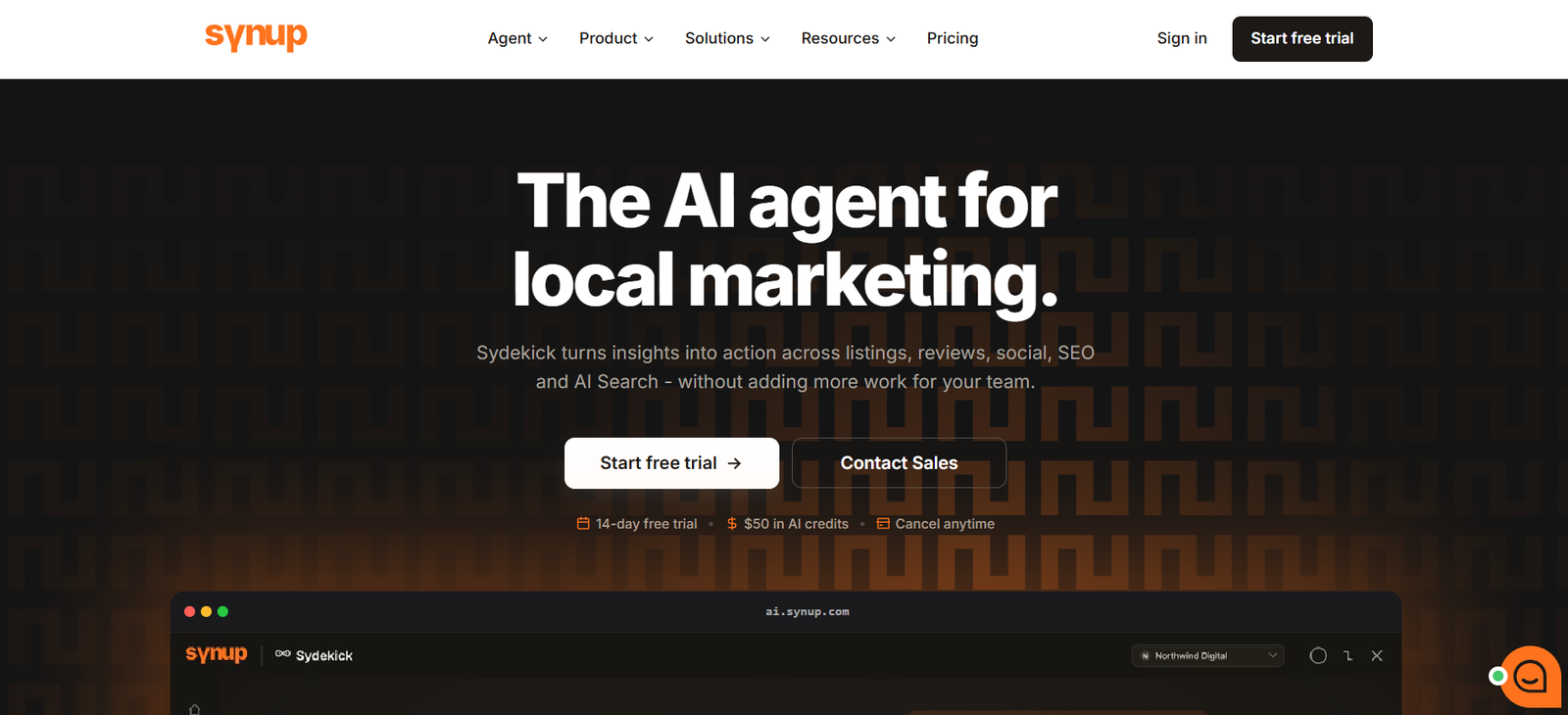
Synup provides centralized listings management for agencies, resellers, multi-location brands, and businesses managing large numbers of public location records. Its current platform supports Google Business Profile, Apple, Bing, Facebook, Yellow Pages, and a broader publisher network.
Teams can organize locations, make bulk updates, monitor publication, review profile completeness, manage publisher-specific data, and investigate duplicate records. Synup’s August 2026 documentation also describes continuous duplicate detection with AI-generated match confidence that users can review before requesting removal.
The platform now includes Sydekick, an AI agent working across listings and other local-marketing functions, along with approval workflows for tasks that should not publish immediately.
Buyers should still verify publisher coverage in the countries where they operate, supported fields, connection requirements, and which updates remain dependent on publisher processing.
2. Yext

Yext is aimed largely at organizations that need structured location-data distribution across a large publisher network. Its current Listings product states that it supports more than 200 direct integrations, including major services such as Google, Apple Maps, and Yelp.
The platform also documents structured location records, role-based approvals, audit trails, and workflows suited to organizations managing large numbers of locations.
Network size should not be the only evaluation criterion. A company with 2,000 locations should test how rejected updates, permission changes, exports, APIs, and publisher exceptions work under realistic conditions.
The useful demo is rarely the perfect address update.
It is the update that fails.
3. Uberall
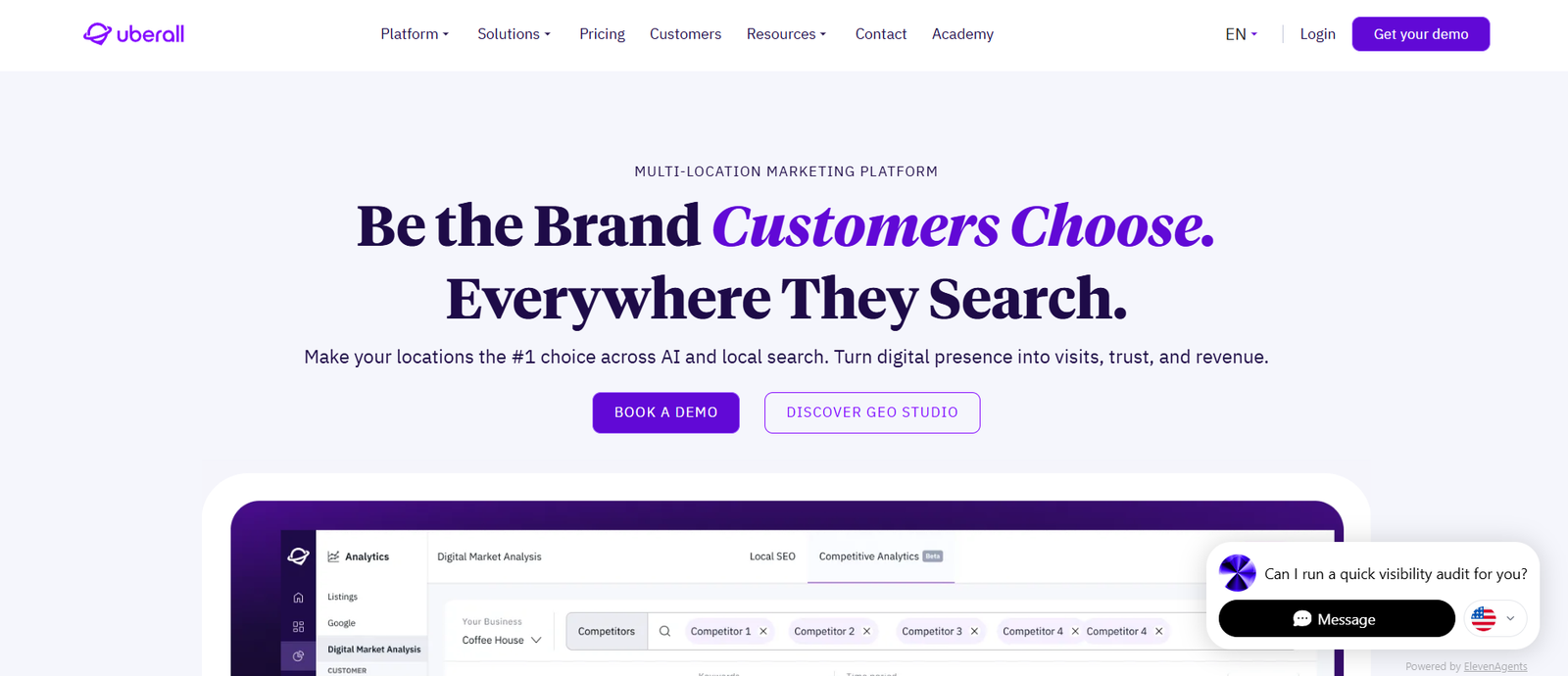
Uberall provides listings management for multi-location businesses and says its network covers more than 150 platforms, including Google, Apple Maps, Facebook, Instagram, Bing, TomTom, and Waze.
Its platform supports centralized location updates, API-based synchronization, duplicate suppression, and related local-search functions.
For franchise systems and large location networks, the important test is how well central control works when local information keeps changing.
During a trial or demonstration, ask someone to change holiday hours for dozens of locations, locate a disconnected profile, inspect a possible duplicate, and identify exactly where failed updates appear.
That exercise tells you more than a feature checklist.
4. BrightLocal
BrightLocal takes a more modular approach.
Its Active Sync product keeps selected major listings synchronized, while Citation Builder handles creation and correction across additional sites.
That structure can make sense for businesses that do not need every directory managed as a permanently synchronized record.
BrightLocal also updated its Location Manager during 2026, including its Connect & Sync interface and Data Axle integration for eligible Citation Builder customers.
Before choosing this model, decide which profiles require continuous synchronization and which citations only need periodic maintenance.
5. Semrush Local

Semrush Local combines Listing Management with Google Business Profile tools, review management, and local rank tracking.
Businesses can create locations by connecting Google Business Profile or entering location information manually. Semrush then distributes supported data, monitors listings, applies edits, checks for duplicates, handles user suggestions, and reports listing status.
Its duplicate workflow distinguishes between possible duplicates, records being processed, suppressed listings, and cases that cannot automatically be suppressed.
That can make Semrush Local particularly relevant to marketing teams already using the wider Semrush product set.
As with every provider here, buyers should check current country coverage, publisher support, pricing structure, and the amount of work that still requires somebody on their own team.
How should you build a local listings management strategy?
Software works better once the operating rules are clear.
A practical strategy has seven parts.
1. Decide which system owns each field
Document where approved names, addresses, phone numbers, hours, categories, services, and closure statuses originate.
If two systems disagree, people should already know which source takes priority.
2. Give local managers a reporting process
Location managers often discover changes first.
Give them a simple way to report temporary closures, altered hours, renovations, phone problems, accessibility changes, and other operational updates.
They should not need administrator access to every publisher.
3. Define approval levels
Routine changes might include:
- holiday hours;
- approved photos;
- temporary service changes.
Higher-risk changes might include:
- business names;
- primary categories;
- relocations;
- permanent closures;
- duplicate removal.
4. Rank publishers by importance
Google, Apple, and Bing are obvious starting points for many companies.
After that, priorities depend on your customers.
Industry directories, review platforms, navigation services, and local directories may matter differently by market.
Do not turn the biggest possible directory count into the goal.
5. Use one publication workflow
Every update should follow roughly the same path:
Receive → validate → approve → distribute → verify → resolve
The details may vary, but the ownership should not be mysterious.
6. Give the exception queue an owner
Failures should not sit indefinitely.
Useful exception categories include:
- verification issues;
- duplicates;
- publisher rejection;
- disconnected accounts;
- conflicting information;
- ownership disputes;
- missing profiles.
7. Separate operational metrics from customer outcomes
Operational reporting tells you whether the listings program is healthy.
Customer reporting tells you what people do with those listings.
Both matter.
Confusing them leads to odd conclusions, such as treating “successfully submitted” as evidence that customers actually saw the correct information.
What should you measure?
A mature listings program might track:
| Measure | What it tells you |
|---|---|
| Priority profiles controlled | Whether important profiles are under your control |
| Profiles connected | Whether your system can manage supported publishers |
| Approved changes published | Whether requested changes became visible |
| Unresolved errors | How much work remains |
| Duplicate backlog | How much cleanup is outstanding |
| Age of unresolved cases | Whether problems are being ignored |
| Change turnaround time | How quickly corrections reach customers |
| Direction requests | Whether people are trying to reach locations |
| Calls | Whether profile visitors contact locations |
| Website clicks | Whether people continue to owned web pages |
| Bookings | Whether supported profile visits progress to appointments |
The first group tells you whether the machine is working.
The second tells you what people did after encountering it.
What should you ask before buying listings software?
During a demo, I would ask questions such as:
- Which publishers are supported in each country where we operate?
- Which connections are direct?
- Which fields can we control on Google, Apple, and Bing?
- How do rejected changes appear?
- How are possible duplicates reviewed?
- Can local managers receive restricted permissions?
- Can sensitive changes require approval?
- Who owns the publisher accounts?
- How are openings, relocations, and closures handled?
- What happens to listings after we cancel?
- Can we export our data?
- What APIs are available?
- What reporting comes with the plan?
- Which tasks require vendor support?
- Which tasks still require our own employees?
The answers usually reveal much more than asking whether the platform “supports AI” or “connects to hundreds of directories.”
Frequently asked questions
What is local listings management?
Local listings management is the ongoing process of maintaining accurate business-location information across Google, Apple, Bing, maps, directories, navigation platforms, and other local-discovery services.
What is local listing management software?
Local listing management software stores approved business information centrally and sends supported data to connected publishers. It may also provide bulk editing, duplicate detection, monitoring, reporting, and workflow controls.
What does NAP mean?
NAP stands for name, address, and phone number. These fields form the basic identity record of a local business listing.
Does listings management improve Google rankings?
Listings management can help businesses keep profile information accurate and complete, but using listings software does not guarantee any particular local-search ranking.
Can AI manage listings automatically?
AI can handle or assist with repetitive work, problem detection, classification, recommendations, and approved updates. Sensitive or ambiguous changes are better handled through defined review processes.
Do small businesses need listings software?
Not always.
A single-location company with infrequent changes may be able to manage its major profiles directly.
Software becomes more useful when locations multiply, changes become frequent, several people need access, duplicates accumulate, or central reporting becomes necessary.
Final takeaway
The more I look at local listings management, the less it seems to be about directories.
Directories are simply where the information ends up.
The real work happens earlier.
Who knew that the store was closing early? Where did they record it? Who decided the change was correct? Who approved it? Did the software send it? Did Google accept it? Did somebody notice when another publisher rejected it?
For one location, you can solve most of those questions informally.
For 300 locations, informal processes begin turning into customer-facing mistakes.
That is where listings management software earns its place. It gives companies a way to store approved information, repeat changes consistently, monitor what happened, and reduce the amount of manual work involved.
But the software cannot remove every decision.
As AI becomes more capable of finding problems and carrying out routine tasks, listings teams may spend less time asking, “Can this update be automated?”
The more interesting question may become:
Which decisions are we comfortable allowing the system to make on our behalf?



[…] For a broader explanation of how location data gets distributed and maintained, see Syssn’s guide to local listings management. […]
[…] dozens or hundreds of locations. If your network has outgrown manual updates, this broader guide to local listings management explains how the underlying process […]
[…] For a wider explanation of the systems behind this process, Syssn’s guide to local listings management covers how approved business data flows across Google, Apple, Bing, directories, and other discovery services. Local Listings Management: Complete Guide for 2026 […]
[…] For a broader introduction to the discipline itself, see Syssn’s guide to local listings management. […]
[…] broader guide to local listings management goes further into the operating model behind managing location data and publisher exceptions across […]
[…] For a broader explanation of the discipline, see this guide to local listings management. […]
[…] For more background, see Syssn’s guide to local listings management. […]
[…] For broader guidance on keeping information accurate across directories and mapping platforms, see What Is Local Listings Management?. […]
[…] For a broader explanation, see what local listings management involves. […]