
What Is DDQ Automation Software?

The first time you answer a due diligence questionnaire, the process can seem reasonable enough.
Someone sends over a spreadsheet. Security answers the security questions. Legal handles the contractual ones. Privacy deals with data processing. A few people search through old questionnaires to see whether the company has answered the same questions before.
Then another DDQ arrives.
And another.
Before long, people are answering some version of the same 150 questions in slightly different wording, while trying to remember whether the answer in last year’s spreadsheet is still accurate.
That repetitive work is the problem DDQ automation software is designed to reduce.
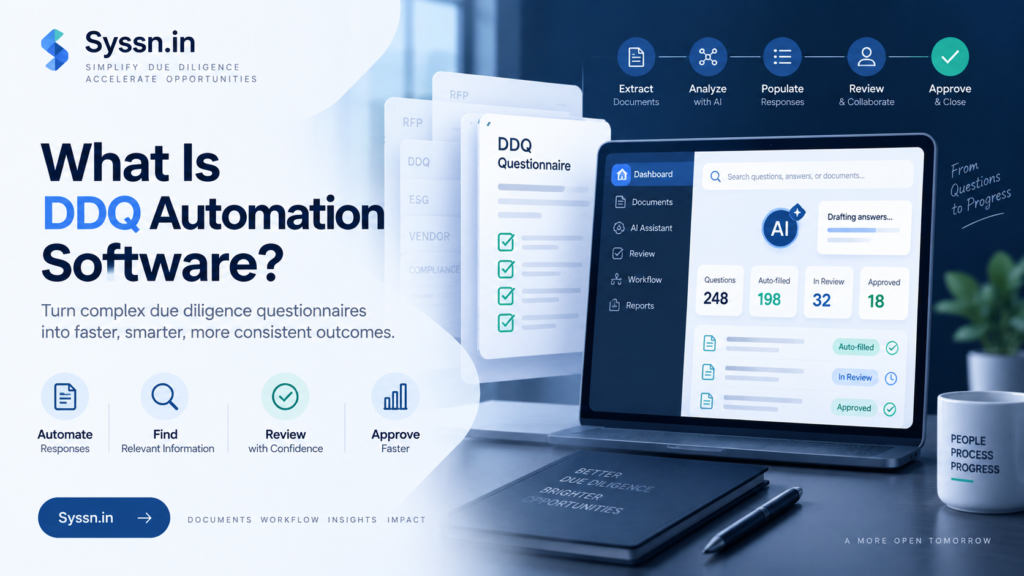
DDQ automation software helps organizations complete due diligence questionnaires by finding approved company information, drafting responses, assigning questions to the right people, managing reviews, tracking changes, and preparing completed questionnaires for submission.
AI can make this process considerably faster, especially when questions repeat. But speed is only useful when the answers remain accurate. The more interesting question when evaluating these tools is therefore not, “How many questions can the AI answer?”
It is: What happens when the answer isn’t obvious?
That is usually where the differences between DDQ platforms start to appear.
What is DDQ automation software?
DDQ automation software manages and automates the work involved in responding to due diligence questionnaires.
Without dedicated software, the process tends to spread across several places:
- old Excel files
- Word documents
- policy folders
- SharePoint
- Google Drive
- compliance platforms
- previous questionnaires
- email threads
- RFP libraries
- people’s memories
A DDQ platform brings some or all of that material into a searchable system.
When a new questionnaire arrives, the software can identify the questions, look for relevant information, reuse previously approved answers, prepare new drafts, and send unanswered questions to the appropriate person.
Most modern DDQ platforms include some combination of:
- questionnaire import
- question extraction
- AI-generated drafts
- approved answer libraries
- document search
- source references
- assignments
- approval workflows
- version history
- access permissions
- questionnaire exports
- status reporting
The most useful distinction, in my view, is whether the software treats a generated answer as a conclusion or as a proposal.
A fluent answer is easy to produce.
A defensible answer is harder.
If the platform says your organization encrypts all customer data at rest, can you see the document supporting that statement? Is that document current? Does it apply to every product? Was the answer originally written for a different customer?
Those questions sound less impressive in a product demo, but they matter much more once the response is leaving your organization.
What is a due diligence questionnaire?
A due diligence questionnaire, or DDQ, is a structured set of questions used to evaluate an organization before or during a business relationship.
They appear in many situations.
A large company buying software might send a vendor a DDQ covering:
- encryption
- access controls
- privacy
- subprocessors
- disaster recovery
- data retention
- incident response
- compliance certifications
An investor evaluating an asset manager might ask about:
- governance
- investment strategy
- conflicts
- valuation
- risk management
- operations
- service providers
- compliance
A procurement team might review a supplier’s financial stability, insurance, legal structure, security practices, sustainability policies, or operational resilience.
This is an important distinction because DDQs are often treated as though they were simply long security questionnaires.
They aren’t.
The Alternative Investment Management Association, for example, has published DDQ materials for more than 20 years. Its current materials include investment-manager and private-credit questionnaire modules.
So when you evaluate DDQ automation software, first ask what type of due diligence your organization actually deals with.
A platform built primarily for security questionnaires may perform extremely well for an InfoSec team and still be a poor fit for investment, legal, operational, or commercial diligence.
The label “DDQ automation” tells you less than you might expect.
How does DDQ automation software work?
Most systems follow roughly the same process, although the amount of automation varies.
1. You import the questionnaire
The DDQ usually arrives as an Excel workbook, Word document, PDF, or web-based form.
The software identifies the questions, sections, response fields, tables, and other document structure.
This sounds straightforward until you see a badly formatted 18-tab Excel workbook with merged cells, hidden columns, conditional questions, and instructions written in random places.
That is why file compatibility deserves actual testing rather than a checkmark on a feature page.
Use your own questionnaires during a pilot.
2. The system searches your company information
The platform then searches the material you have made available to it.
That might include:
- previous DDQs
- security policies
- SOC reports
- privacy documentation
- product documentation
- standard legal language
- compliance records
- Google Drive
- SharePoint
- Confluence
- internal knowledge bases
- previous RFP responses
At this stage, the quality of the AI is only part of the equation.
If your documentation contradicts itself, the software has inherited the problem.
If your approved response says data is retained for 30 days but an old policy still says 90 days, retrieval becomes a judgment problem rather than a search problem.
3. AI retrieves evidence and prepares a draft
Suppose the questionnaire asks:
“Is customer data encrypted at rest?”
The system might find a relevant security policy and two previous responses.
It can then draft an answer based on that material.
For routine questions, this can save a lot of time. The employee no longer needs to search three folders, open last quarter’s questionnaire, copy the answer, check whether the wording still applies, and paste it into a new spreadsheet.
But I would look closely at the evidence shown beside the draft.
Can the reviewer see which source was used?
Can they open it?
Can they tell when it was last approved?
Does the system distinguish between a source that fully supports the answer and one that merely mentions a related topic?
That is where a useful drafting tool starts becoming a trustworthy workflow.
4. Uncertain questions go to the right person
A good system should know when it does not have enough information.
That may be one of the most useful things DDQ software can do.
A privacy question might go to legal or privacy.
A disaster-recovery question might go to infrastructure.
A financial commitment might need finance.
A roadmap question could require product approval.
A contractual promise should probably never be decided because an AI found something vaguely similar in a questionnaire from 2024.
Routing sounds less exciting than answer generation, but in real DDQ work it can save almost as much time.
Experts frequently lose time because people ask them questions that belong to someone else or send them an entire 200-question spreadsheet when only six questions require their attention.
5. Reviewers verify the response
Someone still needs to determine whether the answer is:
- correct
- current
- supported
- appropriate for this customer
- properly worded
- approved for external use
Some responses may require almost no editing.
Others may require substantial judgment.
That distinction matters because DDQ automation should reduce repetitive work without creating false confidence around sensitive statements.
6. The questionnaire is exported
Once the answers have been approved, the software can return them to the required format.
This may include Word, Excel, PDF, or another submission workflow.
Web-based procurement portals can be more complicated. Some vendors use browser tools to help complete questionnaires directly inside third-party portals.
Again, test the systems your customers actually use.
“Portal support” is a broad claim.
7. Approved answers become reusable
Once a new response has been reviewed, it can become part of the organization’s reusable knowledge.
That sounds efficient, and it is.
It also creates another problem.
Who decides when that answer expires?
A company can build an impressive answer library over three years and slowly fill it with statements that used to be true.
Automation does not remove content maintenance. It makes content maintenance more important.
What parts of a DDQ can you realistically automate?
The easiest tasks to automate are repetitive and evidence-based.
| DDQ task | Automation potential | Review needed |
|---|---|---|
| Importing questionnaires | High | Check unusual formatting |
| Finding previous responses | High | Confirm the answer is still current |
| Retrieving policy information | High | Verify the authoritative source |
| Drafting routine responses | High | Review before submission |
| Assigning unanswered questions | High | Check the correct owner |
| Finding duplicate questions | High | Usually limited |
| Tracking deadlines | High | Manager handles exceptions |
| Legal commitments | Limited | Legal review |
| New security claims | Limited | Security verification |
| Customer-specific exceptions | Limited | Relevant owner approval |
| Questions with no supporting evidence | Low | Expert response required |
The goal is not to remove everyone from the process.
It is to stop expensive specialists spending their time searching for answers they have already provided several times.
If a security architect has explained your encryption approach in ten previous DDQs, their time is better spent verifying the answer than reconstructing it for the eleventh.
Who uses DDQ automation software?
DDQs tend to move through several departments because due diligence itself is broad.
Security and GRC teams
Security teams usually handle questions about:
- encryption
- access controls
- incident response
- business continuity
- security testing
- certifications
- audits
- vulnerability management
These teams may receive security questionnaires independently or as part of a larger commercial DDQ.
Privacy and legal teams
Privacy and legal teams often review:
- data processing
- retention
- subprocessors
- confidentiality
- contractual commitments
- regulatory obligations
- data residency
- customer-specific terms
These answers often require more contextual judgment than a simple reuse system can provide.
Sales engineering and proposal teams
Enterprise sales teams frequently receive DDQs alongside RFPs, RFIs, technical evaluations, and procurement reviews.
This is where broader response-management platforms become attractive because one system can reuse information across several document types.
Procurement and vendor-management teams
Some organizations use due diligence systems on the opposite side of the process.
Instead of responding to questionnaires, they evaluate suppliers.
The workflow is different, so companies should confirm whether a product focuses on questionnaire response, vendor assessment, or both.
Investment and operational due diligence teams
Investment firms may use DDQs to assess fund managers, service providers, operations, governance, compliance, and risk.
This is another reason security questionnaire automation and DDQ automation should not be treated as identical categories.
In most organizations, I would still give one person clear ownership of the overall questionnaire.
Subject experts can own individual answers.
Someone needs to own the process.
Otherwise, automation simply creates a faster way to send unanswered questions around the company.
DDQ automation vs security questionnaire software vs RFP software
These product categories increasingly overlap.
| Software type | Main purpose | Typical content |
|---|---|---|
| DDQ automation software | Respond to broad due diligence reviews | Security, privacy, compliance, risk, legal, operations, financial information |
| Security questionnaire automation | Respond to security and vendor-risk assessments | Controls, encryption, privacy, incidents, certifications |
| RFP software | Manage competitive proposals and procurement responses | Products, implementation, commercial terms, company information, pricing, security |
A single product may cover all three.
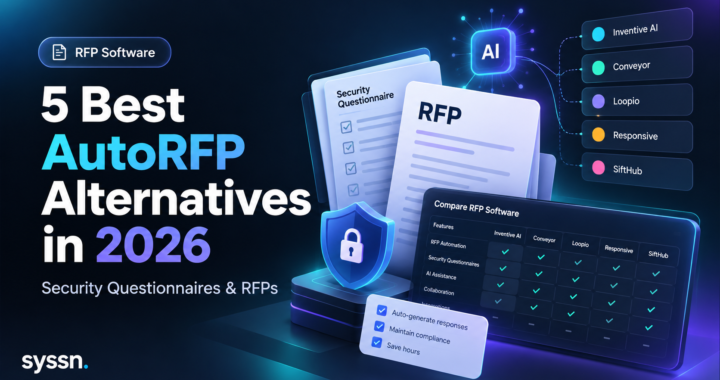
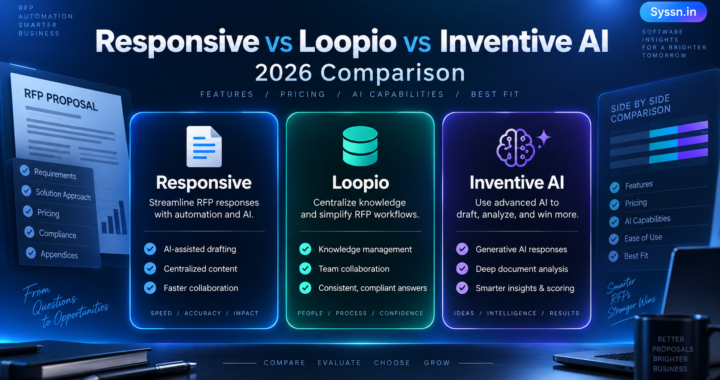
Inventive AI, Conveyor, Responsive, and Loopio are examples of platforms operating across overlapping parts of this market.
That makes category labels less useful than workflow testing.
Instead of asking, “Is this DDQ software?” ask:
Can it handle the questionnaires we actually receive?
That usually produces a better buying decision.
What features should you look for?
Feature lists are easy to compare.
Behaviour is more revealing.
I would focus on six areas.
Approved knowledge retrieval
The software should answer from controlled company information.
Check whether you can define which folders, documents, repositories, previous responses, and knowledge sources the system may search.
You also want to know whether authority can be ranked.
If a 2026 security policy conflicts with a 2024 questionnaire, which one wins?
Source references
A reviewer should be able to see the evidence behind an answer.
That simple feature changes the review process considerably.
Without references, reviewers may still have to search through documents to verify every generated statement.
With useful references, they can inspect the evidence directly.
The word “useful” matters. A citation that points to a 70-page policy without showing where the supporting material appears may save less time than it seems.
Content freshness controls
Old information is one of the quietest risks in questionnaire automation.
Ask whether the platform can flag:
- expired content
- duplicate answers
- conflicting statements
- unreviewed material
- outdated policies
An answer can be perfectly written and completely wrong because the source is three years old.
Assignments and approvals
The platform should make it easy to route individual questions to the right person.
Look at:
- question owners
- due dates
- reminders
- approval stages
- escalation
- reviewer comments
- status tracking
The workflow should reduce coordination rather than create another place people need to check.
Access controls
DDQ systems often contain sensitive information.
That may include:
- security reports
- internal architecture
- contracts
- financial information
- policies
- customer-specific commitments
One question I would ask every vendor is:
If a user cannot open the original document, can the AI still retrieve information from it?
The answer should be tested rather than assumed.
Audit history
You should be able to reconstruct what happened.
Ideally, the system shows:
- what answer was submitted
- which source supported it
- who edited it
- who approved it
- when changes happened
- which version went to the customer
This becomes especially useful when the same statement appears again six months later.
How much time can DDQ automation save?
You will see large numbers on vendor websites.
Inventive AI says its workflows can create first drafts up to 10 times faster and reports response-time reductions above 90%.
Conveyor markets automation of up to 90% of security questionnaires.
Responsive advertises an 80% faster security-questionnaire process.
Those are vendor claims. They are useful as examples of what the vendors say customers may achieve, but I would not treat them as a neutral benchmark for your organization.
Your own arithmetic is more useful.
Suppose you receive a DDQ containing 200 questions.
Around 70% have reusable answers.
That gives you 140 questions.
If someone spends an average of two minutes finding, checking, adapting, and pasting each answer, you have already used about 280 minutes, or 4 hours and 40 minutes, before specialist review begins.
That is the part automation can attack quite effectively.
It cannot automatically remove the time needed for legal judgment, unusual security questions, new commitments, exceptions, or unclear evidence.
During a pilot, calculate:
Manual baseline time – automated workflow time = actual time saved
Run the calculation across at least three normal questionnaires.
A polished vendor demo tells you what the software can do under ideal conditions.
Your own questionnaires tell you what it can do for you.
Where does AI DDQ automation still struggle?
This is the section I would spend the most time on during evaluation.
Outdated information can still produce outdated answers
AI cannot fix documentation nobody maintains.
Imagine one internal policy says backup data is retained for 30 days while another says 90 days.
A DDQ tool might:
- choose one
- mention both
- flag the conflict
- ask for review
- generate an answer anyway
Those outcomes are very different.
Test them.
Generated answers can still be wrong
Generative AI can produce confident wording even when its underlying information is incomplete or incorrect.
That is especially risky in due diligence because the answer may become part of a commercial, security, regulatory, or contractual record.
This is why grounding, evidence, approval, and audit history deserve more attention than the quality of the prose.
A DDQ response does not need to sound clever.
It needs to be true.
Sensitive information can cross permission boundaries
A DDQ platform may contain documents that only certain teams should see.
A user who cannot access a security architecture document should not gain its restricted contents because an AI system summarized it into an answer.
Test this with actual permission levels.
Do not rely entirely on screenshots from a sales deck.
External questionnaire content can create security issues
AI systems processing customer-supplied documents and third-party portal content may encounter malicious or misleading instructions embedded in external material.
For systems working with uploaded documents and external sources, buyers should examine how the vendor handles these risks and separates customer content from system instructions and internal knowledge.
Some questions genuinely require judgment
AI is good at finding similarity.
Due diligence often asks whether similarity is enough.
Suppose a previous customer asked:
“Do you support data residency in the EU?”
Now a new customer asks:
“Can all customer data, backups, support data, analytics records, and subprocessed data be guaranteed to remain inside Germany?”
Those questions may look related.
They are not necessarily asking for the same commitment.
That is why contractual promises, regulatory interpretations, roadmap claims, customer-specific architecture, and exceptions should go to the people responsible for them.
DDQ automation software to evaluate in 2026
There is no single platform I would call the best DDQ automation product for every organization.
The products below approach the problem differently.
1. Inventive AI
Best suited to: Teams that want DDQs, security questionnaires, and RFP responses in one AI-focused system.
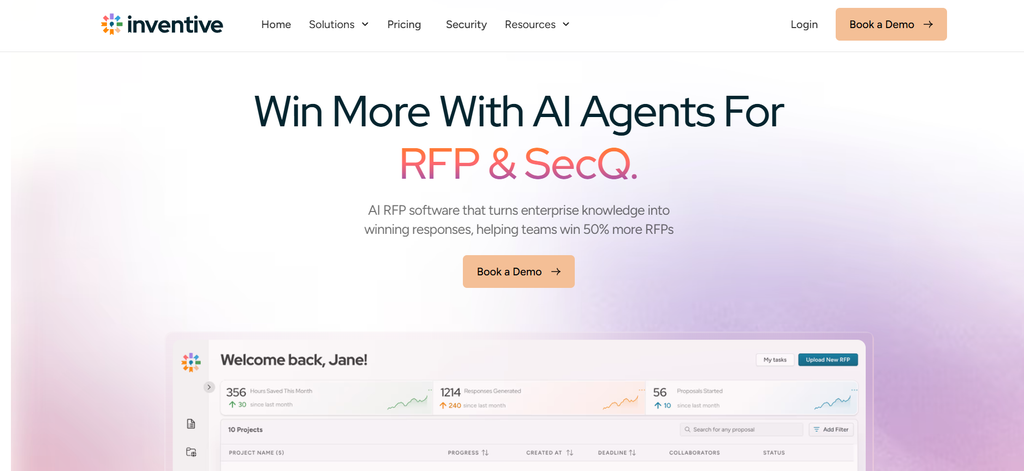
Inventive AI supports DDQ imports in formats including Excel, Word, and PDF and can prepare responses using connected organizational information.
Its public product material describes connections to sources such as Google Drive and SharePoint, previous questionnaires, compliance material, section assignments, role-based access, review workflows, version history, and exports.
Inventive also describes controls for identifying outdated or conflicting content.
It is worth considering when DDQs are part of a broader proposal and response workload rather than an isolated security process.
During a pilot, I would deliberately give the system two contradictory documents and one question your documentation does not answer.
The response to those situations tells you much more than watching it answer 50 easy questions correctly.
2. Conveyor
Best suited to: Security-heavy enterprise sales processes with frequent customer questionnaires and portal work.
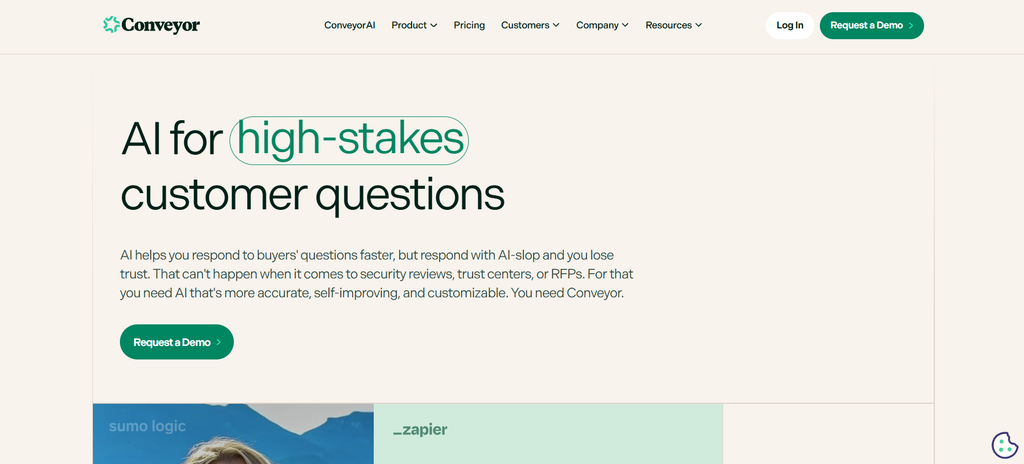
Conveyor focuses strongly on security questionnaire automation.
Its platform can generate answers from approved knowledge, provide source references, assign confidence scores, identify outdated information, maintain audit records, and support questionnaire portals through browser-based tools.
This makes it particularly relevant when security and sales engineering teams carry most of the response burden.
Organizations dealing with broader investment, legal, or operational DDQs should test those document types separately.
During evaluation, pay attention to what happens when information only partially answers a question or two sources disagree.
3. HyperComply
Best suited to: Security and compliance teams that want automation combined with structured review.
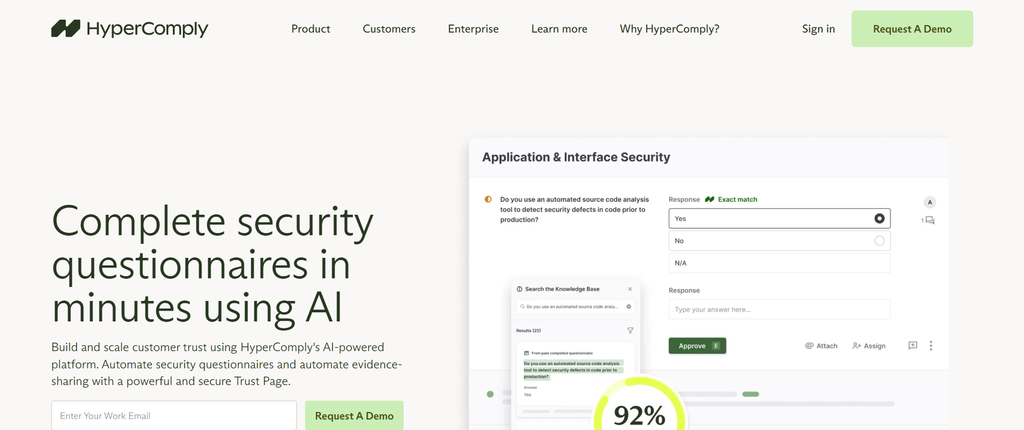
HyperComply supports questionnaires in formats including Excel, Word, PDF, and web portals.
Its product materials describe AI-generated answers, centralized compliance knowledge, assignments, collaboration through Slack and Microsoft Teams, approval workflows, and integrations with compliance platforms such as Vanta and Drata.
It also offers expert review within parts of its questionnaire workflow.
Its positioning is closely tied to security and compliance work, so organizations handling wider forms of due diligence should test their own questionnaires.
I would also clarify exactly which review services are included in the package you are considering, since software automation and managed review are different things.
4. Responsive
Best suited to: Larger response teams managing RFPs, DDQs, security questionnaires, and reusable company content.
Responsive handles DDQs and security questionnaires within a wider proposal-management environment.
Its security questionnaire workflow supports document import, AI-assisted answers from approved information, content validation, InfoSec collaboration, source citations, and reusable security information through its Trust Center.
Responsive may make sense for companies that already treat questionnaires as one part of a larger response operation.
During a pilot, test permissions, document extraction, routing, and how easily reviewers can tell which answers are fully supported and which still need specialist attention.
5. Loopio

Best suited to: Established proposal teams that rely heavily on approved reusable content.
Loopio supports RFPs, DDQs, and security questionnaires using a governed response library alongside AI-assisted generation.
Its security workflows include approved content, SME assignments, scheduled content reviews, questionnaire scanning, and options to reuse approved wording rather than generating new language every time.
That approach can work well when your organization already maintains a structured answer library.
The trade-off is that libraries require maintenance.
Teams should compare that workload with platforms that rely more heavily on connected documents and live company repositories.
If customers frequently send questionnaires through procurement portals, test those portals specifically.
The Syssn 6R DDQ Automation Test
Vendor demonstrations usually contain good documents, clean questions, and plenty of supporting evidence.
Real company knowledge rarely behaves that nicely.
So we use a simple six-part framework when thinking about DDQ automation.
The Syssn 6R DDQ Automation Test is our editorial evaluation model. It is not an industry standard.
| Test | Question | Score |
|---|---|---|
| Retrieval | Did the system find the correct authoritative information? | 0-2 |
| Recency | Did it prefer the current source? | 0-2 |
| References | Can the reviewer inspect the evidence? | 0-2 |
| Routing | Does uncertainty reach the right person? | 0-2 |
| Restrictions | Does AI respect user and document permissions? | 0-2 |
| Record | Can you reconstruct the submitted and approved response? | 0-2 |
Score each area:
0: Missing or unreliable
1: Available but requires extra work
2: Works reliably in your test
A total of 10 to 12 suggests a strong workflow fit.
7 to 9 means you should examine how much manual work remains.
0 to 6 suggests the product may be moving work around rather than removing much of it.
There is one condition.
Do not test the product using only clean data.
Give it:
- one obsolete document
- two conflicting sources
- one restricted file
- one question with no documented answer
- one customer-specific exception
I would pay particular attention to the unanswered question.
When software has plenty of evidence, getting the right answer is relatively easy.
What it does when no answer exists tells you how much you can trust the system.
How should you implement DDQ automation?
You do not need to migrate your entire questionnaire history on day one.
In fact, I would avoid it.
Old questionnaires often contain outdated wording, retired product information, old policies, one-off customer commitments, and answers that no longer have a clear owner.
Start with a controlled set.
A practical first rollout might include:
- two recent DDQs representing normal workload
- one difficult security questionnaire
- current authoritative policies
- a small collection of approved answers
- named owners for security, privacy, legal, operations, and commercial information
- rules defining which answers require approval
- a process for retiring obsolete content
Then measure the workflow.
Track:
- import time
- drafting time
- reviewer time
- corrections
- unanswered questions
- incorrect AI suggestions
- final submission time
Incorrect suggestions are especially useful.
They tell you where your process is weak.
Was retrieval poor?
Was the documentation outdated?
Did two policies conflict?
Was the answer missing entirely?
Did the AI infer something the source never stated?
A bad answer can sometimes teach you more about the system than a good one.
Frequently asked questions about DDQ automation software
What is DDQ automation software in simple terms?
DDQ automation software helps companies answer repetitive due diligence questions using approved company information.
It can find previous answers, retrieve supporting documents, draft responses, assign questions, manage reviews, and maintain a record of what was submitted.
Can AI automate due diligence questionnaires?
Yes, to a point.
AI can handle question extraction, information retrieval, repeated answers, first drafts, assignments, and parts of the review workflow.
Questions involving sensitive claims, legal commitments, exceptions, uncertain evidence, or customer-specific circumstances should still receive appropriate review.
Is DDQ automation the same as security questionnaire automation?
No.
Security questionnaire software focuses mainly on cybersecurity, privacy, controls, compliance, and vendor-risk questions.
DDQs can include those topics along with financial, investment, operational, governance, commercial, and legal questions.
Can DDQ software use previous questionnaires?
Yes.
Many systems use previous questionnaires as part of their knowledge source.
The risk is assuming that an old approved answer is still correct.
Historical content should have clear ownership and review rules.
What is a DDQ knowledge base?
A DDQ knowledge base contains the information used to answer due diligence questions.
It might include:
- approved Q&A pairs
- security policies
- certifications
- technical documentation
- privacy material
- previous questionnaires
- connected company repositories
The exact structure varies by platform.
How do companies automate repetitive DDQs?
A typical process looks like this:
- Centralize or connect approved company information.
- Import the questionnaire.
- Retrieve existing answers and evidence.
- Generate drafts for repetitive questions.
- Route exceptions to subject owners.
- Review and approve responses.
- Export the completed questionnaire.
- Reuse appropriate approved material later.
The quality of the source material usually determines how far automation can go.
Should AI-generated DDQ answers be submitted automatically?
I would be cautious.
Routine answers tied directly to current approved information may need very little editing.
Security claims, privacy statements, legal commitments, exceptions, customer-specific answers, and unsupported responses deserve review before they leave the organization.
How do you choose DDQ automation software?
Use your own questionnaires.
Test:
- answer accuracy
- source traceability
- stale-content handling
- conflicting information
- access restrictions
- assignments
- review effort
- file compatibility
- portal support
- exports
- audit history
- time to an approved response
And test at least one question the system cannot answer.
That is usually where the product becomes interesting.
Final thoughts
DDQ automation software can remove a surprising amount of boring work.
Searching for old answers, finding policies, copying responses between spreadsheets, chasing reviewers, and checking completion status are all good candidates for automation.
AI has also made first drafts much faster.
But first drafts were never the hardest part of due diligence.
The harder question is whether the answer you are about to send is still true, whether the evidence actually supports it, and whether the person responsible for that information agrees.
That is the standard I would use when comparing Inventive AI, Conveyor, HyperComply, Responsive, Loopio, or any other DDQ platform.
Ask vendors to show you how quickly their software answers a questionnaire.
Then give it an outdated document, a restricted file, two conflicting sources, and a question nobody in your company has answered before.
The second test is probably closer to the software you will actually be buying.

[…] due diligence is a major part of your workload, our guide to DDQ automation software explains the differences between DDQ, RFP, and security-questionnaire […]
[…] For more information about maintaining accurate questionnaire responses, see our guide to DDQ automation software. […]