
Best Frontline Engagement Software: A Complete Guide for 2026


Best Frontline Engagement Software: A Complete Guide for 2026 walks through the platforms companies actually use to reach deskless and shift-based employees who don’t sit behind a laptop all day. This guide covers HubEngage, Beekeeper, Staffbase, Blink, WorkJam, and Connecteam, comparing pricing, core features, and which industries each platform fits best. You’ll also find a side-by-side comparison table and practical guidance on choosing the right tool for your workforce size and budget.
What Is Frontline Engagement Software?
Frontline engagement software gives deskless workers, retail associates, nurses, warehouse staff, drivers, and hospitality teams, a mobile way to receive company updates, complete surveys, get recognized, and access schedules or pay information. Unlike traditional intranets built for office workers with company email, these platforms are designed for people who log in from a personal phone during a shift break.
The category matters because frontline turnover is expensive. Replacing a frontline worker typically costs between 50% and 200% of their annual salary once you factor in recruiting, onboarding, and lost productivity, and hospitality alone regularly sees turnover rates above 70%. Engagement software is one of the more direct levers available for bringing that number down.
Safety and quality outcomes track alongside engagement too. Workers who feel connected to their employer tend to follow safety protocols more consistently and report hazards sooner, while disengagement shows up downstream in inconsistent customer service or missed quality checks. None of that requires guesswork to measure: most platforms in this guide include analytics dashboards that tie survey sentiment, app usage, and recognition activity back to retention numbers over time.
Quick Comparison Table
| Platform | Best For | Starting Price | Main Strength |
|---|---|---|---|
| HubEngage | Companies wanting modular, phased rollout | Starts around $1/user/month | Broadest single-platform feature set |
| Beekeeper | Large frontline teams needing simple, mobile-first chat | $4/user/month (Essential tier) | Fast setup, strong translation |
| Staffbase | Enterprises with mixed desk and frontline workforces | Custom quote | AI-native, 75+ language support |
| Blink | Mid-to-large frontline organizations wanting a “super-app” | Custom quote | Deep systems integration, strong analytics |
| WorkJam | Retail and hospitality needing scheduling plus engagement | Custom quote | Shift marketplace and union rule compliance |
| Connecteam | Small and mid-sized businesses on a tight budget | Free for up to 10 users, then $35/month per hub | Most generous free tier |
Treat this table as a starting point rather than a final answer. Pricing tiers shift, and several vendors here quote custom pricing based on workforce size, module selection, and contract length. Get a written quote from at least two providers before you compare total cost of ownership, since a low per-user rate can still add up once you factor in setup fees or required add-on modules.
1. HubEngage
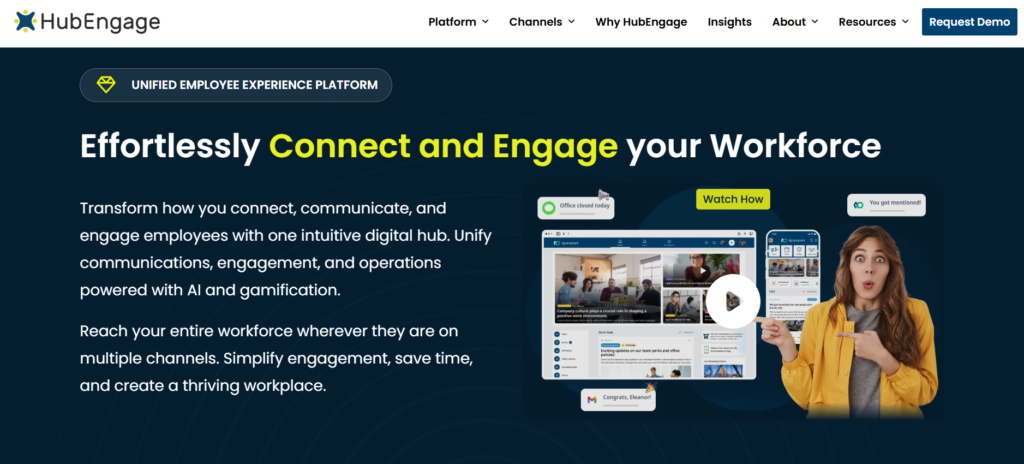
HubEngage is a unified employee engagement platform built around communications, recognition, surveys, an internal social feed, and an AI chatbot, all delivered through intranet, mobile apps, email, SMS, and digital signage. Companies can start with a single module, like secure messaging or pulse surveys, and add recognition, rewards, or newsletters later without switching vendors.
The platform supports 28 or more languages and integrates with tools including Microsoft 365, Microsoft Teams, SharePoint, Workday HCM, and several identity providers. Its automation layer includes AI content generation, AI moderation, sentiment analysis, and automated recognition triggers, alongside gamification features like points, leaderboards, and integrated gift card rewards.
Pricing starts around $1 per user per month and scales with workforce size, which makes HubEngage accessible for organizations that want to test one feature before committing to a full platform rollout. It’s used across retail, healthcare, manufacturing, and nonprofit organizations, with retail teams commonly using it for shift updates and recognition, and healthcare teams using its gamification and feedback tools to support training compliance. Support includes in-person training, live sessions, webinars, and documentation.
Manufacturing companies also lean on HubEngage for shift management, safety alerts, and recognition, which helps bridge the gap between on-site and remote staff. Because pricing scales per user rather than requiring a large flat enterprise contract, smaller organizations can run a pilot with one department before rolling the platform out company-wide.
2. Beekeeper
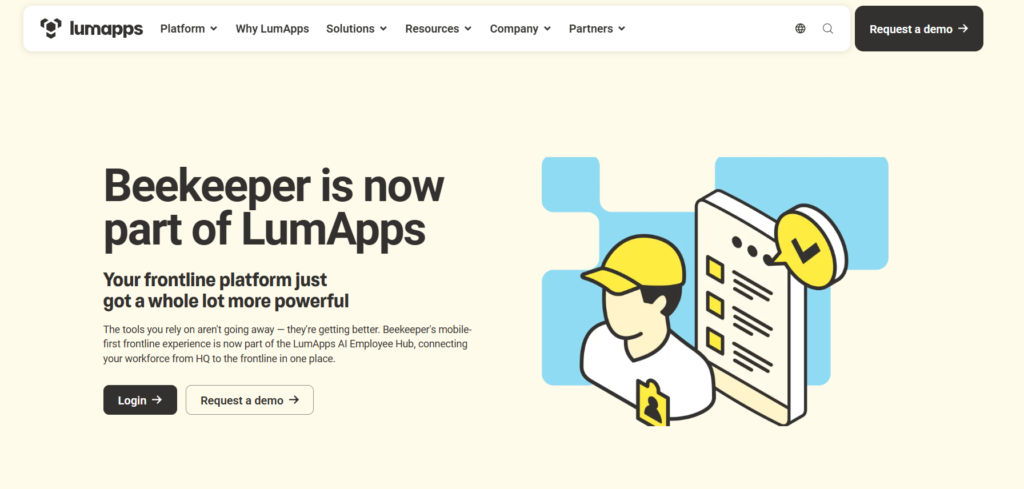
Beekeeper is an all-in-one communication and operations platform built specifically for shift-based teams in industries like hospitality, retail, manufacturing, construction, and healthcare. Its mobile-first design centers on broadcast messaging, secure chats, and channels, keeping frontline communication searchable and organized instead of scattered across personal texts.
The platform offers three paid tiers: Essential at $4 per user per month, Core at $6, and Premium at $9, plus a free plan supporting up to 30 users and a 14-day premium trial. Features include employee lifecycle automation, digital onboarding, employee referrals, recognition tools, and survey and feedback capabilities.
Beekeeper integrates with payroll systems including ADP Workforce Now and ADP TotalSource, letting employees view pay statements directly inside chat threads. Some reviewers note the platform is less suited to desk-based or corporate communication needs, with lighter analytics than a few enterprise competitors, but for multilingual frontline operations it’s built specifically for that use case rather than adapted from a general-purpose tool.
Reviewers frequently point to fast setup and cross-device access as reasons they picked Beekeeper over a broader intranet product. Retail, warehouse, and seasonal workforces in particular value how little training new hires need before they’re comfortable using the app on their first shift.
3. Staffbase
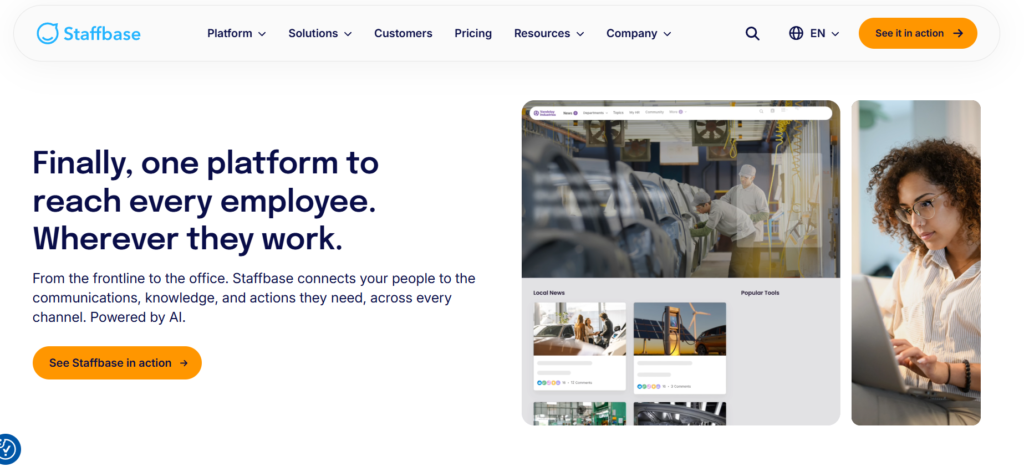
Staffbase positions itself as an AI-native employee experience platform connecting a branded employee app, modern intranet, email, SMS, and digital signage in one system. It’s built for organizations that need to reach both office-based and frontline employees under one governance model, with features like approval workflows, version control, and editorial permissions for large or multi-brand companies.
The platform supports content delivery in 75 or more languages and includes newer AI features like personalized podcasts and a conversational assistant. Staffbase reports serving around 2,000 customers, including Adidas, DHL, and Whataburger, reaching roughly 16 million employees worldwide.
Pricing isn’t published as a flat number. Staffbase offers dedicated frontline-only pricing separate from its whole-workforce and enterprise tiers, meaning organizations only pay for the specific capabilities their frontline segment needs rather than full enterprise licensing. This structure suits mid-to-large enterprises well, though it can run more expensive than category-specific tools for companies with a smaller, purely frontline workforce. Setup tends to be faster than traditional IT-heavy intranet platforms, though administrative controls remain primarily desktop-based.
Staffbase also supports complex organizational structures like multi-brand companies, federated regional admin models, and HRIS integrations across subsidiaries. That makes it a common choice for global companies managing dozens of separate business units under one communications strategy.
4. Blink
Blink calls itself a mobile-first employee experience “super-app” that connects people, internal systems, and company culture in one place. It’s used by companies including McDonald’s, Nokia, Domino’s, and Booking.com, and it holds recognition as a top-rated employee communications application on Gartner Peer Insights.
Core features include a social media-style feed for company updates, secure chat, shift schedules, paystub access, and AI-powered analytics for tracking sentiment and engagement trends. Blink is designed to give employees single-login access to rostering systems, HR portals, forms, and training content rather than requiring separate logins for each internal tool.
Pricing runs on a Business tier around $6.18 per user per month and a custom-priced Enterprise tier. Blink tends to position itself toward mid-sized and larger organizations with substantial frontline headcounts; companies with smaller teams or tighter budgets may find the platform’s full feature set more than they need. Around 60% of reviewers report workforces between two and 500 employees, so it does scale down reasonably well despite the enterprise-leaning marketing.
Users consistently mention the short learning curve as a standout benefit, since the feed’s social media-style layout feels familiar to most employees from day one. That familiarity tends to translate into faster adoption compared with platforms that require more onboarding time.
5. WorkJam
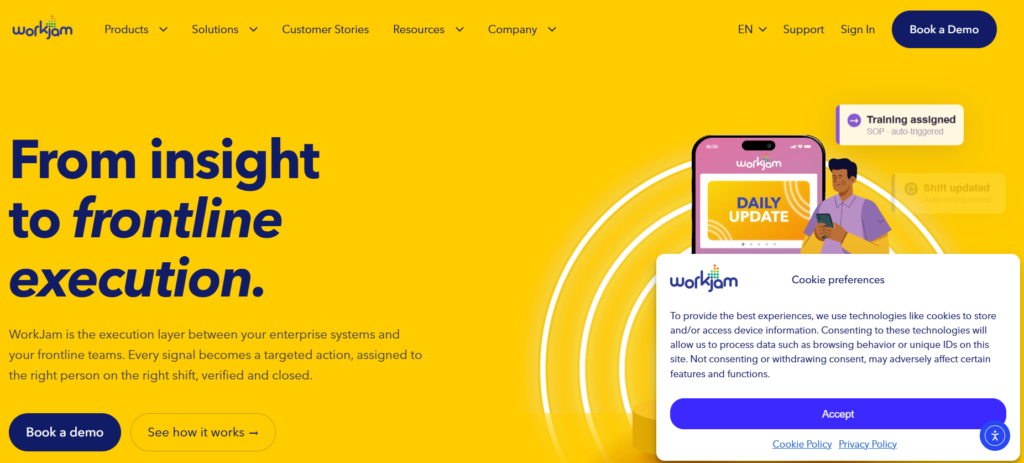
WorkJam calls itself the first digital frontline workplace, combining communication tools with scheduling features like shift swapping, an open shift marketplace, and shift bidding for union or seniority-based environments. It’s used by brands including Shell, Ulta, and Woolworths, and it leans more heavily into workforce management than the other platforms on this list.
Beyond messaging and recognition, WorkJam includes task management with photo verification and audit trails, training and onboarding tracking, time and attendance, and a pay rules engine for handling complex labor policies across regions. Its Shift Bidding feature, launched to help unionized workplaces align schedules with contract rules, cut down on scheduling grievances for customers like Avis Budget Group.
Pricing runs on a per-user, per-month subscription with volume discounts at higher user counts, generally estimated in the $10 to $100 range depending on modules and configuration, plus implementation setup fees. WorkJam fits organizations where scheduling complexity, especially union rules or fair workweek compliance, is as much a priority as day-to-day communication. Some reviewers note a steeper learning curve given the number of configuration options available.
Most customers see a full return on investment in under a year, driven largely by reduced labor costs and fewer scheduling errors rather than engagement metrics alone. That makes WorkJam a stronger fit for operations-focused buyers than for teams whose primary goal is culture or recognition.
6. Connecteam
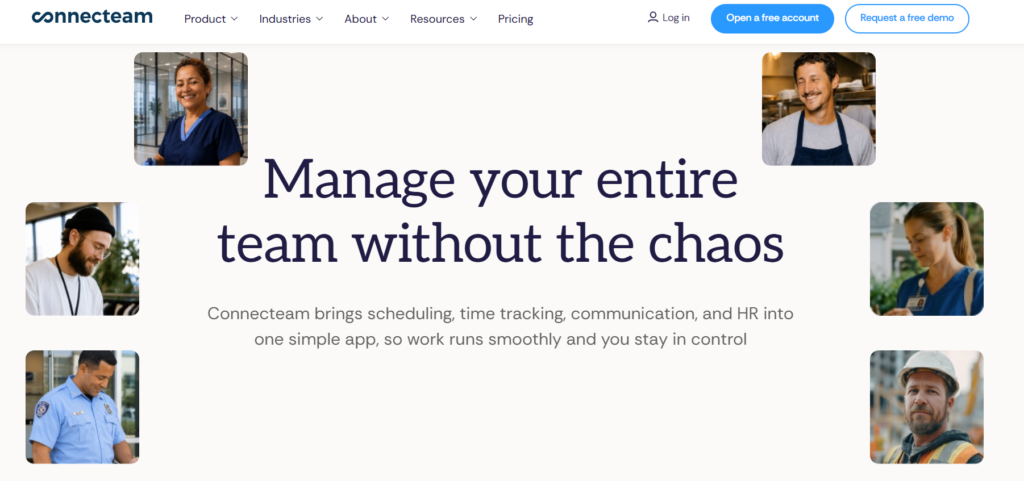
Connecteam bundles time tracking, scheduling, team communication, and HR tools into one mobile-first app aimed at construction crews, restaurant staff, retail teams, and field technicians. The platform organizes its features into three separately priced “Hubs”: Operations, Communications, and HR & Skills, letting companies buy only what they need.
Each Hub starts at $35 per month for the Basic tier covering up to 30 users, with Advanced at $59 and Expert at $119 per Hub, and annual billing saves roughly 18%. A free Small Business Plan covers up to 10 users with full feature access and no time limit, which is one of the more generous free tiers in this category.
Connecteam integrates with QuickBooks Online, Gusto, ADP Workforce Now, and BambooHR, among others, and supports GPS-based time tracking with geofencing for frontline attendance accuracy. More than 36,000 companies use the platform, and reviewers consistently describe the pricing as straightforward, though the separate Hub structure occasionally confuses first-time buyers comparing total cost against single-price competitors.
Construction crews make up the largest single reviewer segment, followed by healthcare and fitness businesses, which reflects Connecteam’s focus on field-based and physically dispersed teams over retail-style single-location operations. Annual billing brings the effective monthly cost down further for teams ready to commit past the trial period.
How to Choose the Right Frontline Engagement Software
If you want to start small and expand gradually, HubEngage’s modular pricing lets you launch with one feature, like messaging or surveys, and add modules as your program matures, without re-platforming later.
If your workforce is almost entirely deskless and multilingual, Beekeeper’s simple tiered pricing and translation tools make onboarding straightforward without a lengthy enterprise sales process.
If you manage a mix of office and frontline staff across a large or multi-brand organization, Staffbase’s frontline-specific pricing tier and governance controls handle that complexity better than tools built purely for shift workers.
If scheduling complexity, especially union rules or shift bidding, is your biggest headache, WorkJam’s workforce management depth goes further than pure communication platforms.
If budget is the primary constraint and your team is under 30 people, Connecteam’s free tier and low-cost Hubs deliver more functionality per dollar than any enterprise platform on this list.
Whichever direction you lean, ask each vendor for a trial period or sandbox environment before signing. A platform can look complete in a sales demo and still fall flat once real frontline employees, not the IT team evaluating it, try to log in from a personal phone during a fifteen-minute break. Adoption rate matters more than feature count, and the only reliable way to test that is to put the app in front of a small group of actual frontline workers first.
Frequently Asked Questions
What’s the difference between frontline engagement software and a standard intranet? A standard intranet assumes employees have company email and a desk computer. Frontline engagement software is built mobile-first, with login options like phone numbers or employee IDs instead of corporate credentials, since most deskless workers don’t have either.
How much does frontline engagement software typically cost? Pricing ranges from free tiers for small teams (Connecteam) to per-user rates between $1 and $9 per month (HubEngage, Beekeeper, Blink) up to custom enterprise quotes (Staffbase, WorkJam) that scale with workforce size and feature depth.
Can these platforms integrate with existing payroll and HR systems? Yes. Most platforms on this list integrate with common HR and payroll tools such as ADP, Workday, BambooHR, and QuickBooks, though the depth of integration varies by provider and pricing tier.
Do frontline workers actually need a dedicated app, or will Slack or email work? Standard collaboration tools generally aren’t built for shift-based access patterns or personal-device logins, and frontline adoption tends to be lower without features like offline access, translation, and mobile-first design built specifically for deskless use.
Which platform is best for a small retail or hospitality business? Connecteam’s free plan for up to 10 users and low-cost Hub pricing make it the most accessible option for smaller teams, while Beekeeper is a reasonable next step once headcount grows past that threshold.
Final Thoughts
Frontline engagement software isn’t one-size-fits-all, and the right choice depends heavily on workforce size, budget, and how much scheduling complexity you’re dealing with alongside communication needs. HubEngage stands out for its modular, pay-as-you-grow approach, while Beekeeper, Staffbase, Blink, WorkJam, and Connecteam each solve for a slightly different combination of company size, industry, and feature priority. Before signing a contract, request current pricing directly from each vendor, confirm which features are included versus sold as add-ons, and ask for references from companies in your industry with a similar frontline headcount.


[…] For a broader look at the software category, see our guide to frontline engagement software. […]