
How to Evaluate an Employee Experience Platform in 2026: 10 Questions to Ask Before You Buy

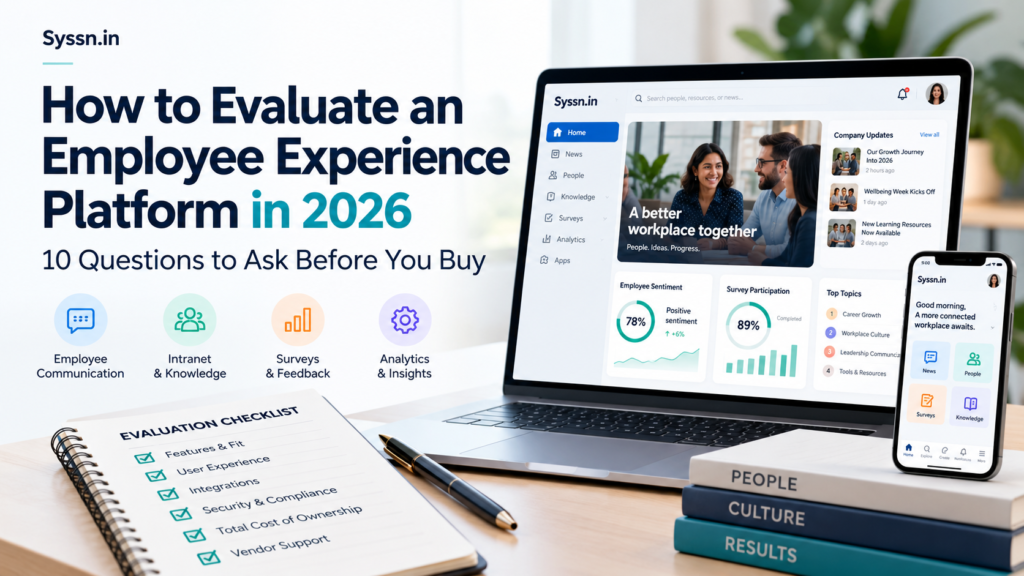
If you are evaluating an employee experience platform in 2026, start with the problems employees need the software to solve. Then compare employee reach, mobile access, communications, search, integrations, feedback, analytics, security, administration, implementation, and total cost using the same real-world scenarios for every vendor.
The longest feature list rarely tells you enough.
Software demos tend to look remarkably similar for the first 20 minutes.
There is a polished homepage. A personalized news feed. Some AI. A search box that apparently knows everything. Then someone asks a less glamorous question:
“Can a warehouse employee without a company email get an urgent message, find a safety policy, complete a survey, and access their HR system from the same phone?”
That is usually when the differences appear.
Key Takeaways
- Define the employee problems before you shortlist platforms.
- Test frontline and deskless access separately from desktop usability.
- Ask vendors to demonstrate your actual HRIS, identity, document, collaboration, and service-management integrations.
- Measure whether employees can complete tasks, not simply whether they log in.
- Compare three-year costs, including implementation, integrations, add-ons, SMS, support, rewards, and future modules.
- Give every shortlisted vendor the same scripted demo scenarios.
- Involve HR, internal communications, IT, security, and at least a few actual employees before making the final decision.
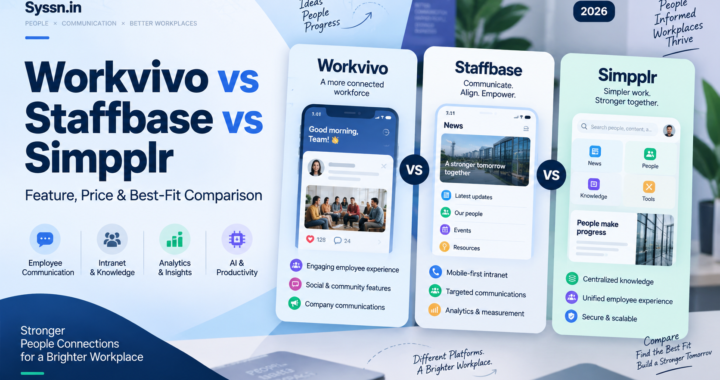
If you are still building your initial shortlist, Syssn’s Employee Experience Platforms 2026 comparison provides a broader look at HubEngage, Staffbase, Workvivo, Simpplr, and Firstup.
Employee Experience Platforms: Quick Comparison
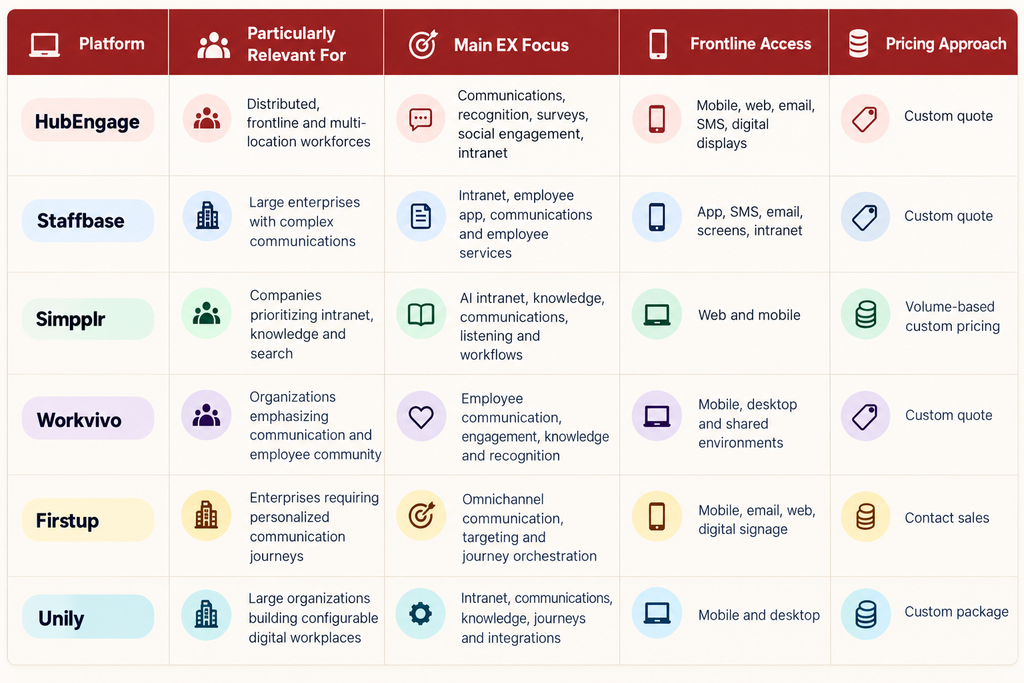
The table below summarizes where each of the six platforms fits, its main focus, how it reaches frontline employees, and how it is priced.
What Is an Employee Experience Platform?
An employee experience platform, or EX platform, is a digital environment employees can use to receive company information, search for resources, communicate, provide feedback, recognize colleagues, access workplace applications, and complete everyday tasks.
The category has become broader than the traditional company intranet.
A modern EX platform may combine:
- Employee communications
- Mobile employee apps
- Intranet publishing
- Enterprise search
- Surveys and employee listening
- Recognition
- Knowledge management
- Employee communities
- HR self-service links
- Analytics
- Workplace integrations
- AI-assisted search and content tools
That makes the purchase harder to scope.
Ten years ago, you might have bought an intranet because you needed an intranet. Now the same buying process can involve communication software, knowledge management, employee engagement, enterprise search, mobile access, recognition, and AI.
The product category has expanded faster than the language we use to describe it.
That is why I would spend less time worrying about whether a vendor technically qualifies as an “employee experience platform” and more time asking what employees can actually accomplish with it.
Employee Experience Platform vs Employee Engagement Software
The two categories overlap, but they are not identical.
An employee engagement platform normally concentrates on participation, surveys, sentiment, recognition, feedback, or employee connection.
An employee experience platform typically covers more of an employee’s daily digital environment. It may include communication, content, search, mobile access, workplace resources, employee directories, integrations, knowledge, and access to HR or IT systems.
Even that distinction is becoming blurry.
A recognition platform adds communications. An intranet adds surveys. A communications platform adds search. Then everyone adds AI.
So I would not reject or select software because of the category written on the website.
Test the capabilities instead.
Best Employee Experience Platforms to Evaluate in 2026
The six platforms below overlap substantially. What changes is the center of gravity of each product.
1. HubEngage
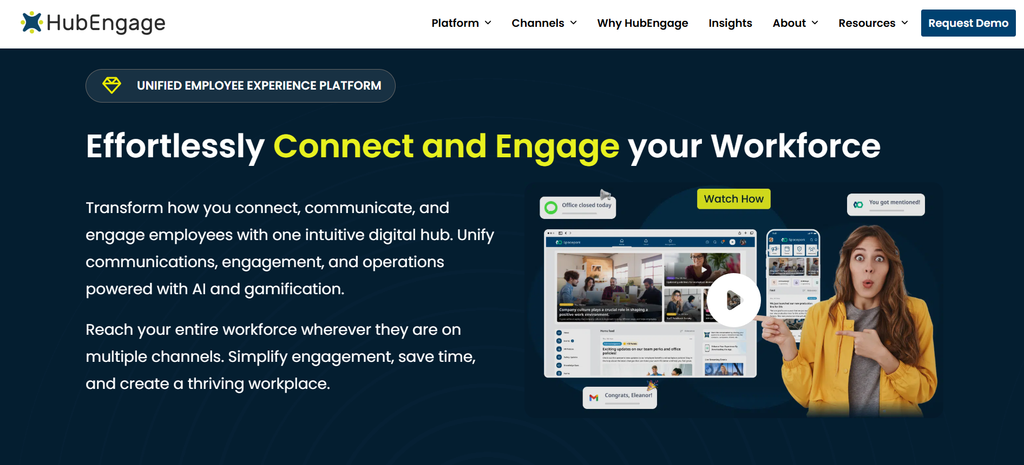
Best for: Distributed, multi-location and frontline organizations that want communication and employee engagement in the same environment.
HubEngage brings together employee communications, surveys, recognition, social features, messaging, intranet functionality, gamification and AI-assisted employee support.
Its multi-channel model is particularly relevant when employees do not all work the same way. Content can be distributed through mobile, web, email, SMS and digital displays rather than assuming everyone starts their day inside Outlook or an intranet homepage.
HubEngage also documents connections with workplace systems including Microsoft 365, SharePoint, Teams, Workday and ADP, alongside SAML-based identity providers.
That makes it worth examining when you are trying to reduce the number of separate communication, survey and recognition products employees encounter.
The main question to test is depth. If your project revolves around extremely complex enterprise information architecture or specialized workflow orchestration, compare those requirements carefully rather than assuming a broad EX feature set automatically replaces specialist tools.
2. Staffbase
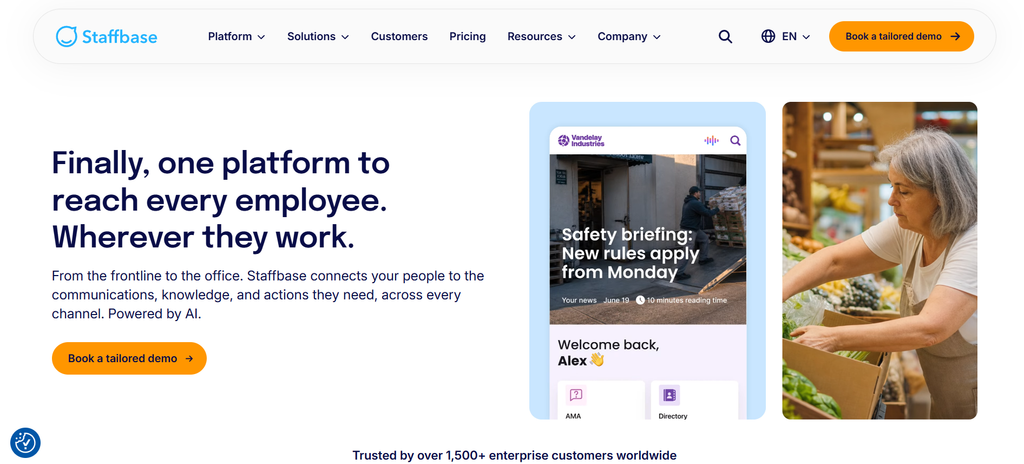
Best for: Large organizations running structured internal communications across multiple employee groups, countries and channels.
Staffbase approaches employee experience heavily through communications.
Its platform combines employee app, intranet, email, SMS, digital signage, personalization, analytics and integrations. This is useful when a central communications team needs to coordinate information across different channels while giving regional or departmental teams controlled publishing access.
I would pay particular attention to Staffbase if your communication operation has become complicated enough that governance itself is a problem.
Who can publish?
Who approves?
Which countries see the announcement?
Does the factory receive it on mobile while headquarters sees it through the intranet?
Those operational questions can matter more than whether the platform has another social feature.
Staffbase uses customized pricing and also offers workforce-specific pricing structures, including frontline options.
Buyers should ask exactly which channels, integrations, analytics functions and implementation services appear in the proposed package.
3. Simpplr
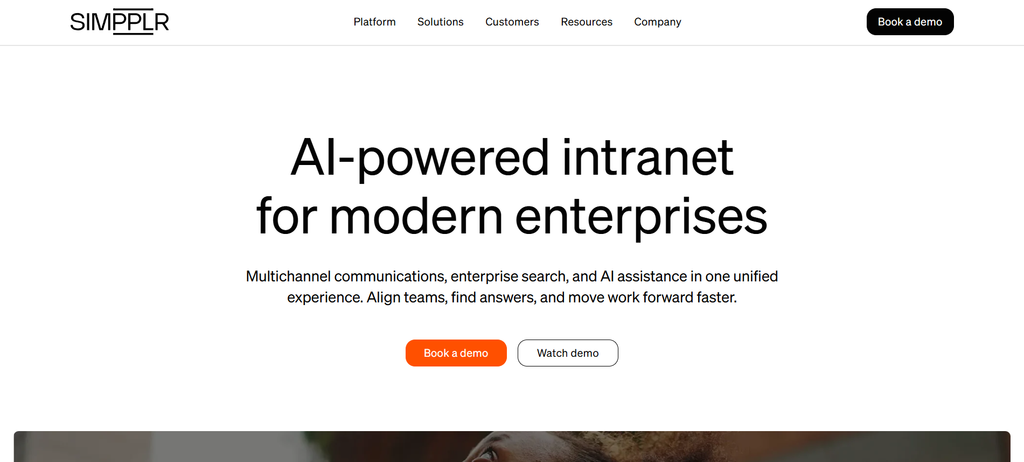
Best for: Mid-market and enterprise organizations that see intranet, enterprise search and knowledge access as the center of the employee experience.
Simpplr starts from a somewhat different place.
Its platform connects intranet content, workplace knowledge, enterprise search, communication, employee listening, recognition and connected workflows. That can make it particularly interesting when the core problem is not simply getting messages to employees, but helping them find reliable information afterward.
Consider a common employee question:
“How many days of parental leave do I get?”
Sending an announcement about a new policy is a communication problem.
Helping an employee find the correct version six months later, understand it, and reach the appropriate HR process is partly a knowledge problem.
That distinction becomes important at scale.
Simpplr’s pricing is customized according to organization size and complexity, with volume-based pricing and additional service options.
Organizations mainly looking for simple internal communications may find themselves evaluating more platform than they actually require.
4. Workvivo
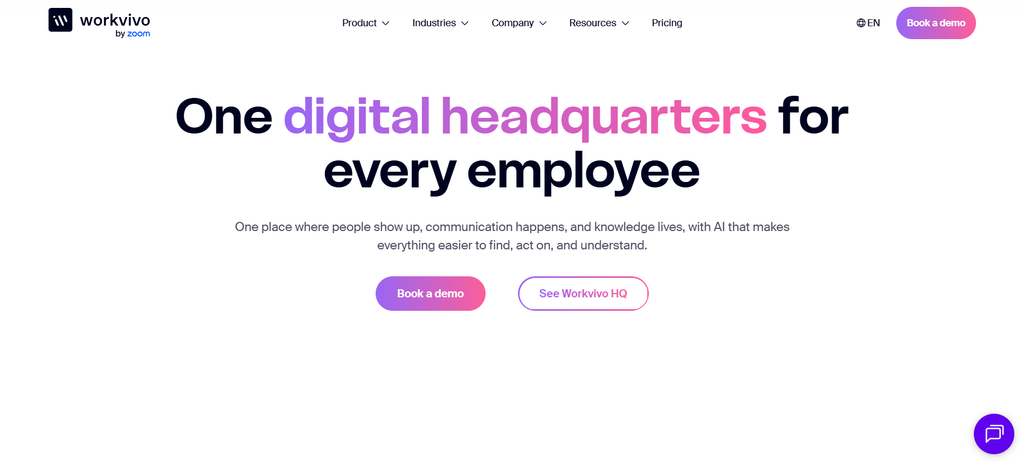
Best for: Organizations where employee communication, participation, culture and community need to coexist.
Workvivo has evolved well beyond a social employee feed.
Its current Workvivo HQ offering combines communication, knowledge, engagement and administration. Capabilities include campaigns, spaces, employee recognition, surveys, personalized feeds, knowledge content, integrations and analytics. Additional products extend the platform into employee listening, AI-assisted search, chat and digital signage.
What sets Workvivo apart is its emphasis on participation.
Some employee platforms feel primarily like publishing systems. Information moves from the organization to the employee.
Workvivo puts more weight on employees responding, participating, recognizing colleagues, joining spaces and contributing to the environment.
Whether that is valuable depends on your culture and use case. A heavily regulated company distributing operational instructions has a different communication problem from a company trying to create more interaction between remote teams.
Workvivo currently uses customized pricing based on license volume and requirements and does not offer a free trial.
5. Firstup
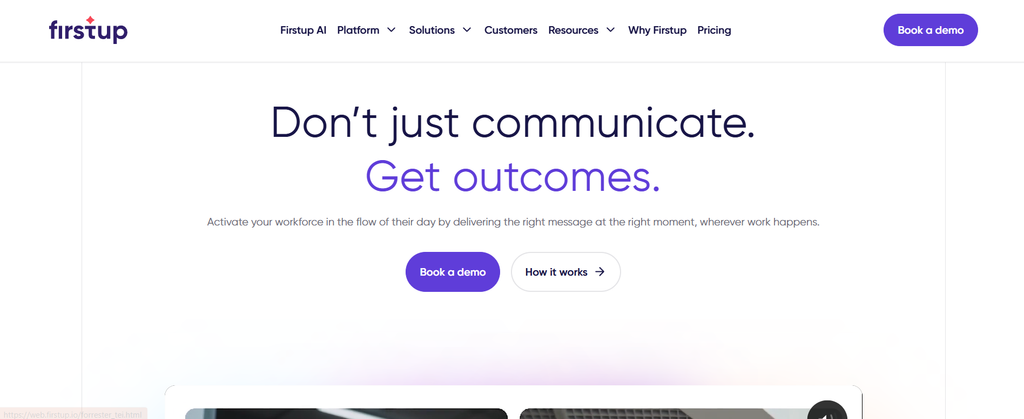
Best for: Large enterprises where personalized, multi-channel employee communication is the central requirement.
Firstup looks at employee experience through the lens of communication orchestration.
The platform uses employee attributes and behavior to build audiences, distribute information through channels such as mobile, email and web experiences, retarget people who have not responded, and automate communication across longer employee journeys.
That last point deserves attention.
Many important workplace communications are not really single messages.
Onboarding might involve a sequence over 30, 60 or 90 days. Benefits enrollment requires reminders until someone takes action. A major organizational change might require different information for managers, employees and regional teams.
Firstup’s journey approach is designed around that kind of communication.
The platform also includes analytics, AI-assisted search and connections with workplace systems.
Its pricing is sales-led, with Essential, Professional and Premier packages rather than public dollar pricing.
Companies primarily seeking recognition, social community, or a conventional content-heavy intranet should compare how much of their requirement fits Firstup’s communication-centered model.
6. Unily
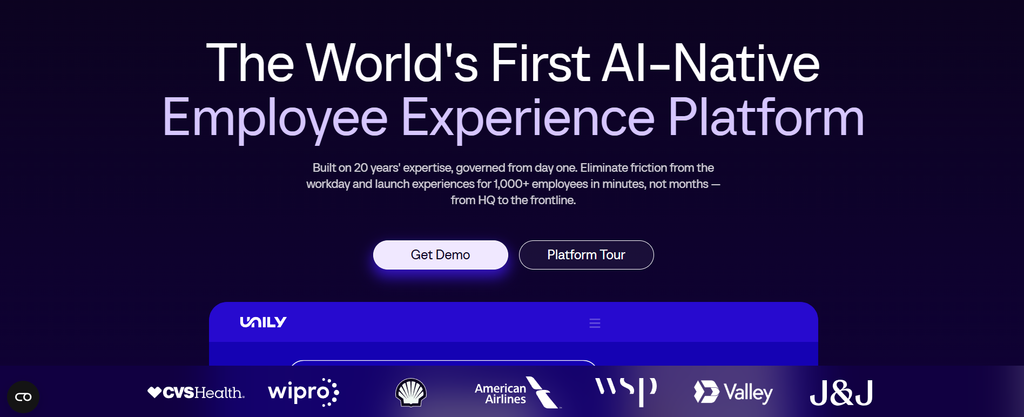
Best for: Large global enterprises that need a configurable intranet and digital workplace with extensive governance and integration requirements.
Unily combines intranet publishing, employee communication, enterprise search, communities, knowledge, mobile access, employee journeys and workplace integrations.
Its breadth makes more sense when the intranet itself is becoming enterprise infrastructure.
Imagine a multinational organization with different brands, countries, languages, HR systems, permissions, employee populations and content owners. The problem is no longer simply publishing a company news story.
Someone has to decide who owns thousands of pages, which information appears to which employees, when outdated material expires, how enterprise systems connect, and what happens when the organization restructures.
That is the kind of environment where configurability and governance start to carry more weight.
The trade-off is complexity. Smaller organizations should be careful about buying a platform whose administration and implementation requirements exceed the problem they are actually trying to solve.
10 Questions to Ask Before Buying an Employee Experience Platform
Ask every finalist the same 10 questions, covering employee reach, adoption, tool consolidation, integrations, personalization, analytics, security, administration, implementation, and three-year cost. This is the part of the evaluation I would spend the most time on.
Features are easy to compare.
Behavior is harder.
1. Can the Platform Reach Every Type of Employee?
Start with the employee who is hardest to reach.
Not your CEO. Not someone in HR. Not the project manager sitting in Microsoft Teams all day.
Pick the warehouse employee without corporate email. The nurse moving between wards. The delivery driver. The retail associate sharing a device.
Then ask the vendor to show what happens.
How does that employee create an account?
How do they authenticate?
What happens if they change phones?
Can they receive an urgent message?
Can they open a document without another login?
Can they complete a survey during a five-minute break?
Can administrators see whether the message reached them?
Mobile apps, SMS, QR onboarding, digital displays, shared devices and alternative authentication methods can completely change the answer.
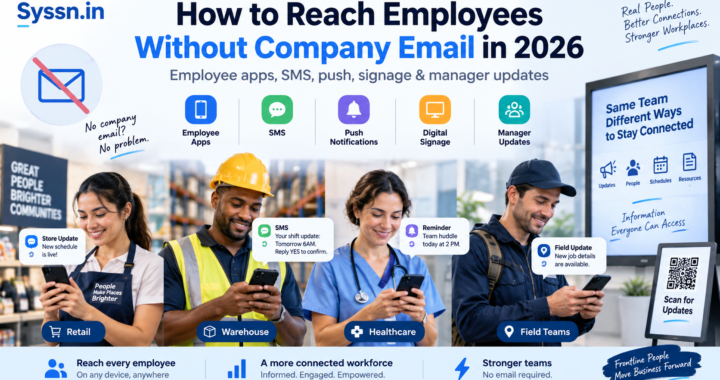
If frontline communication is central to your project, Syssn’s guide to reaching employees without company email goes further into app, SMS, signage and manager-led communication models.
2. Will Employees Actually Want to Use It?
A platform can satisfy an impressive requirements spreadsheet and still be ignored.
I would therefore ask vendors to stop demonstrating the administrator experience for a moment.
Show me what an employee sees.
Then perform four ordinary tasks:
- Find the parental leave policy.
- Recognize a colleague.
- Complete a pulse survey.
- Access the payroll system.
Count the clicks.
Search using an imperfect phrase.
Try it on a phone.
That tells you more about usability than another slide about “engagement.”
During a pilot, measure activation and repeat use, but also measure whether employees can successfully complete common tasks.
Logging in is not the same as finding what you came for.
3. Which Existing Tools Can It Really Replace?
This question is less exciting than discussing AI. It may save you more money.
Write down every tool employees currently use for:
- Internal email
- Intranet
- Surveys
- Recognition
- Employee directories
- Mobile communication
- Messaging
- Knowledge
- Digital signage
- Employee feedback
Then ask what can genuinely be consolidated.
The word “genuinely” matters.
A platform containing a basic survey feature does not automatically mean it replaces a mature employee research system. An HR shortcut does not replace an HRIS. Linking to your LMS does not make the EX platform an LMS.
Consolidation is valuable when it removes meaningful duplication.
Otherwise, you may simply create another place employees are expected to visit.
4. How Deep Are the Integrations?
“Integrates with Workday” is not a sufficiently useful answer.
Ask what the integration actually does.
Can it import employee attributes?
How quickly are changes synchronized?
Can employees complete actions or only view information?
Can a terminated worker automatically lose access?
Can SharePoint documents appear in search?
Can ServiceNow requests be initiated without leaving the employee experience?
Does the integration require middleware?
Is it included in your subscription?
Who maintains it when an external API changes?
Ask vendors to demonstrate your systems rather than showing an integration logo wall.
For many organizations, that means testing products such as Workday, ADP, UKG, SuccessFactors, Microsoft 365, Google Workspace, SharePoint, ServiceNow, Slack, Teams and your identity provider.
5. Can You Personalize Without Creating Administrative Chaos?
Personalization sounds wonderful until somebody has to maintain it.
Suppose you have:
- 12 countries
- 8 departments
- Office and frontline employees
- Managers and individual contributors
- Permanent and temporary employees
- 4 languages
Manual audience lists become painful very quickly.
Ask whether audiences update automatically using HRIS attributes such as role, location, department, employment status or manager relationship.
Then give the vendor a real scenario:
“Send an enrollment reminder to eligible US employees who have not completed the process. Exclude employees who already finished.”
Watching someone build that audience tells you far more than seeing “advanced personalization” on a feature page.
6. What Can the Analytics Tell You?
Views and clicks are useful.
They are also easy to mistake for outcomes.
The better question is what decisions your analytics can help you make.
Can you determine:
- Whether a critical message reached frontline workers?
- Which locations consistently have low reach?
- Whether employees find useful answers when they search?
- Which communication channel performs best for a particular employee group?
- Whether employees completed the requested action?
- Whether platform adoption is improving?
- Whether administrators are producing content nobody reads?
Agree on the measures before implementation.
Otherwise, six months after launch you may discover that you have excellent reporting on data nobody originally wanted.
7. How Strong Are Security, Privacy and Governance Controls?
Employee experience software can touch HR information, employee profiles, workplace documents, communication data, behavioral analytics and connected business applications.
That deserves serious scrutiny.
Review:
- Single sign-on
- Multi-factor authentication
- Automated provisioning
- Role-based access
- Encryption
- Audit logs
- Data residency
- Retention controls
- Mobile-device security
- Vendor subprocessors
- Security certifications
- Incident procedures
- Permission inheritance
NIST’s Zero Trust Architecture guidance is also useful background when discussing identity, authentication and resource access with your IT and security teams.
AI introduces another set of questions.
Where is company information processed?
Does customer data train public models?
Do existing content permissions carry through to AI-generated answers?
Can administrators disable individual AI functions?
Can employees see the sources behind an AI answer?
That last question may become increasingly important. An AI answer about the office cafeteria is one thing. An AI answer about an HR policy is another.
8. How Much Administrative Work Will It Create?
This is one of the most overlooked questions in software procurement.
Invite the person who will actually administer the platform to every finalist demo.
Then ask them to perform normal work:
- Build an employee audience.
- Publish a multilingual announcement.
- Create a survey.
- Change navigation.
- Update a homepage.
- Export a report.
- Remove a user.
- Give a regional editor publishing permission.
- Schedule content.
- Correct an old policy.
A beautiful employee interface can hide a surprisingly complicated administration system.
And administration costs rarely appear neatly on the software invoice.
They appear as employee time.
9. What Will Implementation Actually Require?
Ask for a written implementation plan before signing the contract.
It should explain who owns:
- HRIS integration
- Identity configuration
- SSO
- Data migration
- Information architecture
- Branding
- Content migration
- Mobile deployment
- Security review
- Administrator training
- Pilot testing
- Employee launch
- Change management
Pay attention to the word “who.”
A vendor may say implementation takes eight weeks while quietly assuming your team has already cleaned 8,000 intranet pages and solved three years of inconsistent HR data.
Those are not small assumptions.
A communications-app rollout and a global intranet replacement may technically belong to the same software category, but they are very different projects.
10. What Is the True Three-Year Cost?
Most enterprise EX platforms use customized pricing.
That makes the first number you receive much less interesting than the complete cost model.
Ask every finalist to quote the same:
- Employee count
- Workforce composition
- Modules
- Communication channels
- Integrations
- Support level
- Implementation scope
- Contract length
- API requirements
- Data migration
- SMS usage
- Rewards
- Additional environments
- Professional services
- Likely future modules
Then calculate three years.
Imagine Vendor A costs $90,000 per year and Vendor B costs $75,000.
Vendor B initially looks cheaper.
But add a $40,000 implementation project, $15,000 annual integration package and another $10,000 for required modules, and the picture changes quickly.
The sticker price is rarely the whole price.
How to Evaluate Employee Experience Platforms
I would use a four-stage evaluation before booking vendor demos: map your workforce, list the systems that must remain, build real demo scenarios, and define success.
Stage 1: Map Your Workforce
Calculate how many employees are:
- Desk-based
- Frontline
- Remote
- Shared-device users
- Without company email
- Multilingual
- Contractors or temporary workers
This changes the evaluation immediately.
If 65% of employees rarely use a laptop, a beautiful desktop intranet should not dominate the scoring model.
Stage 2: List the Systems That Must Remain
Your employee experience platform probably will not replace everything.
List the systems employees still need:
- HRIS
- Payroll
- Microsoft 365 or Google Workspace
- Service desk
- LMS
- Document repositories
- Scheduling
- Identity platform
- Collaboration tools
Then evaluate whether the EX platform makes those systems easier to reach.
Adding another layer of navigation is not automatically an improvement.
Stage 3: Build Real Demo Scenarios
Give every shortlisted vendor the same six tasks.
For example:
- Send an emergency announcement to employees in one region.
- Onboard a warehouse worker without corporate email.
- Find the current PTO policy.
- Recognize a coworker.
- Complete a five-question pulse survey.
- Open a Workday task.
This removes some of the theater from software demos.
It also exposes the difference between “supports the capability” and “makes the capability easy.”
Stage 4: Define Success Before You Buy
Decide what you expect the software to improve.
Possible measures include:
- Employee activation rate
- Verified communication reach
- Search-success rate
- Required-message acknowledgment
- Survey participation
- Mobile adoption
- Publishing time
- Administrative hours
- Number of employee applications retired
- Percentage of employees reachable without email
Capture the baseline before implementation.
Otherwise, proving ROI afterward becomes strangely philosophical.
Common Employee Experience Platform Buying Mistakes
The most common mistakes are comparing feature counts, designing around office employees, ignoring administration, treating the first quote as total cost, and adding AI before fixing information quality.
Comparing Feature Counts
Two vendors can both list “AI search,” “analytics,” and “Workday integration” while offering completely different experiences.
Test the feature.
Designing the Evaluation Around Office Employees
Headquarters employees are usually the easiest people to reach.
Your platform should be tested against employees with the most difficult access conditions.
Ignoring Administration
Every personalized audience, navigation rule, content page and integration eventually needs an owner.
Ask who will maintain it.
Treating the Initial Quote as Total Cost
Implementation, integrations, premium support, SMS, rewards, and additional modules can change the economics substantially.
Buying AI Before Fixing Information Quality
This mistake is easy to make.
Suppose your intranet contains three versions of the parental leave policy.
Adding better search may help employees find all three faster.
Adding AI may produce a confident answer from inconsistent information.
The technology has improved. The underlying information problem remains.
Perhaps one of the more useful questions to ask during an EX project is not “How intelligent is the platform?”
It is “How trustworthy is the information we are asking it to be intelligent about?”
Frequently Asked Questions
What should I look for in an employee experience platform?
Focus on employee access, communication reach, usability, mobile support, personalization, enterprise search, surveys, integrations, analytics, security and administration.
Your weighting should reflect your workforce.
A hospital, hotel chain or manufacturer may give mobile and non-email access much more weight than a software company where almost everyone works inside Microsoft 365.
What is the difference between an employee experience platform and an intranet?
An intranet traditionally concentrates on internal content, company news, documents and employee resources.
An employee experience platform usually covers a broader set of interactions, potentially including mobile communication, search, recognition, feedback, surveys, workplace applications, employee services and personalized experiences.
Modern platforms increasingly blur this distinction.
How much does an employee experience platform cost?
There is no useful universal number.
Most large EX vendors use customized pricing based on employee count, workforce composition, modules, integrations, communication channels, implementation requirements and contract structure.
Compare a complete three-year cost model rather than the first subscription number you receive.
What integrations should an EX platform support?
Start with the systems your employees already depend on.
Common examples include:
- Microsoft 365
- Google Workspace
- Workday
- ADP
- UKG
- SAP SuccessFactors
- SharePoint
- ServiceNow
- Microsoft Teams
- Slack
- Identity providers
The important question is not whether the vendor has a logo on its integrations page.
Ask what employees and administrators can actually do through the connection.
How long does an employee experience platform take to implement?
Implementation time depends heavily on project scope.
Launching a relatively simple mobile communication app can require much less work than replacing a global intranet containing thousands of pages, complex permissions, SSO, HRIS synchronization, custom integrations, and multilingual content.
Ask each vendor to produce an implementation plan using your actual environment.
A Practical Employee Experience Platform Evaluation Checklist
Before choosing a vendor, confirm that you have answered these questions:
- Can every major employee group access the platform?
- Can frontline workers use it without corporate email where required?
- Can employees find information quickly?
- Can the platform connect with the systems you intend to keep?
- Can audiences update automatically from trusted employee data?
- Can analytics measure meaningful communication and task outcomes?
- Have IT and security reviewed identity, privacy, and AI controls?
- Can your administrators manage the platform without constant vendor support?
- Do you have a realistic implementation plan?
- Have you calculated the complete three-year cost?
- Have actual employees participated in testing?
- Have all finalists completed identical demo scenarios?
If several answers are still “we think so,” the evaluation probably is not finished.
Conclusion
Choosing an employee experience platform gets easier once you stop thinking of it as a competition between feature lists.
Start with employees instead.
Can they receive the information they need? Can they find it again later? Can they access the systems required to do their jobs? Can frontline employees participate without borrowing somebody else’s laptop? Can administrators run the platform without creating another full-time job?
Then examine the vendors.
HubEngage is worth evaluating when multi-channel communication, surveys, recognition, and participation need to work together. Staffbase has a strong enterprise communications orientation. Simpplr deserves attention when intranet, search, and knowledge sit near the center of the project. Workvivo is relevant when communication and employee community are closely connected. Firstup focuses heavily on personalized communication journeys. Unily fits complex organizations looking for a highly configurable digital workplace.
None of those descriptions settles the purchase.
The real test comes later, when you give six vendors the same ordinary employee problem and watch them solve it.
The platform that produces the least impressive demo might occasionally produce the most useful answer.

[…] For a broader evaluation framework, see How to Evaluate an Employee Experience Platform in 2026. […]