8 Best Employee Knowledge Base Software Platforms in 2026 for Distributed Teams

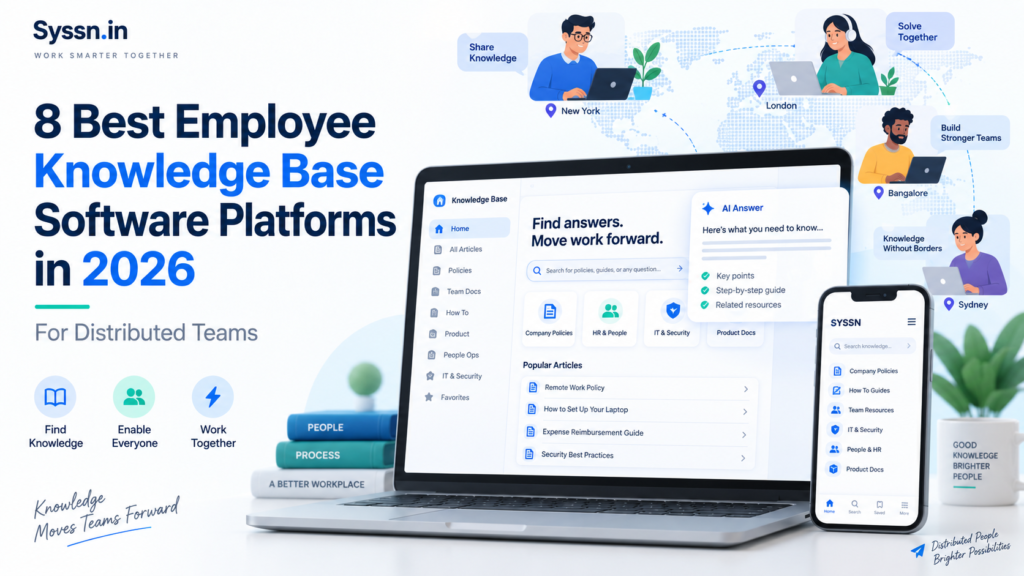
One thing becomes obvious once a company grows beyond a single office: having information and being able to find it are two very different problems.
A benefits policy may exist. The warehouse checklist may exist. Someone probably documented the process for replacing a lost company phone. Yet employees still ask HR, message a manager, search Slack, or open five documents hoping one of them is current.
That is the problem employee knowledge base software is trying to solve.
For distributed teams in 2026, the strongest options include HubEngage, Guru, Confluence, Notion, Microsoft SharePoint, Slite, Document360, and Bloomfire.
I would start with HubEngage for organizations with frontline, mobile, and multi-location employees because it combines searchable knowledge with employee communication. Guru is particularly good at bringing verified answers into existing work tools. Confluence, Notion, and SharePoint make sense when your company already works heavily inside their respective software environments.
The right product depends less on which platform has the longest feature list and more on one practical question: where does an employee go when they need an answer right now?
Best employee knowledge base software at a glance
| Platform | Best fit | Search and AI | Distributed-team strength | Pricing approach |
|---|---|---|---|---|
| HubEngage | Frontline, multi-location and distributed workforces | AI chatbot, source attribution, connected knowledge sources | Mobile employee app plus communication channels | Custom quote |
| Guru | Teams wanting governed answers inside everyday tools | Knowledge Agents, cited answers, verification | Slack, Teams, browser and web access | Custom quote |
| Confluence | IT, product, engineering and operations teams | Rovo Search, Chat and Agents | Strong fit for Atlassian users | Standard $5.42/user/month; Premium $10.44 |
| Notion | Remote and hybrid teams combining docs and work management | Notion Agent and Enterprise Search | Flexible wiki and workspace structure | Plus $10/member/month; Business $20 |
| Microsoft SharePoint | Microsoft 365 organizations | SharePoint agents and Microsoft 365 Copilot | Strong permissions and Teams connection | Included in several Microsoft 365 plans; AI costs vary |
| Slite | Teams focused on documentation quality | AI search and Slite Agent | Simple documentation and connected search | Basic $10/user/month; Pro $20 annually |
| Document360 | SOPs, policies and structured internal documentation | Eddy AI Search, chatbot and writing tools | Private knowledge bases, workflows and permissions | Custom quote |
| Bloomfire | Larger knowledge management programs | AI search, sourced answers and connected repositories | Searches across multiple company systems | Custom annual pricing |
Pricing above was checked against U.S. vendor pricing supplied for September 10, 2026. Published prices, enterprise contracts, AI allowances and implementation costs can change.
What is employee knowledge base software?
Employee knowledge base software gives employees one place to find company information such as policies, procedures, FAQs, training material, IT instructions, operating processes and internal documentation.
At the simplest level, this might be an employee handbook plus a collection of HR and IT articles.
At a larger company, things get more complicated. There may be hundreds of procedures, training documents, regional policies, compliance requirements and answers written by different departments.
Search becomes important because employees rarely think in document titles.
Someone who loses a work phone probably searches:
“I lost my company phone. What should I do?”
They probably do not search for Mobile Device Security Policy Revision 4.2.
That change in employee behaviour explains much of what has happened in this software category. Knowledge tools are becoming less dependent on folders and exact keywords. Employees can ask normal questions, receive an answer and, in better systems, check the source used to produce it.
Guru has Knowledge Agents. Confluence uses Rovo. Slite has Ask and its Agent. Document360 offers Eddy AI. Microsoft provides SharePoint agents. HubEngage can return answers with source attribution.
That last part matters. A quick answer is useful. A quick answer you can verify is considerably more useful when the question involves payroll, benefits, security or safety procedures.
Knowledge base software vs. knowledge management software
These terms get mixed together because the products themselves increasingly overlap.
A knowledge base usually focuses on documenting, organizing and retrieving information.
Knowledge management software tends to take on a larger job. It can involve identifying knowledge owners, reviewing information, connecting repositories, measuring searches, spotting outdated material and finding questions employees cannot currently answer.
The distinction helps explain why the products in this comparison feel so different.
Document360 behaves more like a controlled documentation system. Guru spends a lot of attention on trusted knowledge and retrieval. Bloomfire goes further into enterprise knowledge management and analytics.
HubEngage approaches the problem through the employee experience. Information sits alongside communication channels used to actually reach employees.
Notion mixes knowledge with collaborative work. SharePoint connects company content with Microsoft’s broader workplace tools.
You are technically shopping within one category, but you may be buying solutions to quite different problems.
What should distributed teams actually look for?
I think this is where knowledge base comparisons often go wrong.
It is easy to compare whether eight platforms have AI search, permissions, integrations and analytics. Almost every serious product can tick plenty of those boxes.
The harder question is whether those capabilities match how your people work.
Imagine a company with a head office, 200 retail locations and several thousand employees. A beautifully structured browser-based wiki may still fail if store employees rarely sit at a computer.
Now imagine a software company where almost everyone has Slack, Jira and a laptop open throughout the day. Mobile employee communication becomes much less important.
So I would score a platform around five practical areas.
The Syssn Distributed Knowledge Fit framework
This is an editorial comparison framework rather than an established industry standard.
| Area | Weight | Question to ask |
|---|---|---|
| Employee reach | 25% | Can employees reach information easily using the devices they already use? |
| Retrieval quality | 25% | Can they find the right answer, see its source and receive only permitted information? |
| Content control | 20% | Can you assign owners, permissions, reviews and approval rules? |
| Work-tool access | 15% | Can employees retrieve information through Teams, Slack, mobile apps, browsers or other regular systems? |
| Feedback and measurement | 15% | Can administrators identify failed searches, stale material and unanswered questions? |
Those weights should change with the organization.
A retailer with 8,000 store employees might increase employee reach. A software company built around Jira and Slack might care much more about access inside work tools.
The point is to stop evaluating knowledge software as though every employee works in the same way.
1. HubEngage
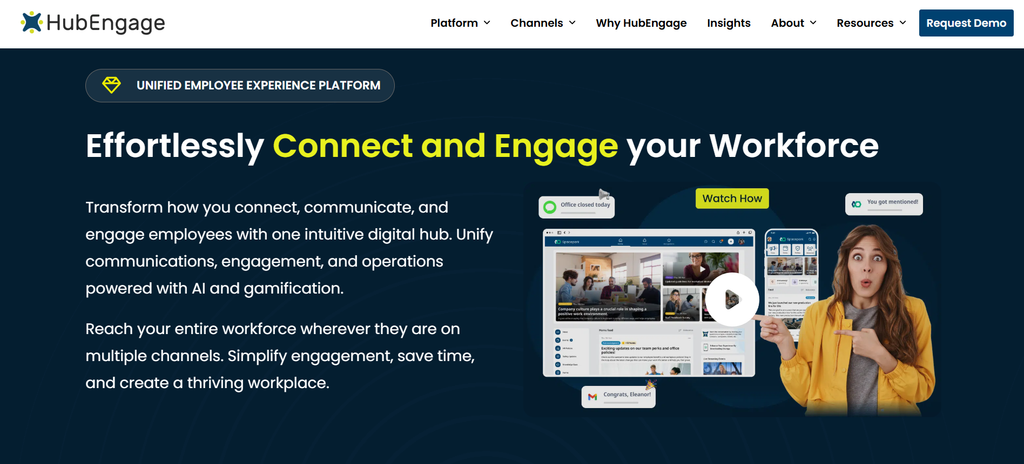
Best for: Distributed, frontline and multi-location organizations that want knowledge and employee communication together.
HubEngage is the first platform I would look at when the knowledge problem extends beyond maintaining an internal wiki.
Its Communications Hub can store and organize policies, safety documents, compliance material, operating procedures and other employee resources. It supports files including PDF, PowerPoint, Excel and Word documents, and companies can build knowledge bases around individual subjects.
Its AI chatbot can also connect with sources such as Google Drive, SharePoint, OneDrive, LMS platforms, support sites, existing knowledge bases, help desks and websites. Employees can ask questions and receive answers with source attribution.
Where HubEngage becomes particularly relevant to distributed companies is access.
The platform provides native iOS and Android employee apps and connections with systems such as Microsoft Teams, SharePoint, ADP, UKG and Workday. Because knowledge sits inside a wider employee communication platform, companies can also push an important policy update to employees rather than assuming everyone will eventually search for it.
Pricing is based on employee count and contract requirements, so there is no standard public per-user knowledge-base tier.
My take: HubEngage belongs near the top of the shortlist when frontline communication and employee knowledge are really part of the same problem. If your requirement is highly technical documentation, you may prefer a more specialized documentation product.
2. Guru
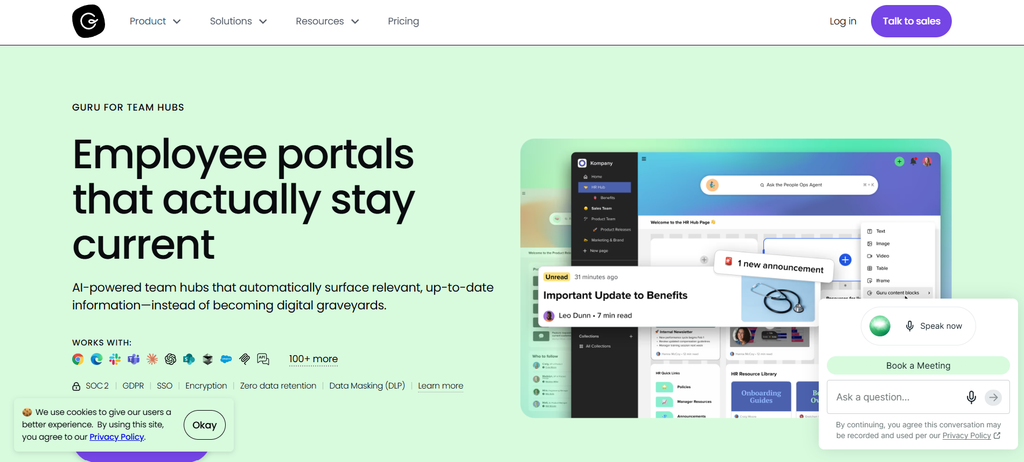
Best for: Organizations that want trusted answers inside Slack, Teams and browser-based workflows.
Guru has gradually moved beyond the traditional company-wiki model.
Its Knowledge Agents can answer questions from company information while taking user permissions into account. Answers include citations and source lineage, which is useful when employees need to check where information came from.
The platform also provides verification workflows, audit logs, role-based controls, SSO and SCIM.
Verification is probably the feature I find most interesting here.
Documentation often fails because somebody wrote a useful answer two years ago and nobody knows whether it is still correct. Guru Cards can have designated reviewers and verification requirements. Employees can even complete some verification work through Slack.
Guru also connects with more than 100 systems and can surface company information through Slack, Microsoft Teams, browser extensions and MCP-based AI tools.
Pricing is customized around company size, requirements and AI use rather than published through simple public tiers.
My take: Guru makes sense when employees already work across several systems and you want answers to come to them. For a 30-person company needing a basic employee handbook, it may be more system than you actually need.
3. Confluence
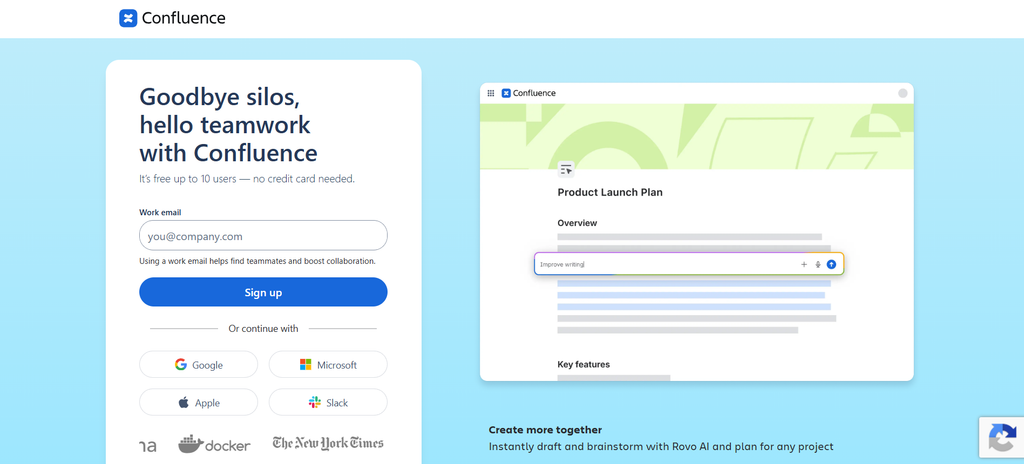
Best for: Product, engineering, IT and operations teams already working with Atlassian software.
Confluence has been around long enough that many employees still think of it primarily as a company wiki.
That description is becoming incomplete.
Atlassian’s Rovo tools allow employees to ask natural-language questions based on Confluence pages, live docs and blogs they can access. Rovo Search can also bring in information from other Atlassian products and connected services such as Google Drive and Slack.
Rovo Agents push the product further by allowing teams to define knowledge sources and carry out work involving Confluence and Jira.
There is also an interesting connection with IT support. Resolved Jira Service Management issues can be turned into draft Confluence articles, helping teams capture troubleshooting knowledge that might otherwise remain buried inside tickets.
Atlassian currently lists Confluence Standard at $5.42 per user per month and Premium at $10.44. Standard includes Rovo Search, Chat and Agents, advanced permissions and 250 GB of storage.
My take: Confluence gets easier to justify when Jira is already central to your company. If most employees work in shops, hospitals, factories or other frontline settings, I would test the employee access experience carefully before committing.
4. Notion
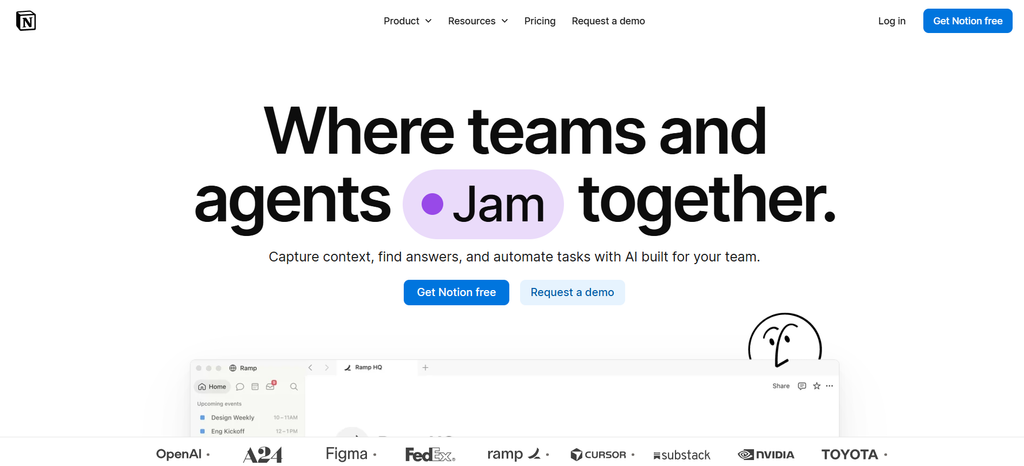
Best for: Remote and hybrid organizations that want documentation and collaborative work in the same workspace.
Notion feels less like a formal knowledge base and more like a workspace that companies can shape around themselves.
Teams can combine pages, databases, templates, project information and teamspaces. That flexibility is one reason it has become popular with remote and digital-first organizations.
The Business plan includes Notion Agent, AI Meeting Notes and Enterprise Search. Enterprise Search can retrieve information from Notion and supported connected applications such as Slack and GitHub while respecting permissions.
Page verification is useful for company knowledge. Teams can mark important pages as verified, and that status can appear in search results and AI citations.
Private teamspaces and database permissions add more access control. Enterprise customers get features such as SCIM and audit logs.
Notion currently lists Plus at $10 per member per month and Business at $20. Enterprise pricing is customized.
My take: Notion works especially well when your documentation, projects and team knowledge naturally overlap. It becomes less convincing when your communication strategy depends heavily on SMS, signage or other channels aimed at employees who spend little time in a workspace app.
5. Microsoft SharePoint
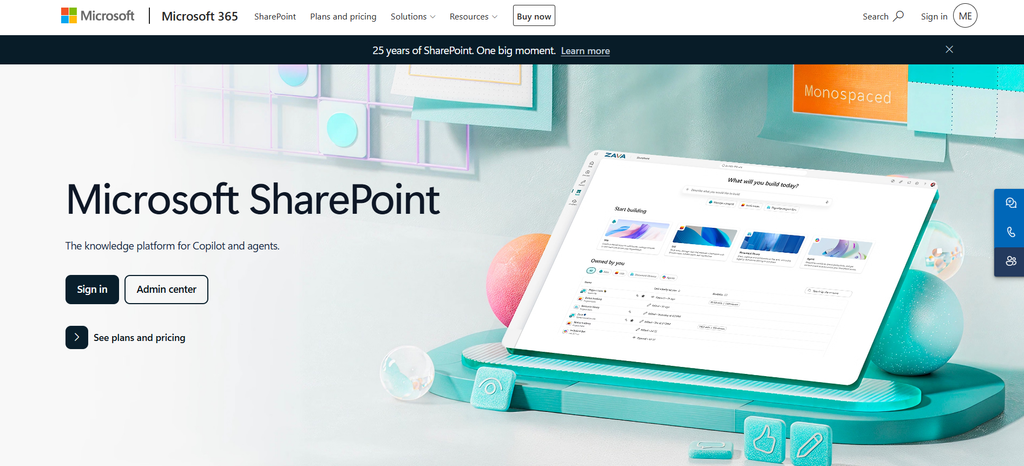
Best for: Companies already committed to Microsoft 365, Teams and Microsoft’s identity tools.
SharePoint is difficult to evaluate in isolation because companies rarely use it in isolation.
It may already hold policies, department sites, employee documents and intranet content. Teams may already be where employees communicate. Microsoft identity already controls who gets access.
That existing setup can be a major advantage.
Modern SharePoint sites and document libraries can have ready-made agents. Authorized users can also create agents focused on selected sites, folders, files and document libraries.
The employee’s existing permissions still apply to the answers.
Custom SharePoint agents can be shared in Microsoft Teams, and Microsoft’s wider AI products can work with sources such as OneDrive, Teams information, email and Copilot connectors depending on configuration and licensing.
Pricing is less straightforward than with standalone knowledge products. Microsoft currently lists Business Basic, which includes SharePoint, at $7 per user per month with an annual commitment. Copilot or agent use can introduce additional costs.
My take: If most company information already lives inside Microsoft 365, replacing that structure merely to buy a dedicated knowledge product may create more work than it solves. Companies starting with a blank slate have more reason to compare simpler alternatives.
6. Slite
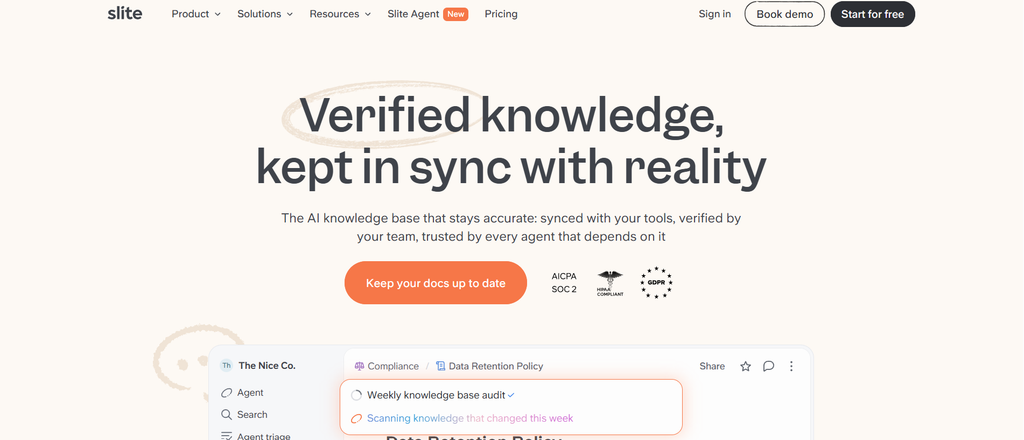
Best for: Remote teams that care about documentation quality and keeping knowledge current.
Slite has remained fairly focused.
It is primarily about company documentation rather than becoming an employee engagement, project management or workforce operations platform.
Its Basic plan includes unlimited documents, verification, ownership controls, knowledge management functions and AI answers based on Slite content. Pro extends search into connected tools and adds the Slite Agent.
The Agent tackles a problem every knowledge manager eventually encounters: documentation slowly becoming wrong.
Slite says the Agent can compare documentation with activity from more than 20 connected tools, identify possible outdated information and suggest revisions. Proposed changes go through review rather than being applied automatically.
Document owners can also set verification cycles, and employees can flag material they believe is outdated.
Basic costs $10 per user per month and Pro costs $20 when billed annually. Enterprise plans use custom pricing.
My take: I would put Slite high on the list when your biggest problem is maintaining the quality of documentation over time. Its narrow focus is either an advantage or a limitation depending on what else you expect the platform to do.
7. Document360
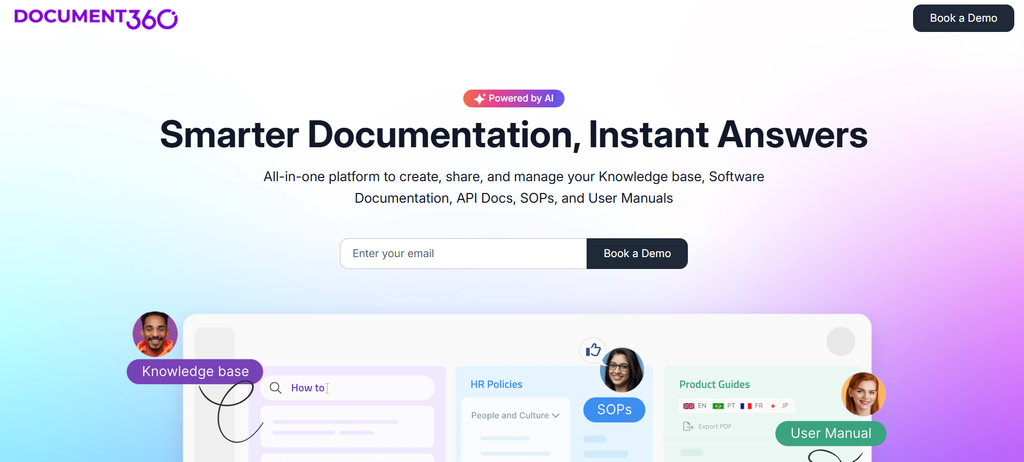
Best for: Companies managing formal SOPs, policies, technical documentation and controlled internal knowledge.
Some companies do not need an informal wiki. They need publishing controls.
Document360 is built more closely around that idea.
Teams can run private internal knowledge bases, arrange articles into categories, retain revision history, reuse content blocks and create workflows before material gets published.
Review reminders, permissions, roles, SSO, SCIM and bulk article management give documentation teams more control over how information changes.
Its AI features include Eddy AI Search and Answer, writing assistance, duplicate-content detection and an MCP server for connecting Document360 content with external AI systems.
Its chatbot can work from knowledge-base material and selected external sources. Search analytics, reader data and feedback reports help administrators see what employees are looking for and where the documentation may be falling short.
Document360 now uses customized pricing based on factors such as team accounts, languages, workspaces, security requirements and AI consumption.
My take: Document360 fits organizations where publishing discipline matters. If your main problem is reaching thousands of frontline employees with announcements and information, its documentation-first approach may be too specialized.
8. Bloomfire
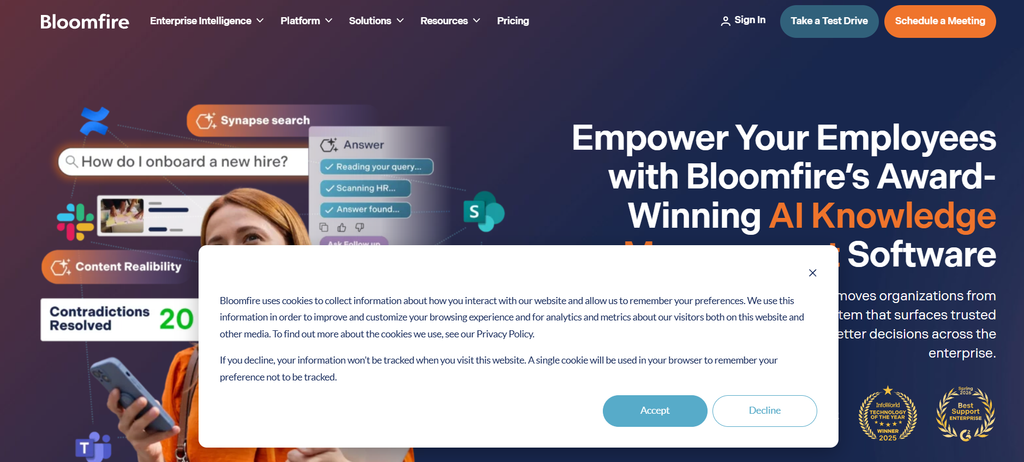
Best for: Larger enterprises trying to manage knowledge spread across several departments and repositories.
Bloomfire addresses a bigger knowledge-management problem than maintaining a collection of internal pages.
Its search can work across Bloomfire content and connected systems including SharePoint, Google Drive, Salesforce, Microsoft Teams and Confluence. Source permissions are respected, and AI-generated answers can link employees back to the supporting material.
The platform also includes approval workflows, review schedules, expiration controls and role-based access.
Its knowledge-health capabilities can help teams find outdated, duplicate, incomplete or conflicting material.
Analytics track searches, clicks, follow-up questions and gaps. Bloomfire can also index formats beyond conventional text documents, including audio and video.
Pricing is annual and depends on the size and scope of the implementation. Migration and implementation services can also affect the final cost.
My take: Bloomfire becomes more interesting as the knowledge problem becomes organizational rather than departmental. For a small remote startup mainly looking for a handbook and internal wiki, it is likely more than necessary.
Which platform fits your type of distributed team?
You can narrow the shortlist considerably by looking at where employees already spend their day.
| Situation | Start with | Reason |
|---|---|---|
| Retail, hospitality, healthcare or manufacturing employees | HubEngage | Mobile knowledge and employee communication sit together |
| Employees work heavily in Slack, Teams and browsers | Guru | Answers can appear inside regular work tools |
| Engineering or IT team using Jira | Confluence | Jira, documentation and Rovo work closely together |
| Remote startup or digital-first company | Notion or Slite | Straightforward collaborative documentation |
| Microsoft-heavy enterprise | SharePoint | Existing identity, content and Teams use reduce switching |
| SOP or compliance-heavy documentation program | Document360 | Strong publishing and revision controls |
| Enterprise information spread across several repositories | Bloomfire | Connected search, governance and analytics |
There is a useful pattern here.
The best knowledge base often turns out to be the one that asks employees to change their behaviour the least.
Can employee knowledge base software actually reduce repetitive questions?
Yes, although installing the software is the easy part.
Suppose HR receives the same question every week:
“When can I change my health insurance election?”
The company technically has the answer. Unfortunately, it is buried on page 37 of a benefits PDF with a filename nobody remembers.
Employees keep asking HR because asking a person takes less effort than finding the document.
A functioning knowledge system changes several things:
- HR creates one approved answer.
- Someone owns that answer.
- Search understands normal employee wording.
- The answer points back to the official source.
- Employees can access it through a familiar device or application.
- The content is reviewed when benefits rules change.
- Search data reveals which related questions remain unanswered.
Now repeat the same process for password resets, equipment requests, opening procedures, expenses, scheduling and safety instructions.
This is also where the limitations of AI become clear.
If your company has three documents containing three different travel-expense rules, adding AI does not resolve the underlying disagreement. It may simply make the disagreement easier to find.
Someone still needs to decide which source is authoritative.
How should you organize employee knowledge?
I would begin with ownership rather than spending weeks debating folders.
Every policy or procedure that changes employee behaviour should have a team responsible for maintaining it.
Then organize the employee experience around language people actually use.
Your employee thinks:
“How do I request parental leave?”
They probably do not think:
“Where is HR Policy 6.4.2?”
A practical structure might include:
- People and HR: benefits, leave, payroll, onboarding and workplace policies
- IT and security: passwords, devices, software access and security procedures
- Operations: opening procedures, inventory, quality checks and escalation processes
- Safety and compliance: emergency instructions, regulated procedures and required acknowledgements
- Manager resources: hiring, performance management, scheduling and team processes
- Company information: offices, terminology, organizational information and major programs
Where possible, maintain one approved source for each important decision.
Duplicates create a surprisingly expensive problem because employees then have to decide which document they trust.
What should you test before buying?
Do not evaluate knowledge software using vendor examples alone.
Give every shortlisted platform the same 20 to 30 real employee questions.
Collect them from HR, IT, operations and managers.
Use questions such as:
- “How many bereavement days do I get?”
- “What should I do if the POS system stops working?”
- “Can I expense a taxi after 10 p.m.?”
- “Where is the new warehouse safety checklist?”
- “I lost my work phone. Who do I contact?”
Include spelling mistakes. Use vague wording. Ask the same question three different ways.
Then check four things:
Did it find the correct answer?
Did it identify the source?
Did permissions work correctly?
Could employees access the answer comfortably on the devices they actually use?
I would also create an account with restricted permissions and deliberately ask questions about HR, finance or management information that the user should not see.
Then change one important policy.
Watch what happens next.
Does the old version remain searchable? Can an owner approve the replacement? How quickly does the new information appear? Does the system warn anyone that related documentation is now outdated?
That test tells you far more than an hour of polished product slides.
How to compare employee knowledge base pricing
Per-user pricing looks simple until procurement starts adding everything else.
Ask every vendor to quote the same three-year scenario.
Include:
- Employee and administrator licenses
- Frontline or reader accounts
- AI usage limits and overage charges
- Implementation
- Data migration
- SSO and advanced security
- Premium integrations
- SMS or additional communication channels
- Training and support
- Contract minimums
- Expected renewal increases
A platform advertised at $10 per user can end up costing more than a quote-based competitor once the features your company actually requires are included.
Comparing the full cost also forces another useful question: how many employees genuinely need paid seats?
Which employee knowledge base software should you choose in 2026?
For organizations with distributed, frontline and multi-location employees, HubEngage is the first platform I would evaluate because knowledge access sits alongside the communication tools used to reach employees.
Guru is a strong choice when trusted answers need to appear inside Slack, Teams and browsers.
Confluence fits naturally into Jira-heavy technology and operations environments. Notion works well for flexible remote teams combining documentation and collaborative work.
SharePoint deserves serious consideration when Microsoft 365 already contains much of the company’s information. Slite is particularly interesting when outdated documentation has become a recurring headache.
Document360 fits structured publishing and controlled SOP environments. Bloomfire becomes more relevant when knowledge is scattered across several enterprise repositories.
I would not choose any of them because it has an impressive AI demo.
AI search is quickly becoming normal in this category.
The harder problem has hardly changed.
Someone has to create the correct answer. Someone has to own it. Someone has to update it. And somehow, at the exact moment an employee needs that information, the software has to put the correct version in front of them.
That seems like a fairly modest requirement.
Anyone who has searched a company intranet for ten minutes knows it isn’t.
Frequently asked questions
What is the best employee knowledge base software in 2026?
HubEngage, Guru, Confluence, Notion, Microsoft SharePoint, Slite, Document360 and Bloomfire are all worth considering, but they solve different versions of the knowledge problem. HubEngage stands out for distributed and frontline workforces, while other platforms focus more heavily on embedded knowledge, documentation, Microsoft environments or enterprise knowledge management.
Which employee knowledge base software is best for distributed teams?
It depends on how employees work. HubEngage suits mobile and frontline teams that also need employee communication. Guru fits companies where employees spend much of their day in Slack or Teams. Notion and Slite work well for digital-first remote teams. SharePoint is a natural candidate for companies already standardized on Microsoft 365.
What features should an employee knowledge base include?
Look for reliable search, permissions, named content owners, version history, review controls, mobile access, integrations, source citations for AI-generated answers and analytics showing failed searches or missing information.
How does an employee knowledge base work?
Administrators and subject owners publish or connect company information. Employees browse, search or ask questions about that material. Modern systems can return direct natural-language answers while linking employees back to the supporting source.
Can a knowledge base replace Slack or Microsoft Teams?
Usually no. Knowledge bases are better suited to information that should remain useful over time. Slack and Teams are built largely around communication and conversation. Some knowledge platforms integrate with those tools so employees can retrieve durable company information without leaving them.
Is AI search necessary in 2026?
It is useful, particularly when employees describe the same problem using different language. It does not replace navigation, permissions, content ownership or review processes. AI can only work with the information you give it.
How often should company knowledge be reviewed?
The schedule should reflect how quickly the information changes. Safety procedures, benefits rules and compliance policies may require review whenever a policy changes plus scheduled checks. Stable company background material can be reviewed less frequently. Administrators should still be able to identify the owner and next review date.
How should I compare knowledge base pricing?
Request the same three-year cost scenario from every vendor. Include licenses, AI usage, implementation, migration, security features, integrations, communication channels, support and renewal pricing. Comparing advertised seat prices alone rarely gives you the complete cost.