What Breaks in Local Listings Management When Two CRM Systems Both Own Location Records?

One of the stranger things about data problems is that every system can be working perfectly while the final result is completely wrong.
Imagine a company with 300 locations.
CRM A says a Chicago branch uses 312-555-0180.
CRM B still has the old number, 312-555-0122.
At 9:00 a.m., CRM A sends the new number to the listings platform. At 10:00 a.m., CRM B completes its scheduled sync and sends the old one back. At noon, CRM A corrects it again.
Every API call succeeds.
Nothing crashes.
Yet customers keep seeing the wrong phone number.
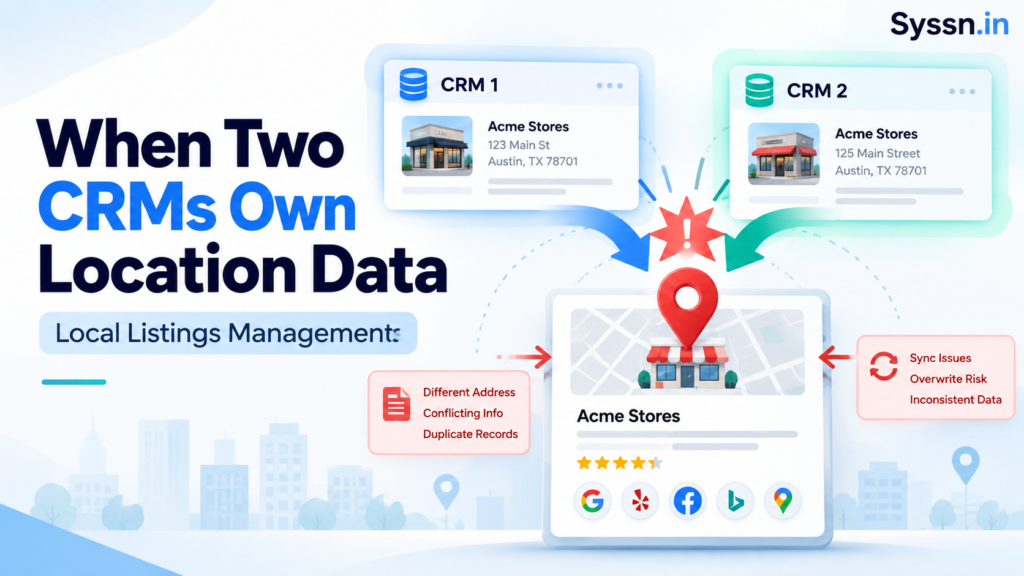
That is the central problem when two CRM systems both believe they own the same location record. The issue is rarely the integration itself. The issue is authority.
A reliable local listings management CRM integration needs one approved owner for every important field, stable location IDs, controlled synchronization, and a clear rule for what happens when systems disagree.
For a broader introduction to the discipline itself, see Syssn’s guide to local listings management.
Key takeaways
- Two CRM systems can safely store the same location information, but they should not independently control the same fields.
- The source of truth should usually be defined at the field level, rather than declaring one entire application authoritative.
- Permanent internal location IDs are safer than matching stores by name, address, or phone number.
- Last-write-wins synchronization is particularly risky for phone numbers, addresses, operating status, categories, and hours.
- Opening, closing, moving, and renaming locations should be treated as lifecycle events rather than ordinary CRM updates.
- Listings platforms can distribute approved data, but they cannot resolve unclear ownership inside your organization.
- Reconciliation matters as much as publishing. You need to know what the publisher actually displays after an update.
What is a local listings management CRM integration?
A local listings management CRM integration connects internal business systems with the software responsible for maintaining location information across Google, Apple, Bing, Yelp, Facebook, maps, directories, navigation systems, and other discovery services.
That sounds straightforward until you ask a simple question:
Which system is allowed to decide what is true?
A CRM might store an address because sales representatives need it.
An ERP might store the same address because finance and operations need it.
A listings platform needs that address because Google and Apple need it.
Having three copies is not necessarily a problem.
Having three authorities is.
A useful distinction is between holding data and owning data.
Your CRM can hold a location’s hours without having permission to overwrite those hours. It can receive the phone number without becoming the source of truth for that phone number.
For multi-location organizations, the ownership model might look something like this:
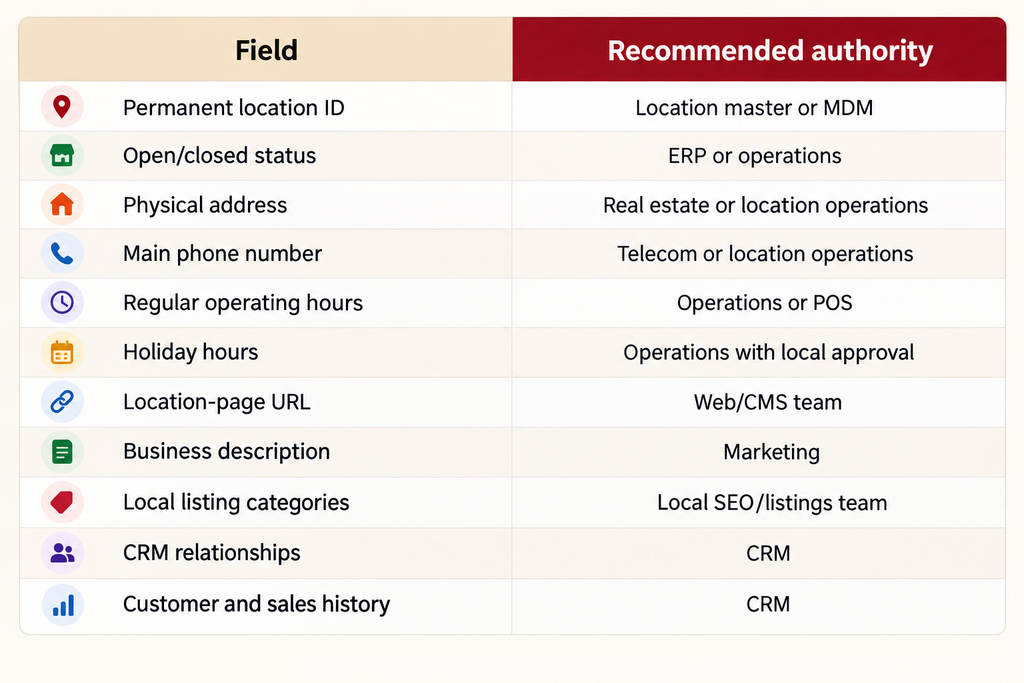
Once you see location data this way, the question stops being “Which CRM wins?”
The better question is:
Who owns this field?
What breaks when two CRMs can write the same location data?
1. Old information keeps coming back
The most obvious failure is the overwrite loop.
Someone corrects a phone number.
Another system puts the old number back.
Someone changes the address.
A nightly import restores yesterday’s record.
Teams often respond by increasing synchronization frequency. That can make the problem worse. You are simply allowing conflicting systems to disagree more quickly.
The problem requires an ownership rule, not a faster API.
Google’s Business Profile APIs support field-specific updates through field masks, which allows an integration to modify selected fields rather than automatically rewriting the entire record. Google Business Profile Business Information API
That technical ability becomes particularly useful when different systems legitimately control different fields.
2. You end up with several versions of the same location
Suppose CRM A says:
Status: Open
Address: 250 Market Street
CRM B says:
Status: Permanently closed
Address: 850 Market Street
The listings platform contains:
Status: Open
Address: 850 Market Street
Which record represents the real store?
At this point, the disagreement is no longer confined to two CRMs. Websites, advertising feeds, store locators, call centers, analytics systems, and search platforms can each inherit different versions.
This is sometimes described as a split-brain data problem.
I think the more interesting point is organizational: software is revealing that the company itself has no agreed answer.
A listings platform can distribute information very efficiently. It cannot decide whether Store 127 actually exists.
3. Duplicate locations appear after ordinary changes
Location matching becomes fragile when systems use mutable data as identity.
Addresses change.
Phone numbers change.
Store names change.
Brands reformat addresses.
Companies relocate branches.
Your internal location identifier should survive those changes.
Consider a dental practice that moves from:
100 Oak Street
to:
700 Oak Street
CRM A updates the address.
CRM B uses business name + address to decide whether the record already exists.
It no longer recognizes the location.
A second record gets created.
The listings platform now sees two apparently valid dental practices.
This is why a permanent identifier such as:
LOC-004821
is much safer.
You can then map it to every system:
Enterprise location ID: LOC-004821
CRM A ID: 937552
CRM B ID: BR-22881
Google location ID: 147...
Listings platform ID: 60291
The address can change without changing the location’s identity.
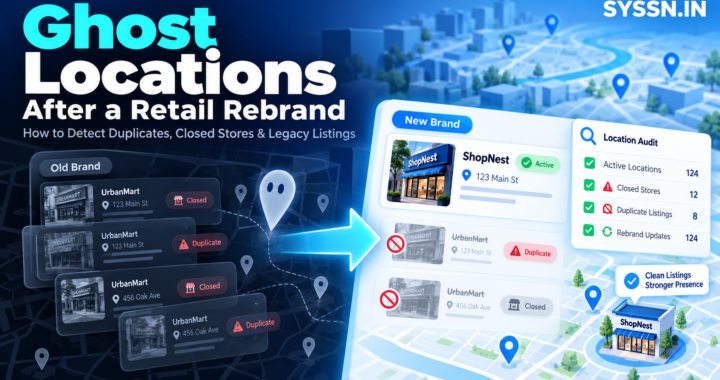
4. Closed locations mysteriously reopen
Closure data deserves stricter controls than ordinary descriptive information.
Suppose Store 127 permanently closes.
Operations records the closure.
The listings platform begins updating public profiles.
CRM B missed the closure event and still considers Store 127 active.
Its nightly synchronization runs.
The closed store suddenly looks active again.
This can happen because the architecture treats “active” as an ordinary Boolean field rather than as part of a controlled lifecycle.
A safer model looks more like:
ACTIVE → CLOSING → CLOSEDThe underlying record remains available after closure. Its historical IDs and publisher mappings also remain available.
That distinction is important.
A closed store is not the same thing as a missing record.
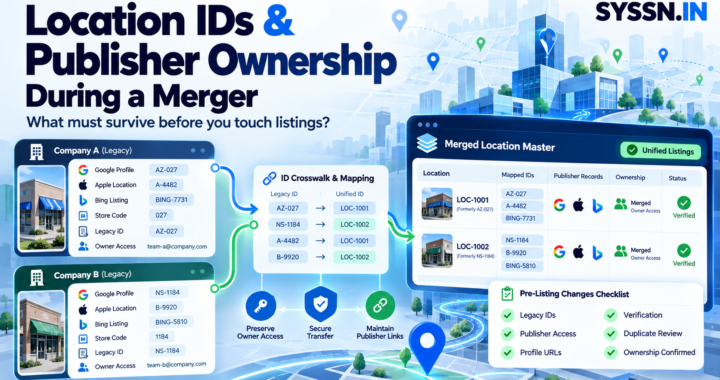
For multi-location brands building processes around openings, closures, and ownership changes, Syssn’s guide to business listing management services for multi-location brands covers the operational side in more detail.
5. Store moves get mistaken for new locations
A physical address feels permanent until you manage a company with hundreds of branches.
Then you discover how temporary addresses really are.
Stores relocate. Clinics move across the street. Franchise locations change suites. Offices consolidate.
If the address forms part of your identity key, every move risks becoming a new entity.
This is another reason to separate:
identity
from:
attributes
The location ID identifies the entity.
Address, phone, name, and hours describe it.
That distinction sounds technical, but it solves a surprisingly large number of operational problems.
6. Holiday hours disappear
Hours are especially good at exposing weak integration design.
Imagine that:
- CRM A contains standard opening hours.
- The POS system contains actual store hours.
- CRM B contains a six-month-old copy.
- The listings platform contains special Christmas hours entered by marketing.
Now CRM B sends a complete location record.
The standard hours may survive.
The holiday exception disappears.
The useful question therefore becomes more specific than “Who owns hours?”
You may need separate ownership for:
- regular hours,
- holiday hours,
- temporary closures,
- seasonal hours,
- service-specific hours.
This is what field-level ownership means in practice.
7. Publisher corrections get overwritten automatically
Internal applications are not the only systems that can alter location information.
Google can surface updated values for a Business Profile, along with differences between the stored business information and Google’s current version. Google’s documentation describes using getGoogleUpdated, reviewing the differences, and then accepting or rejecting them through controlled updates. Google’s guidance for managing Business Profile updates
That creates several useful states:
Internal authoritative value
Last submitted value
Current publisher value
Publisher-proposed value
Pending value
These should not automatically collapse into one field.
Suppose Google changes a phone number because it found conflicting evidence elsewhere.
Your integration immediately pushes the internal value back.
Google changes it again.
You now have another overwrite loop, except one side of the argument is an external publisher.
A better system asks why the values differ before blindly sending another update.
8. Nobody knows who caused the bad update
This is often the point where an apparently simple listings problem becomes a two-hour meeting.
The address is wrong.
CRM A says its update succeeded.
CRM B says its sync succeeded.
The middleware reports no errors.
The listings platform accepted the payload.
Google still shows something unexpected.
Everyone technically did their job.
A useful audit record should include at least:
location_id
field
old_value
new_value
source_system
user_or_process
timestamp
reason
destination
API_result
Without this, troubleshooting becomes guesswork.
With it, the question changes from:
“Why is Google wrong?”
to:
“Which system changed the address at 11:42 a.m., and why?”
That is much easier to solve.
The safer architecture for two CRM systems
When two CRMs need location data, I would generally avoid letting both publish independently.
A cleaner architecture looks like this:
CRM A --------\
               \
CRM B ----------> Location Master / Governance Layer
ERP ------------/               |
POS ------------/               |
                                  v
                           Listings Platform
                                  |
                     Google / Apple / Bing / Yelp
The location master does not have to be an enormous master-data-management project.
For some companies, it may simply be an integration service with:
- permanent location IDs,
- ownership rules,
- validation,
- approval logic,
- version history,
- conflict handling,
- audit logging.
The crucial point is that downstream publishers receive an approved version of the location.
If you are designing this operationally for an agency rather than an internal enterprise team, Syssn’s local listings management workflow for agencies provides a useful companion framework.
A practical field ownership model
A workable rule set might look like this:
CRM A owns sales territory.
CRM B owns customer-service relationships.
ERP owns operating status.
Location Operations owns address.
Telecom owns the primary phone number.
POS owns standard hours.
Operations owns special hours.
Marketing owns categories, descriptions, and URLs.
Listings platform publishes approved public data.
Notice what this architecture does not require.
It does not require eliminating either CRM.
Both can continue using location information.
They simply stop competing to define it.
Which listings platforms fit a multi-CRM architecture?
The listings platform belongs downstream of the ownership decision.
That means I would look less at flashy dashboards and more at APIs, bulk workflows, location identifiers, synchronization controls, publisher status, and the ability to return errors or differences.
Here are four platforms worth examining.
1. Yext

Yext is particularly relevant to organizations with structured location data and complicated upstream systems.
Its Management API can push or pull data between Yext and other applications. Yext’s documentation specifically describes synchronizing entities from an organization’s source-of-truth system and using APIs and webhooks to keep systems aligned.
That architecture suits companies where location records already move through ERP, CRM, MDM, web, analytics, and other systems.
Best fit: Large multi-location enterprises with established data governance.
Useful capabilities: Structured entities, APIs, publisher management, bulk location handling, webhooks, and integration with upstream systems.
Main limitation: Yext cannot decide which of two contradictory CRM records is correct. That governance still needs to exist upstream.
The important implementation question is therefore not simply, “Can Yext connect to both CRMs?”
It usually can.
The better question is, “Should both CRMs be allowed to publish the same fields?”
2. Synup
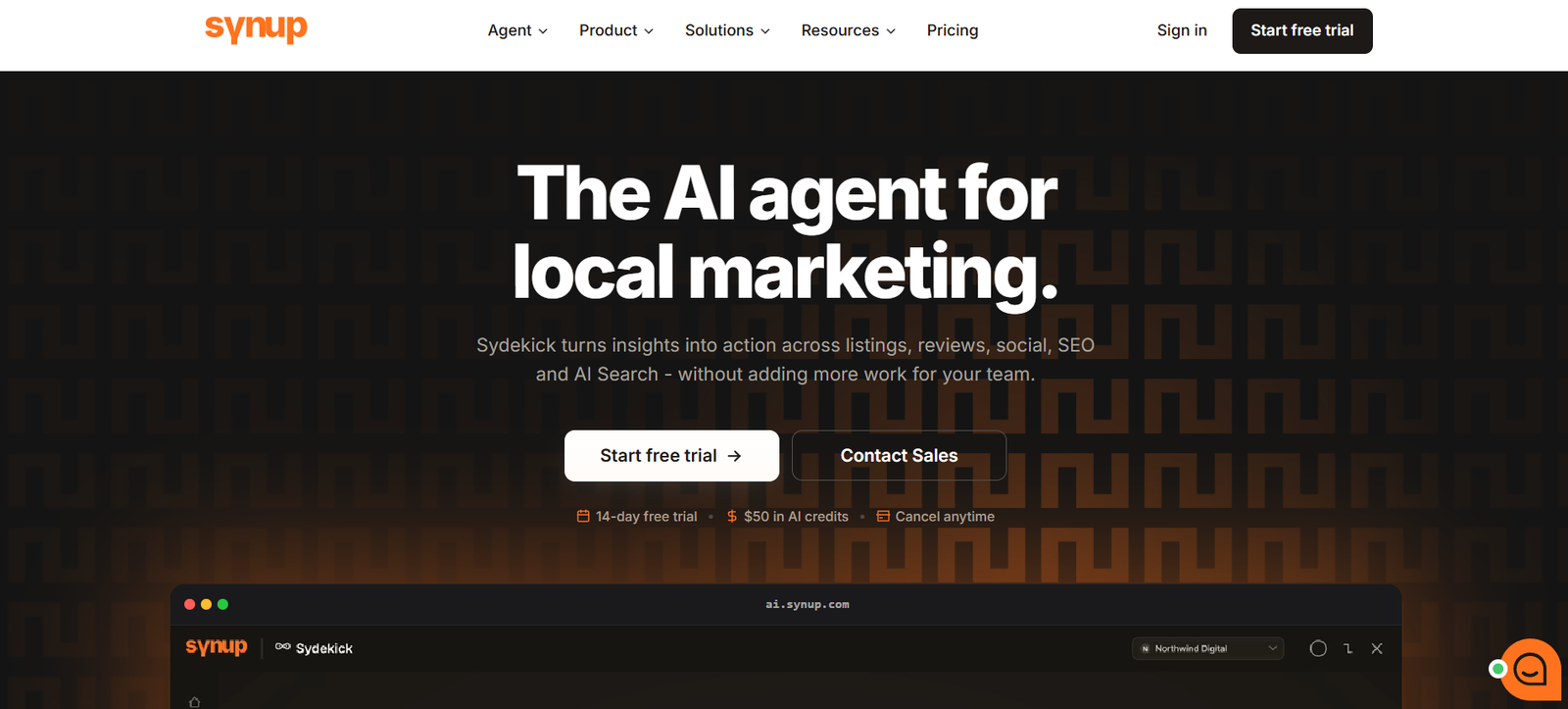
Synup is particularly relevant for agencies, resellers, franchises, and multi-location marketing teams that want location management alongside listings operations.
Locations can be added through the interface, bulk CSV uploads, or APIs. Synup’s developer documentation exposes location, listings, review, analytics, and related API workflows. Synup API documentation
That flexibility becomes useful when location information originates somewhere else.
Best fit: Agencies, resellers, and growing multi-location organizations.
Useful capabilities: Location APIs, listings workflows, bulk imports, publisher synchronization, multi-client administration, and agency tooling.
Main limitation: The existence of APIs does not solve upstream ownership. If CRM A and CRM B both send contradictory values, Synup still needs an approved master record to work from.
I would therefore treat Synup as the publishing and operating layer, rather than asking it to arbitrate an unresolved internal data dispute.
For comparisons with other tools, Syssn also maintains a broader guide to local listings management software.
3. Uberall
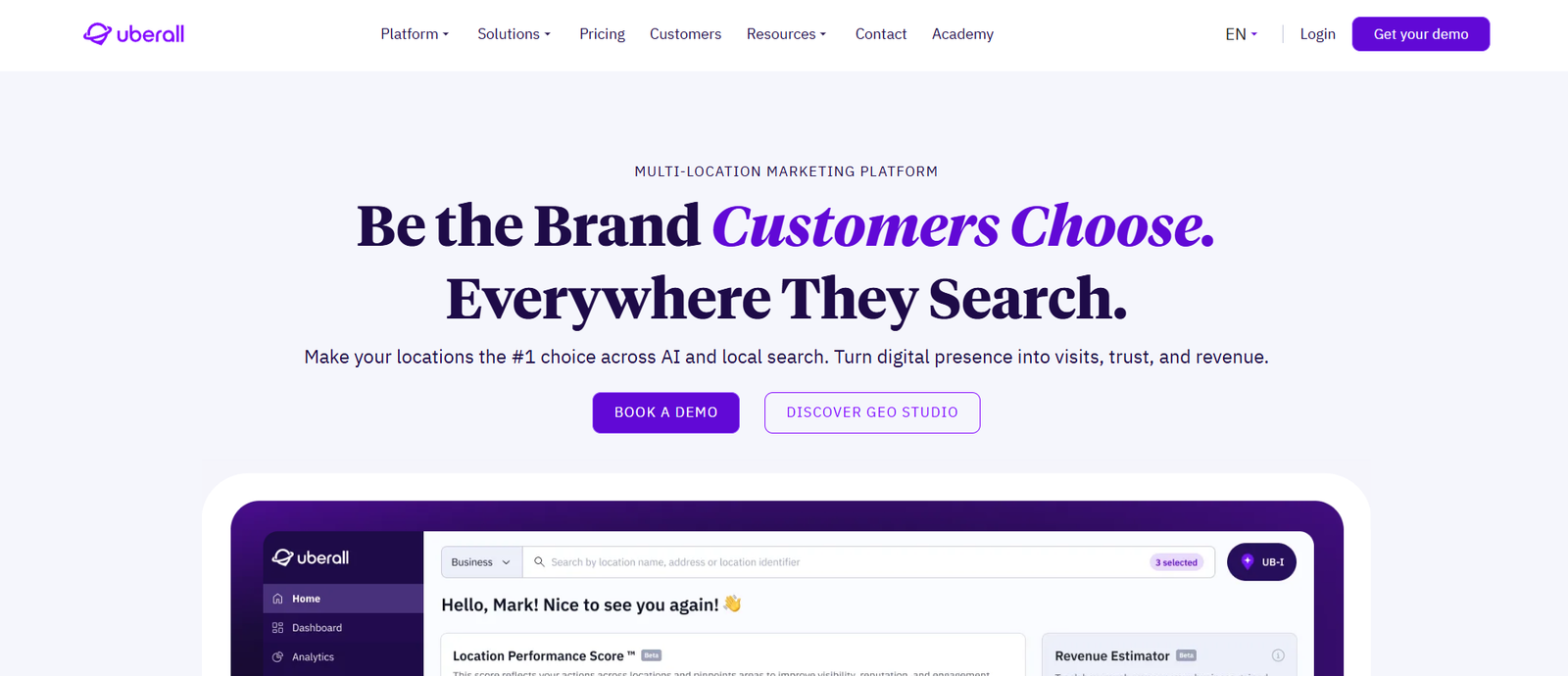
Uberall is designed around large-scale location and listings management, with API operations covering locations, listings, publisher connections, and related synchronization.
Its listings API exposes operations for retrieving and updating listing data, allowing technical teams to work programmatically with individual locations and publisher states.
Best fit: Large multi-location brands, including organizations operating across several markets.
Useful capabilities: Location APIs, listings APIs, bulk workflows, publisher synchronization, and detailed listing status information.
Main limitation: Changes to core identity fields need careful governance. Updating an address or primary business identity is not equivalent to changing a marketing description.
Uberall becomes more useful when it receives clean, governed data. Like the other platforms here, it cannot repair a disagreement that the organization itself has never resolved.
4. BrightLocal
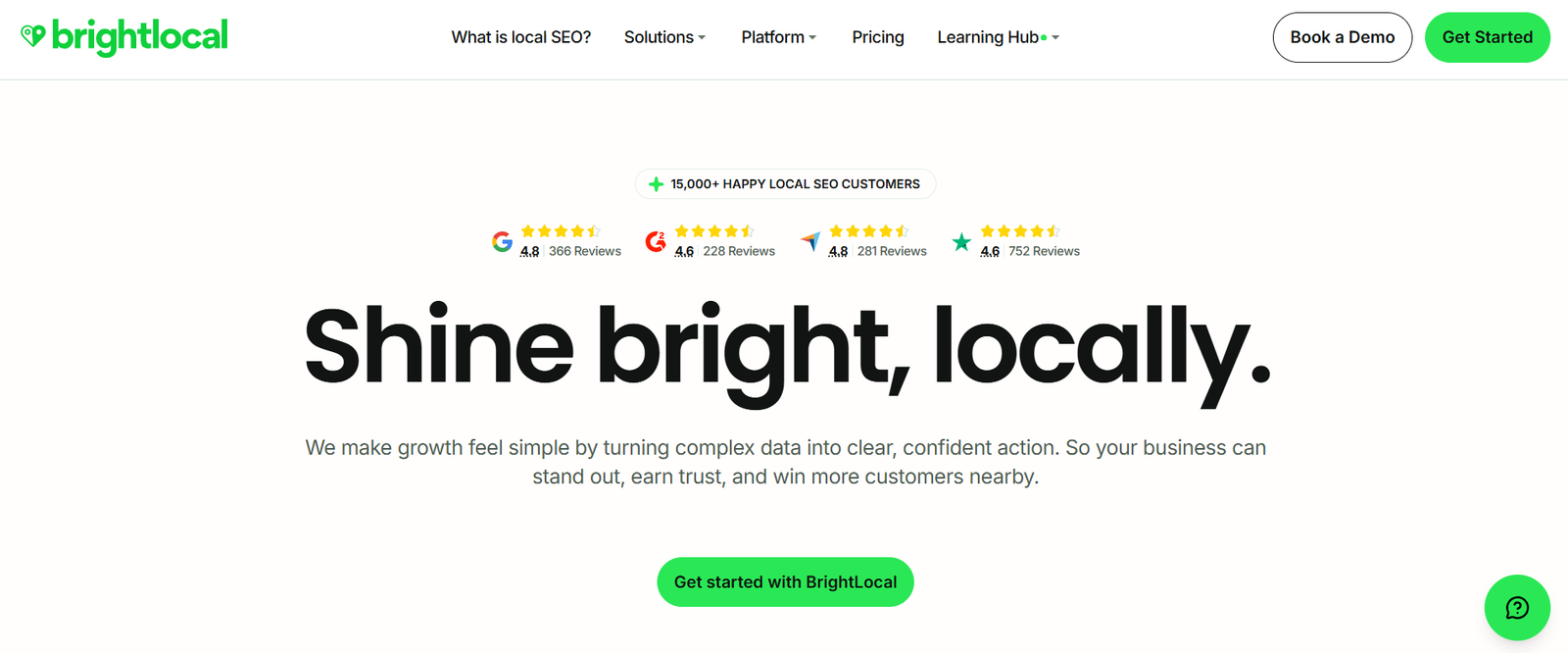
BrightLocal approaches the problem somewhat differently.
Its API capabilities include location management and external application integration, while its listings tools focus heavily on major platforms and local SEO workflows. BrightLocal says its Management APIs can create, update, and organize location information and connect that data with external systems.
Best fit: Agencies and teams that need listings management alongside local SEO reporting and citation work.
Useful capabilities: Location management, publisher management, reporting APIs, white-label workflows, and integration with external applications.
Main limitation: Organizations requiring a large global publisher network should compare coverage carefully against more enterprise-oriented platforms.
BrightLocal can work well where the architecture is relatively focused: one governed location record going to a known set of important publishers.
Yext vs Synup for multi-CRM location data
Yext and Synup can both sit downstream of internal systems, but the surrounding use cases differ.
Yext’s documentation is particularly explicit about pulling information from an upstream source of truth into structured entities. That makes it a natural candidate for complex enterprise architectures.
Synup combines listings management with agency, reseller, and multi-client workflows, which can make it particularly practical when the people operating the listings are managing several brands rather than one enterprise data estate.
Neither changes the core architecture.
If two CRMs disagree, the solution should happen before publication.
Yext vs Uberall for location synchronization
Yext and Uberall both provide substantial API capabilities for multi-location operations.
The more useful comparison is therefore not “Which has an API?”
Both do.
Instead, evaluate:
- how locations are identified,
- which fields can be updated independently,
- bulk-update behavior,
- error reporting,
- publisher coverage,
- synchronization status,
- geographic coverage,
- user permissions,
- auditability,
- API limits,
- webhooks and event handling.
A product demo can make every location update look easy.
I would ask the vendor to demonstrate something less tidy:
“What happens when CRM A says the phone number is X and CRM B says it is Y?”
The answer tells you much more about the architecture.
Best practices for a multi-CRM listings integration
Give every location an immutable ID
Do not make your primary identity depend on:
- business name,
- phone number,
- postal address,
- Google URL.
All of those can change.
A stable identifier such as LOC-000482 is boring.
That is exactly why it works.
Define ownership before building connectors
Create a simple field matrix.
For every public field, document:
Field
Authoritative source
Who may edit it
Who may read it
Approval requirement
Conflict rule
Downstream destinations
If two teams cannot agree who controls the address, another integration will not solve the issue.
Update only what actually changed
A request to update holiday hours should not accidentally resend an old phone number.
Field-specific writes reduce the number of unrelated values each system can overwrite.
Treat lifecycle events differently
Opening a store is not an ordinary address update.
Neither is:
- permanent closure,
- relocation,
- rebranding,
- franchise ownership transfer,
- reopening.
These events affect identity, publisher mappings, historical reporting, and other downstream systems.
They deserve dedicated workflows.
Reconcile instead of merely publishing
There are two very different questions:
Did our API send the update successfully?
and:
Does the publisher now display the correct information?
The first is an integration metric.
The second is the outcome customers experience.
A mature listings process measures both.
Common mistakes
Using last-write-wins for important fields
Last-write-wins sounds wonderfully simple.
It is also a way for six-month-old CRM data to defeat yesterday’s approved change.
Use it only where stale information cannot create meaningful problems.
Letting every system publish directly
Point-to-point integrations are tempting.
CRM A connects to Google.
CRM B connects to the listings platform.
Operations has another feed.
Marketing uploads spreadsheets.
Eventually nobody knows which route changed the profile.
Centralizing public publishing makes troubleshooting much easier.
Treating the CRM as the automatic master
CRM software is designed primarily around customer relationships.
That does not automatically make it the best authority for physical locations.
Operations may know the correct opening hours.
Real estate may know the official address.
Telecom may control phone numbers.
Marketing may own public descriptions.
The architecture should reflect who actually knows each answer.
Frequently asked questions
Can two CRM systems manage the same locations?
Yes.
They can both store and use the location records.
Problems begin when both have unrestricted permission to change the same authoritative fields.
Which system should be the source of truth?
There does not have to be one source for every field.
Large organizations may get better results by assigning ownership separately to location status, address, hours, phone number, URLs, categories, and marketing content.
Can two CRMs safely update Google Business Profile?
Technically, multiple systems can interact with the same environment.
Operationally, overlapping writes create risk.
A safer design either restricts each system to the fields it owns or routes changes through a governance layer before they reach Google.
How can you prevent duplicate locations?
Use one permanent internal location ID and map that ID to the corresponding records in each CRM, listings platform, and publisher system.
Before creating a new location externally, check whether the underlying entity already exists.
Should the CRM or listings platform be the location master?
That depends on the organization.
A CRM can serve as the master if it genuinely contains governed, authoritative location information.
For more complicated businesses, an ERP, MDM platform, dedicated location database, or integration layer may be more appropriate.
The important part is deliberate ownership.
Conclusion
The interesting thing about two-CRM listings problems is that they often look like software bugs.
A phone number keeps changing. A store reopens online. A duplicate appears. Holiday hours vanish.
But underneath those symptoms sits a more basic question:
Who gets to decide what is true?
Once that question has a clear answer, the technical architecture becomes much easier.
Give every location a stable identity. Assign owners to individual fields. Separate ordinary edits from openings, closures, and moves. Send only the fields that actually changed. Keep an audit trail. Reconcile the public result with the internal record.
Then let the listings platform do what it is good at: distributing an approved version of reality.
The difficult part was never sending the data.
It was agreeing on which data deserved to be sent.